Page 46
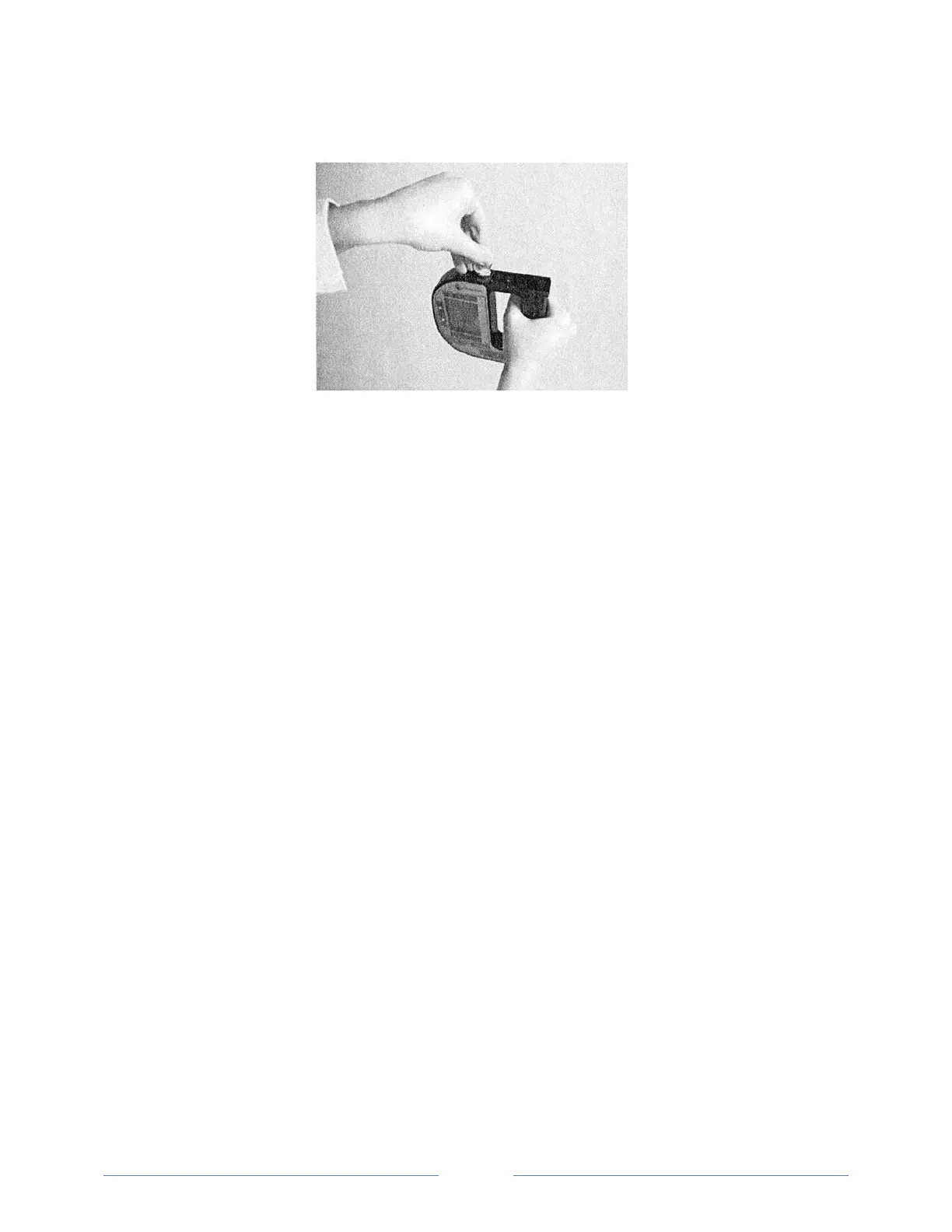
6. Use a coin to open the battery cover by turning.
Fig. 11-4 Opening the battery cover
7. Remove the flat batteries by turning the instrument upside down.
8. Insert the new batteries. The picture on the back of the instrument shows the correct
positioning of the batteries.
9. Close the battery cover using a coin.
10. Insert the pump lock again and slide it back to the original position. Make sure you slide the
pump lock in the correct direction.
12. Insert the pump again.
13. Close the pump lock.
The instrument is ready for operation.
14. Check that the instrument is working properly by switching it on and checking the display.
11.2 Carrying out a Firmware Update
Your SBS representative will inform you when a new firmware update for your SBS-3500 is available.
After receiving the update file, you can import it into the instrument.
1. If your PC has no IrDA interface, install the IrDA USB adapter on your PC.
2. Hold the IrDA interface of the SBS-3500 to the IrDA interface of the PC to establish
communication between the two instruments.
3. Press <Menu> and select “Setup > Import / Export > Receive from PC”.
4. On the PC right mouse-click on the file you want to send and select “Send to > Infrared
Recipient”.
The firmware update is sent to the SBS-3500.
The SBS-3500 switches itself off during the update procedure. The update procedure takes around one
minute. Then the instrument switches itself back on. The new firmware is now installed.



 To Next Page