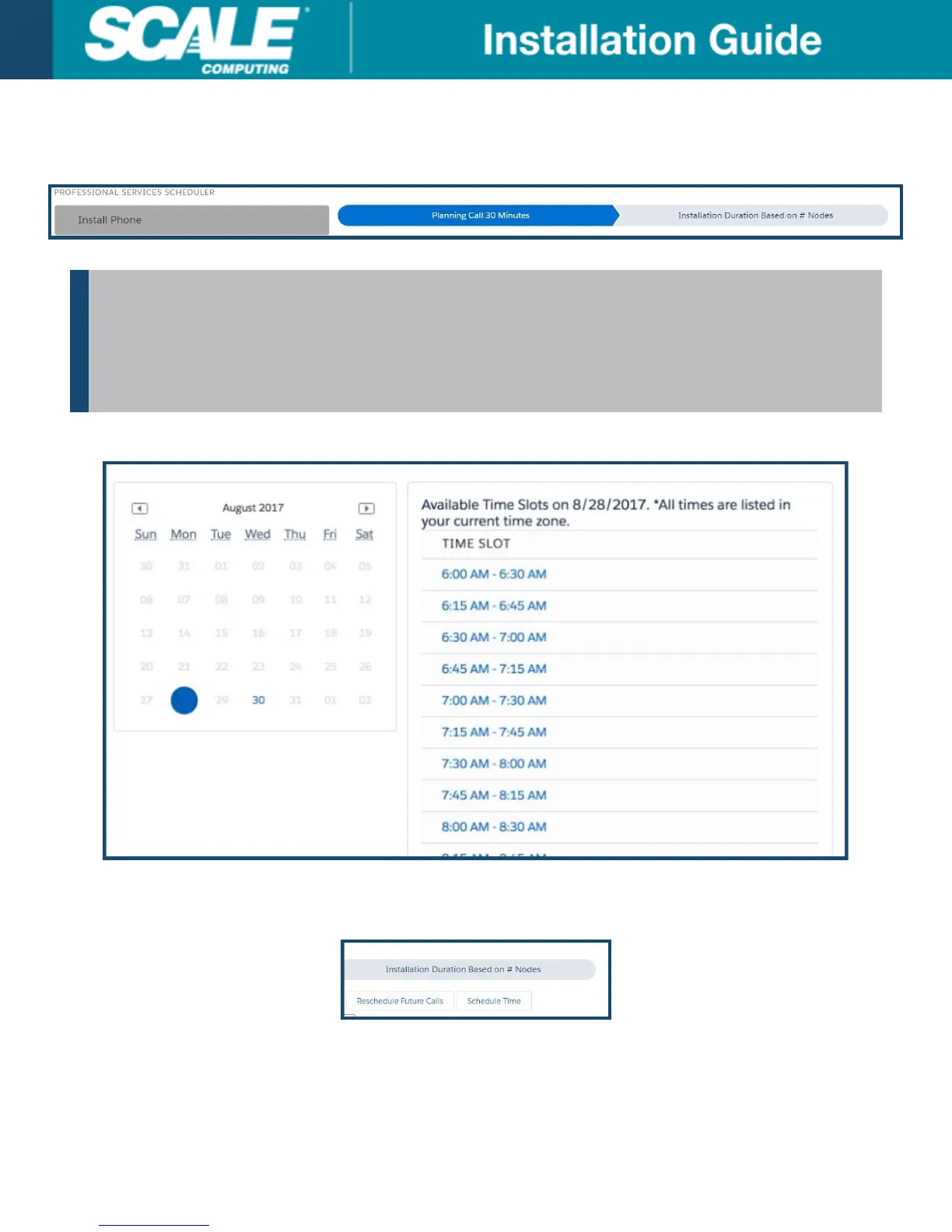
7. Complete the Contact Info section as applicable for each professional service engagement. Some
professional service engagements have more than one step, as shown by the transitional arrows at the top of
the scheduling details.
NOTE
All steps of a single professional service engagement can be scheduled in a single session, but
will only allow each piece to be scheduled in order (the Planning Call cannot be scheduled after
the Installation, for example). Each part of the current professional service will need to be
completed before the next professional service engagement can be accessed.
8. Click an available date and time on the calendar and the appointment block below the Contact Info.
9. Confirm the selected date and time by clicking Schedule Time. If there is ever need to reschedule any
upcoming events the Reschedule Future Calls button can be used. It cannot reschedule events in the past,
however.
10. A confirmation email will be sent to the email address on record with the Portal user.
©
Scale Computing 2019 Version 3.0: 02/2019 | 17



 To Next Page