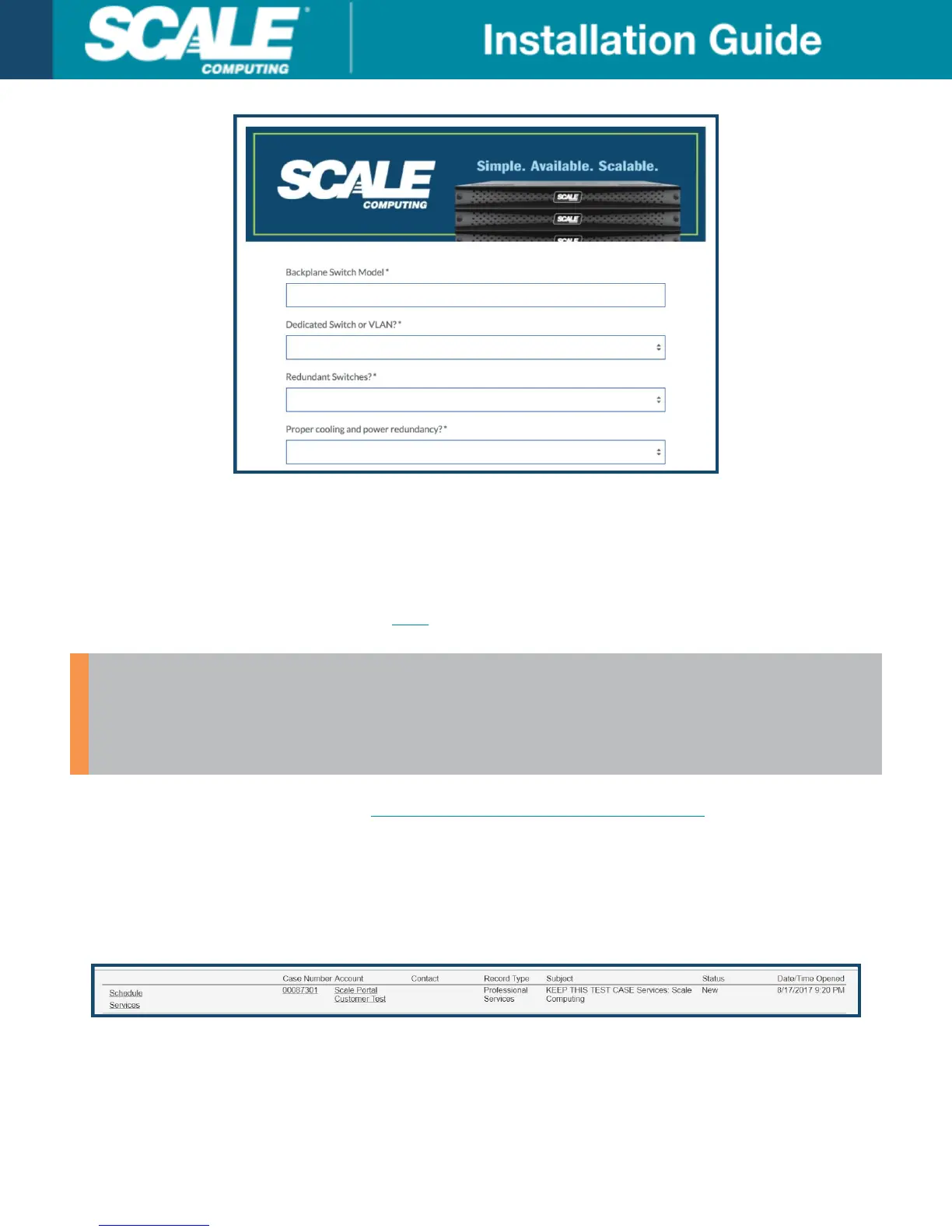
Scheduling Your Professional Services
When you are ready to begin scheduling your professional services engagements, including your HC3 system
installation, follow these steps.
A short video regarding this topic can be found here.
WARNING
Professional services can only be scheduled in their completion order. For example, the
Networking Configuration Service will be required to be scheduled and completed before the
HC3 System Installation Service can be scheduled.
1. Open a web browser and navigate to www.scalecomputing.com/support/login.
2. Log in to the Customer Portal or Partner Portal as appropriate.
3. Point to Support on the top navigation bar and a drop down menu will appear. Select Services from the drop
down choices.
4. The Professional Services page will be displayed. A list of all open professional services cases for your
account will be shown along with their current Status. Select Schedule Services to the left of the appropriate
case number to begin scheduling.
5. The Professional Services Scheduler will appear. All of the purchased and/or included professional services
will be listed to the left of the page in the order they are required to be completed.
6. Confirm the listed time zone is correct. If not, select the correct time zone from the drop down list and click
Update Time Zone before scheduling any events.
©
Scale Computing 2019 Version 3.0: 02/2019 | 16



 To Next Page