OPM 200 en-GB 60
©
Scania CV AB 2014, Sweden
Fuel system
Fitting
1.
Unpack the new filter elements and the sup-
plied O-rings.
Check that there is no remaining packaging ma-
terial stuck to the new filter elements.
2.
Fit the new O-rings to the covers. Lubricate
the O-rings with O-ring grease 2 002 537.
3.
Press the filter elements into the snap fasten-
ers on the covers.
• Fit the filter elements in the filter covers be-
fore placing them in the fuel filter housings or
the filter elements may be damaged.
• Open the bleed nipple to prevent back pres-
sure in the filter housings when the filter ele-
ments are screwed on.
4.
Press down the filter elements into the fuel
filter housings with the filter covers.
5.
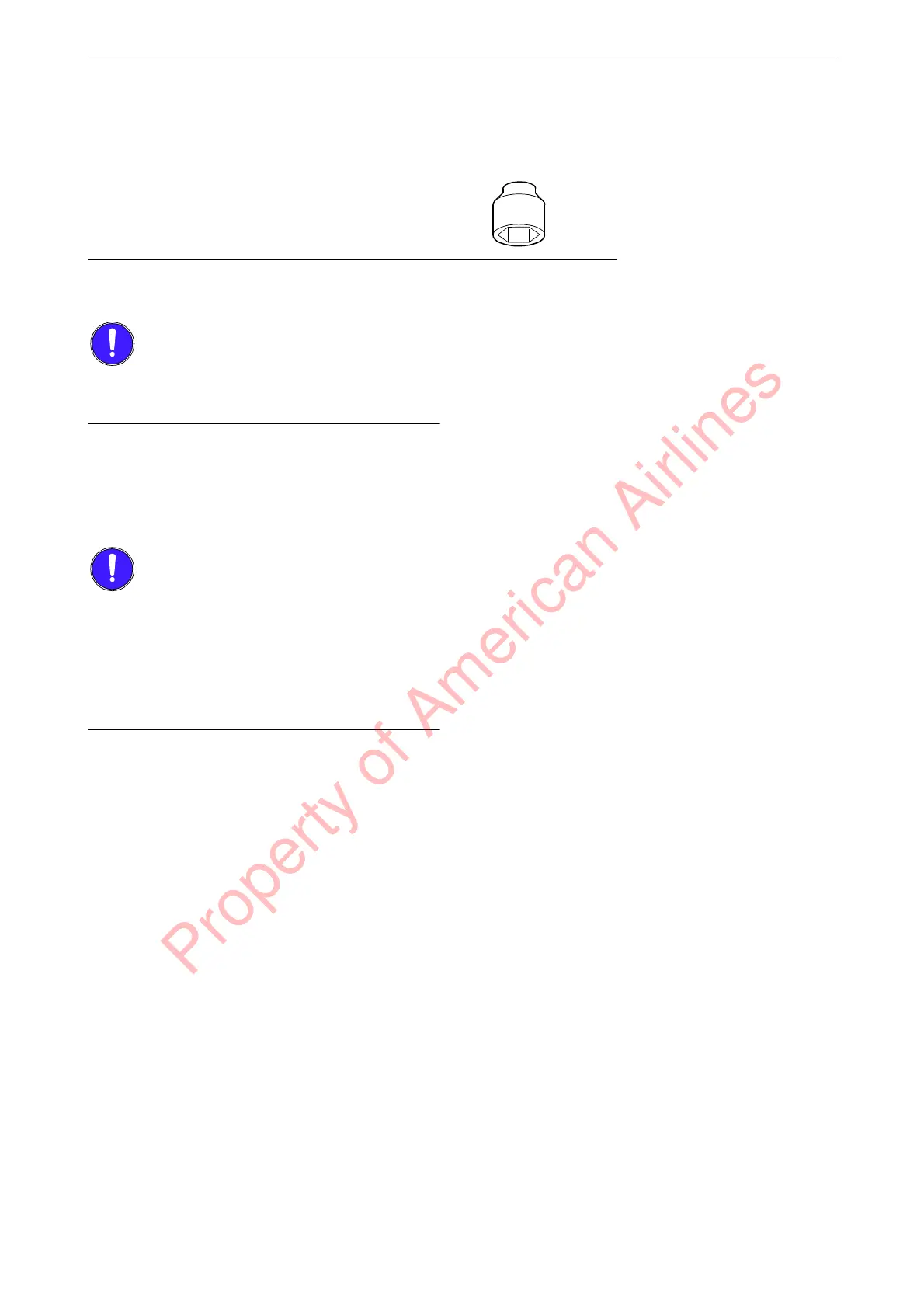
Screw on the filter covers. Use a socket
wrench with hexagon driver e.g. 588 475.
6.
Check that there is no gap between the filter
cover and the filter housing. If there is a gap,
repeat the procedure and make sure that the
bleed nipple is open.
Tool No. Designation Illustration
588 475 Socket
Property of American Airlines



 To Next Page