Reading out data from the machine:
Some data can be read out your coffee machine directly from the keyboard. Number of possibilities may
vary from configuration of your machine Press the navigation button UP until following appears:
!
Press navigation button YES, and the first adjustable parameter will appear in the display. Pressing UP
and DOWN will scroll between the possibilities.
Reading the cup counters:
Enter the read menu as described above, scroll to:
!
Press YES, and the display will show:
!
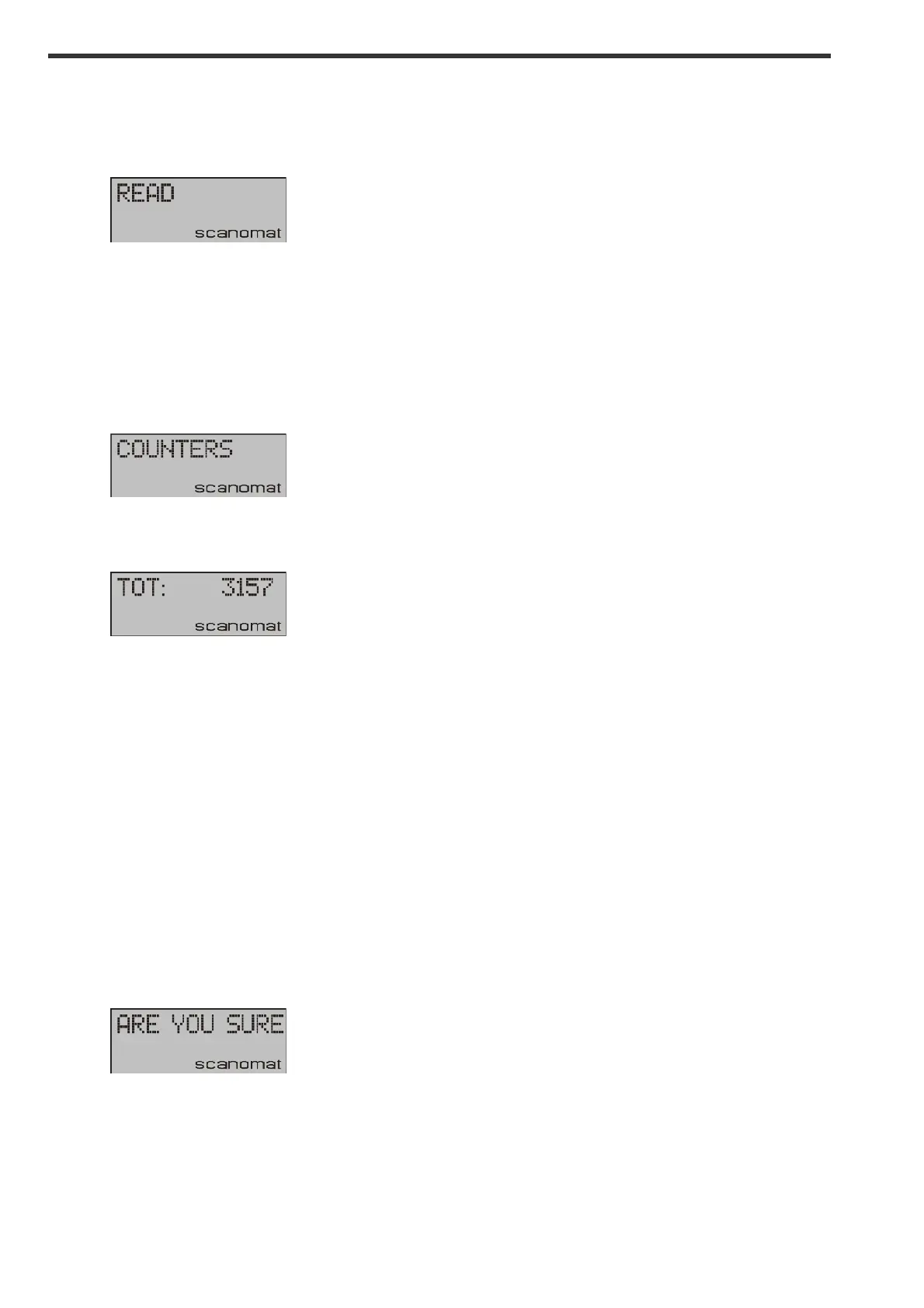
3157 being the total number of cups dispensed, including any cups, which were parts of a carafe. When
the above display is shown, the individual cup counters for each selection can be read by pressing the
selection buttons accordingly.
Clearing the cup counters:
Depending of the configuration of your machine, it may be possible to clear the cup counters (set them
all to 0).
Clearing the counters also requires the machine to be in SERVICE KEY mode.
Use the procedure above to read out the total cup counter. When the total is in the display, press
CLEAN, and the display will show:
!
Press YES to clear all the counters or NO to go back.


 To Next Page