!
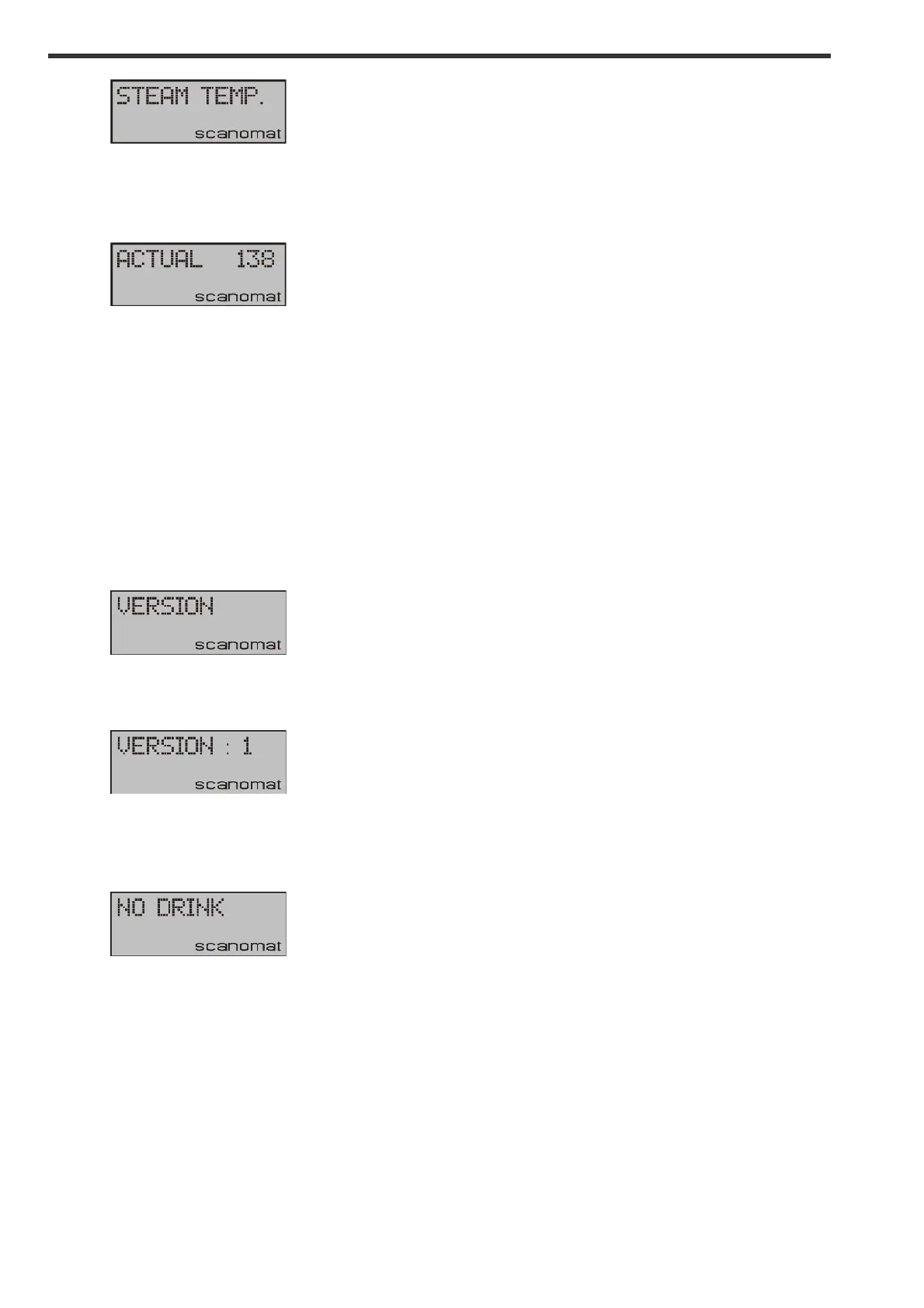
Press YES and the display will show:
!
Press UP or DOWN to reach the desired value and YES to confirm. A min and max limit for this
adjustment is pre-programmed into the machine preventing you from setting the value too low or high.
Adjusting version:
Your coffee machine MAY be programmed with more than one set (version) of recipes. If this is the
case, you can switch between these different set by adjusting the active version.
Enter the adjust menu as described and scroll to:
!
Press YES, and the display will show:
!
Press UP or DOWN to reach the desired value and YES to confirm. If you adjust the version to a
position in which no recipes are programmed into your machine, the result will be the display showing:
!
Whenever a selection key is pressed.


 To Next Page