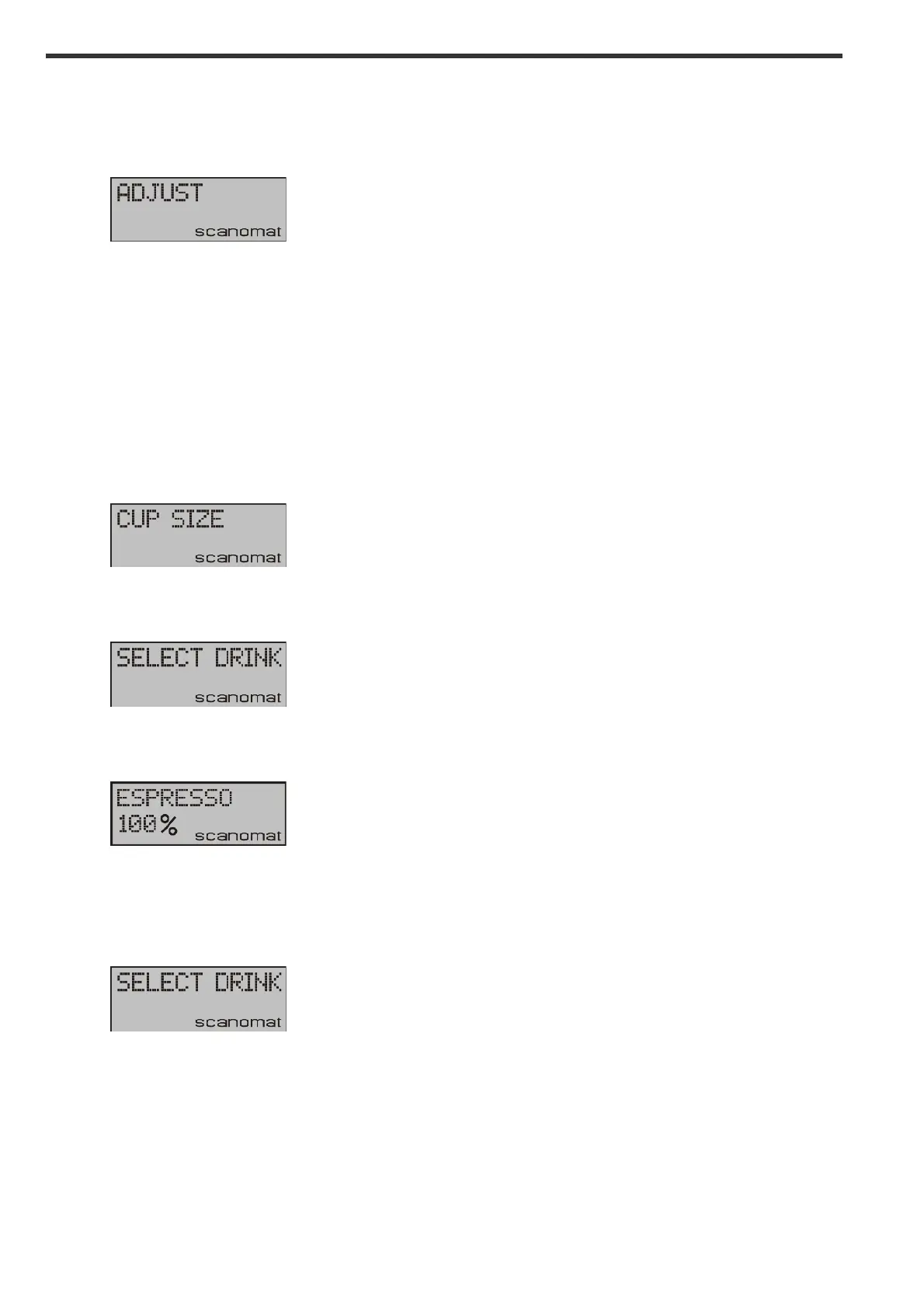
Adjusting the machine:
A lot of different parameters in the machine can be adjusted directly from the keyboard. Press the
navigation button UP until following appears:
!
Press navigation button YES, and the first adjustable parameter will appear in the display. Pressing UP
and DOWN will scroll between the possibilities.
Adjusting cup sizes:
The cup size can be adjusted for each selection independently. The pre-programmed cup size is referred
to as 100% and not as a fixed volume, as the size may differ from selection to selection.
Enter the adjust menu as described above, scroll to:
!
Press YES and the display shows:
!
Press a selection button and the display shows:
!
Press UP or DOWN to reach the desired level and press YES to confirm. NOTE: Setting the cup size to
0% will disable the drink – as well from keyboard as from any connected smart phone / tablet. After
pressing YES the machine will return to:
!
and a new selection can be adjusted or the function can be abandoned by pressing NO.


 To Next Page