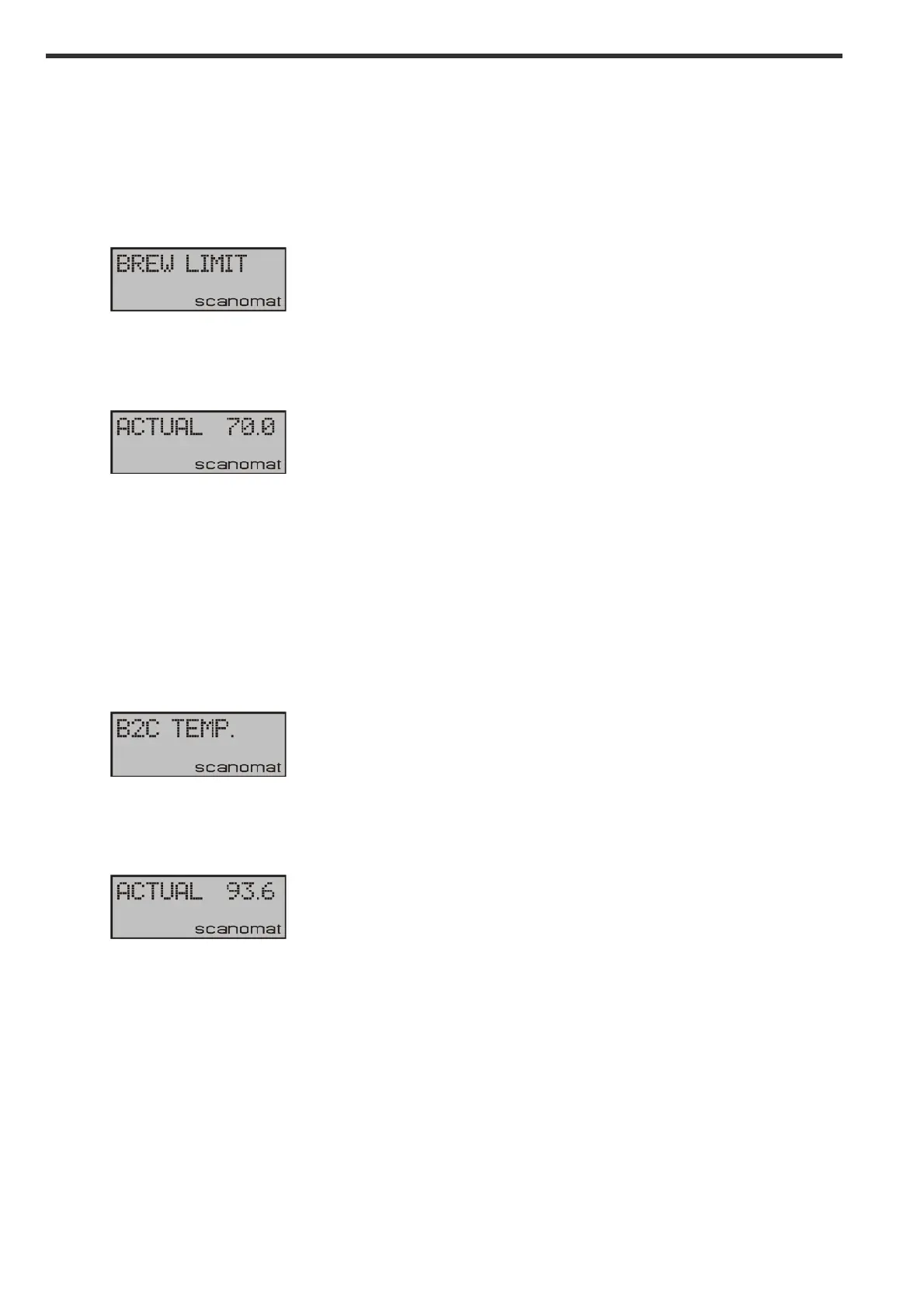
Adjusting the brew limit:
The brew limit is the lowest temperature of the pre heater, where the machine will allow dispensing of
drinks. If the temperature of the boiler is below this value, the thermometer icon in the display will be
blinking.
Enter the adjust menu as described and scroll to:
!
Press YES and the display will show:
!
Press UP or DOWN to reach the desired value and YES to confirm. A min limit for this adjustment is
pre-programmed into the machine preventing you from setting the value too low.
Adjusting the bean to cup boiler temperature:
The bean to cup boiler temperature is temperature of the water reaching the beans.
Enter the adjust menu as described and scroll to:
!
Press YES and the display will show:
!
Press UP or DOWN to reach the desired value and YES to confirm. A min and max limit for this
adjustment is pre-programmed into the machine preventing you from setting the value too low or high.
Adjusting the steamer temperature:
The bean to cup boiler temperature is temperature of the steam boiler used to generate steam for the
milk frothing.
Enter the adjust menu as described and scroll to:


 To Next Page