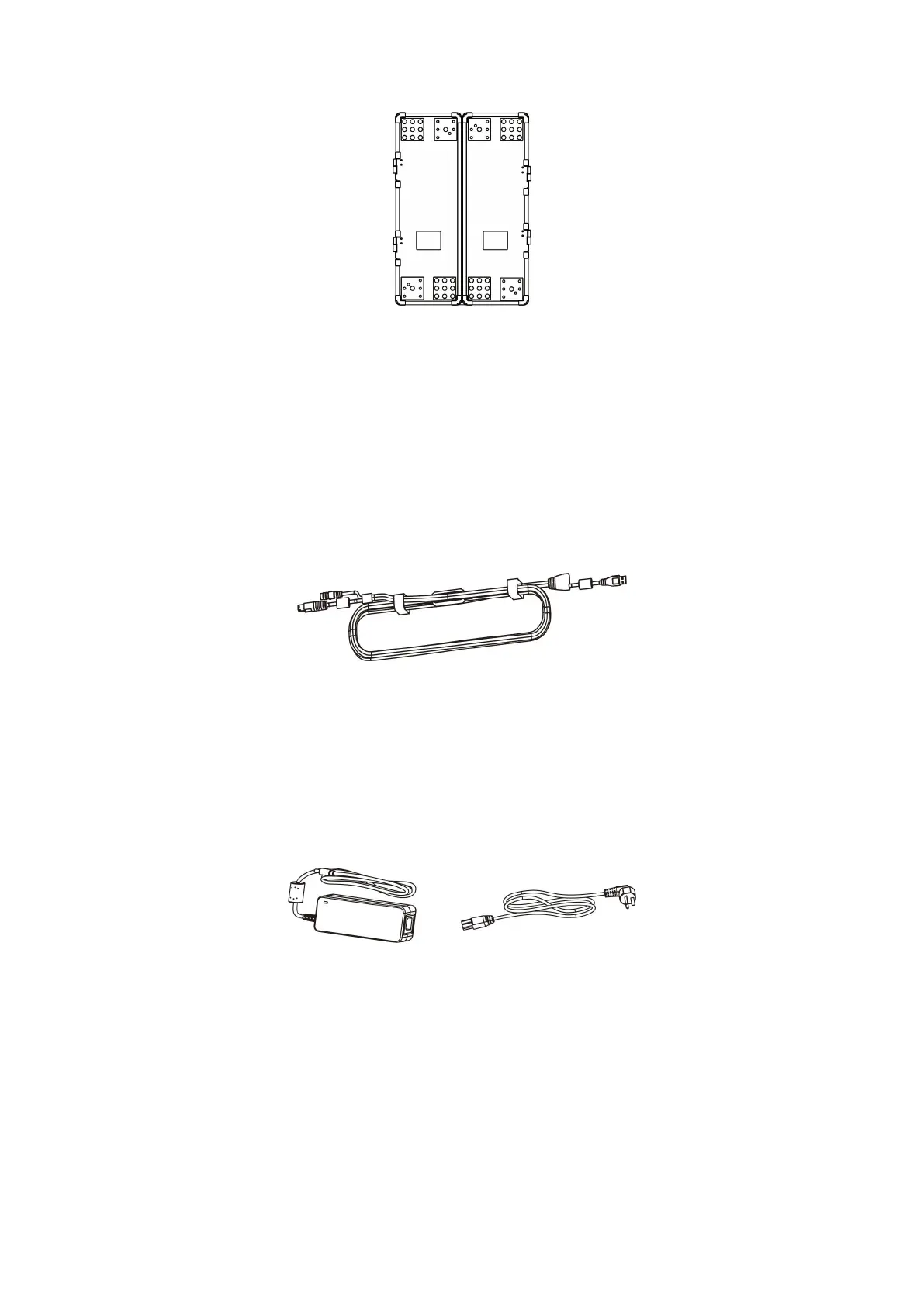
Figure2- 2 Calibration plate
USB cable: The DC interface is connected to the power adapter to supply
power to the scanner;the Type A interface is connected to the computer and the
scan data is transmitted to the computer; and the Type B interface is connected to
the scanner. The shape is shown in Figure 2-3.
Figure2- 3 USB cable
Power adapter: Connect to the device via a USB cable to provide external
power. The outline of the power adapter is shown in Figure 2-4.
Figure2- 4 Power Adapter
Mark point box: There are several circular mark points in the box. The mark
points are used for pasting on the scanned workpiece for scanner positioning,
wherein the φ6mm mark point is used in the red light fast scan mode, and the
φ 3mm mark point is used in the blue light fine scan mode. The shape of the


 To Next Page