To scan the workpiece of the above materials, it is necessary to spray a contrast
enhancer on the surface of the workpiece before scanning, so that the workpiece
can diffusely reflect the laser light irradiated on the surface.
4.3.2 Quick calibration
After the scanner is connected, the device needs to be quickly calibrated using
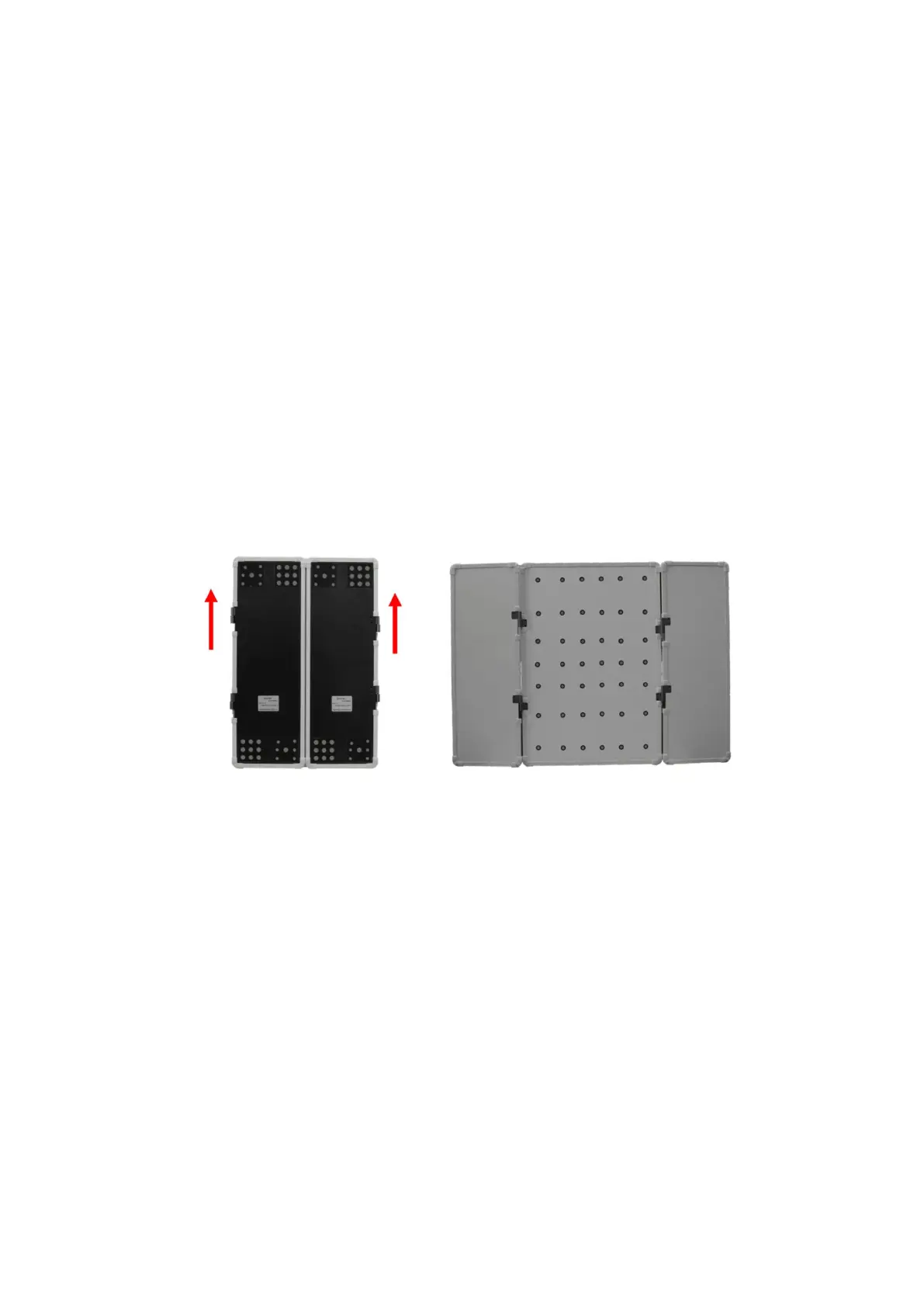
the quick calibration plate. During operation, the label on both sides of the
calibration plate is oriented to the user. The user pushes slightly in the direction
of the red arrow to open the quick-dead plates on the left and right sides, as
shown in Figure 4-10.
Figure4- 10 Open rule
Click “Fast Calibration” in ScanViewer (refer to 5.1 Introduction to Scanning
Software Interface), and the “Fast Calibration” interface will pop up, as shown in
Figure 4-11.


 To Next Page