3.2 Scanning Software Installation
3.2.1 Install 3D Scanner
This section describes the steps for installing the scanning software 3D Scanner
X.XX.exe. Here, the installation to the Windows 10 system is used as an
example.
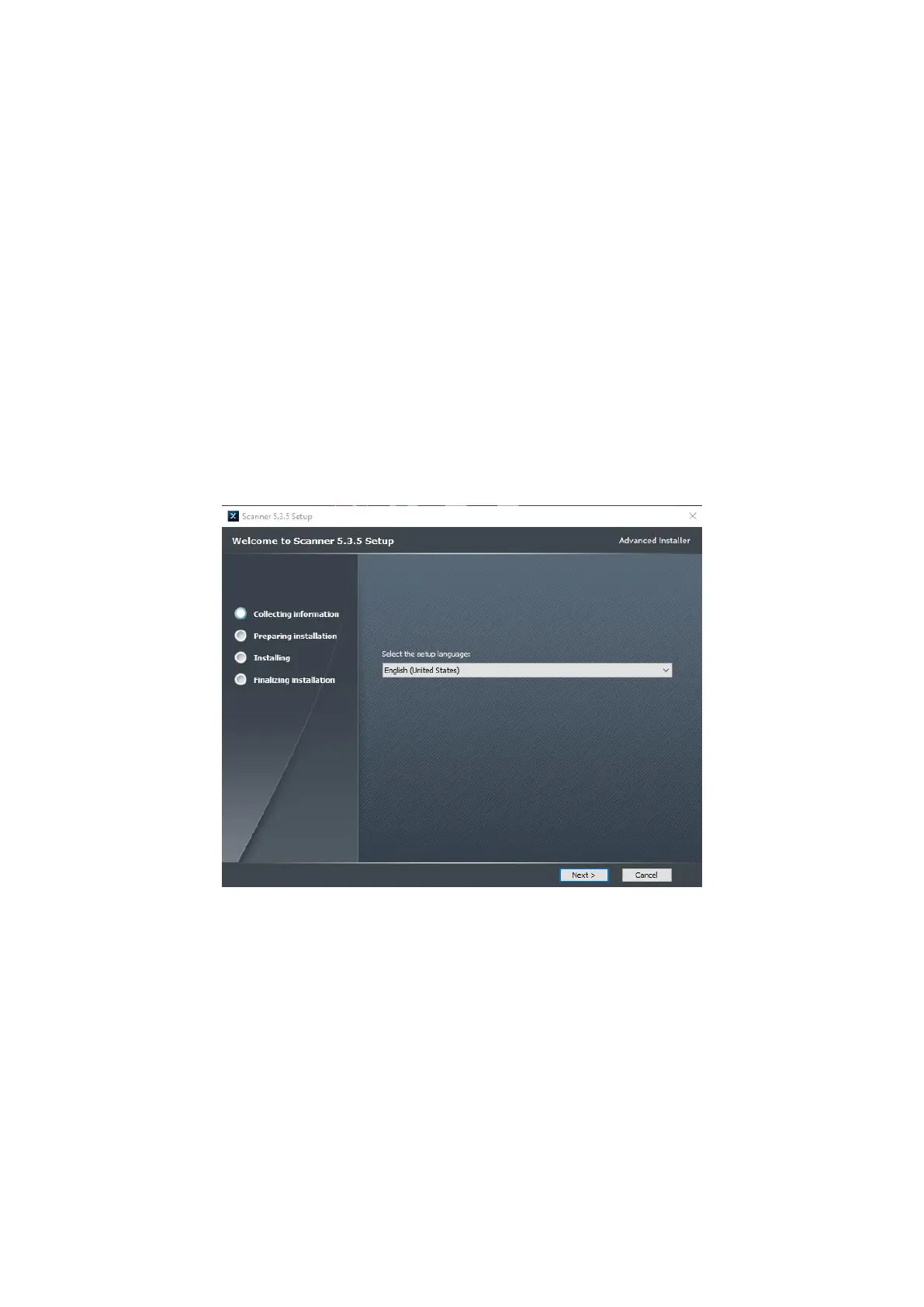
Right click on the 3D Scanner X.XX.exe installation package, select Run as
administrator, and click
“
Next
”
, as shown in Figure 3-1.
Figure3- 1 Install 3D Scanner
Select the installation directory and click
“
Next
”
, as shown in Figure 3-2.



 To Next Page