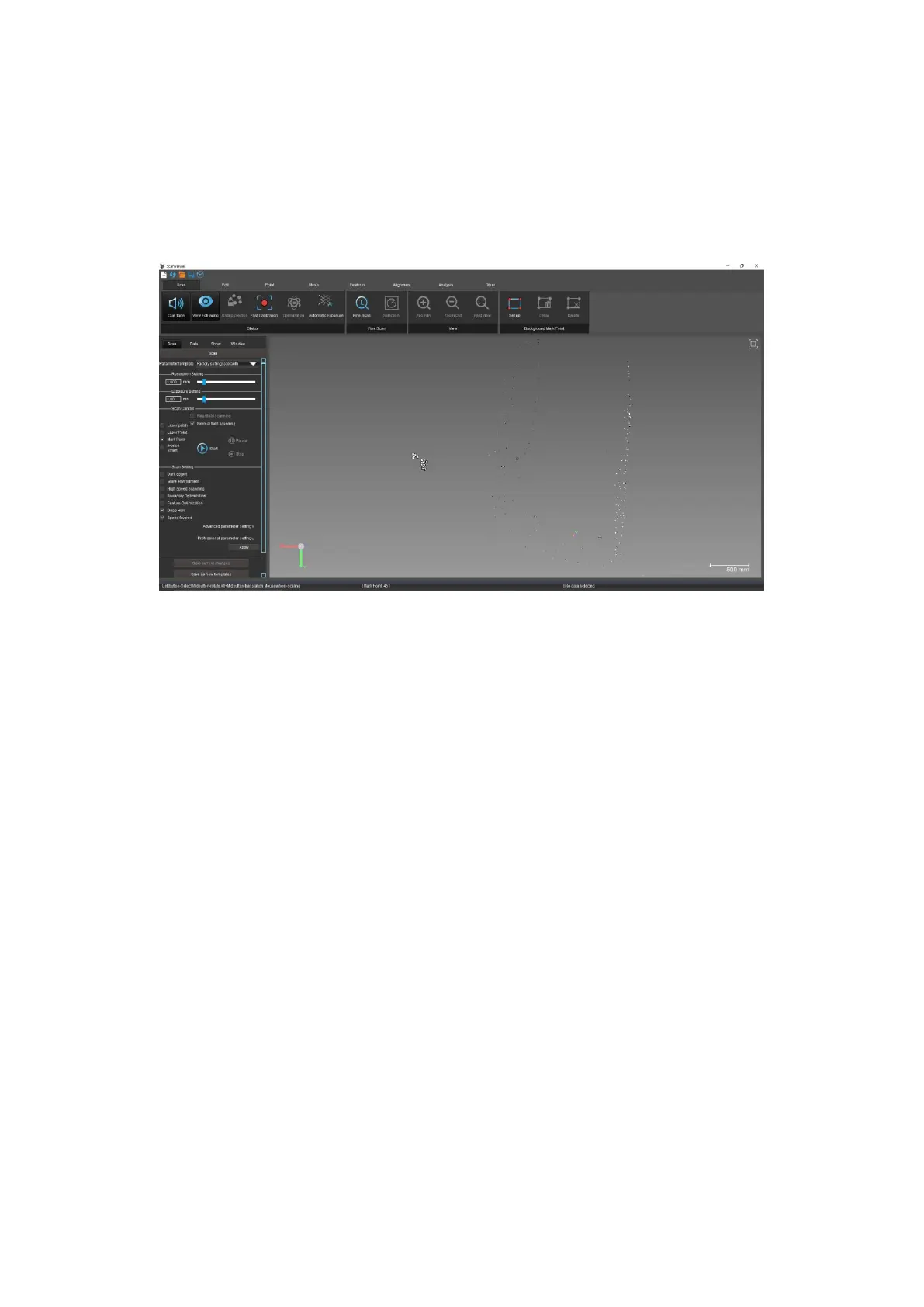
Select the “File” menu and click “Open ScanViewer Software” to enter the
ScanViewer scanning software. In addition to viewing the point file, you can also
perform the next step of scanning the laser patch (dot). As shown in Figure 4-9.
Figure4- 9 Export non coding points
The above is the basic operation flow of the photogrammetry. For the use of
photogrammetry software, please refer to its user manual. The scanning
operation flow is described below.
4.3 Scanning process
The scanning operation process includes: pre-processing of workpieces (see
4.2.1 points for details), quick calibration, pre-scanning points, and scanning
laser patches (dots).



 To Next Page