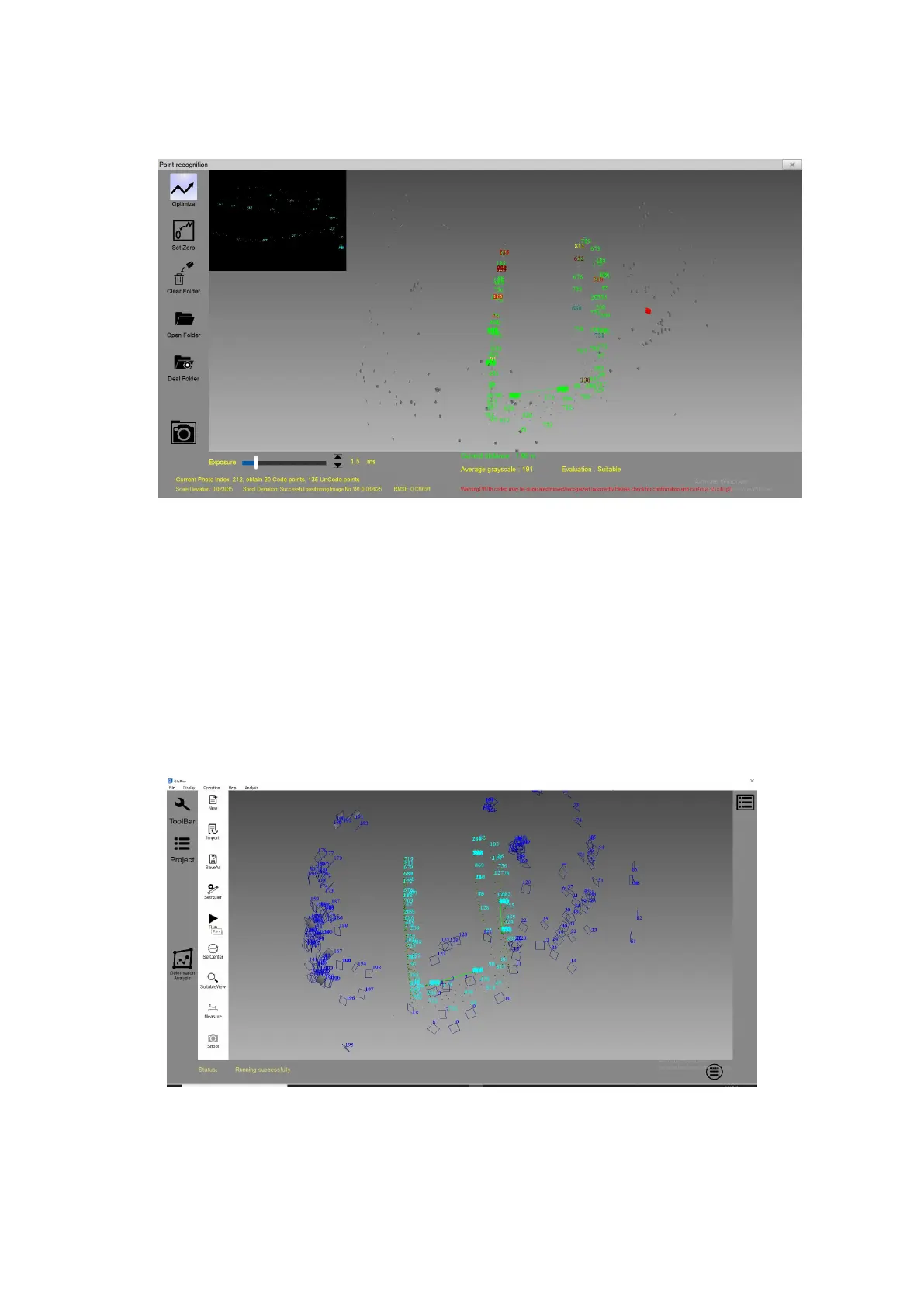
Close the shooting interface and click Run,as shown in Figure 4-7.
Figure4- 7 Shooting interface
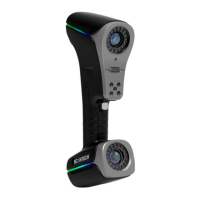
In the 3D display interface, right click on the mouse and select “Export
non-coded point” and save it, as shown in Figure 4-8. At this point, you can
directly do some scanning with the targets from “File—Open ScanViewer
Software”.
Figure4- 8 Operation results


 To Next Page