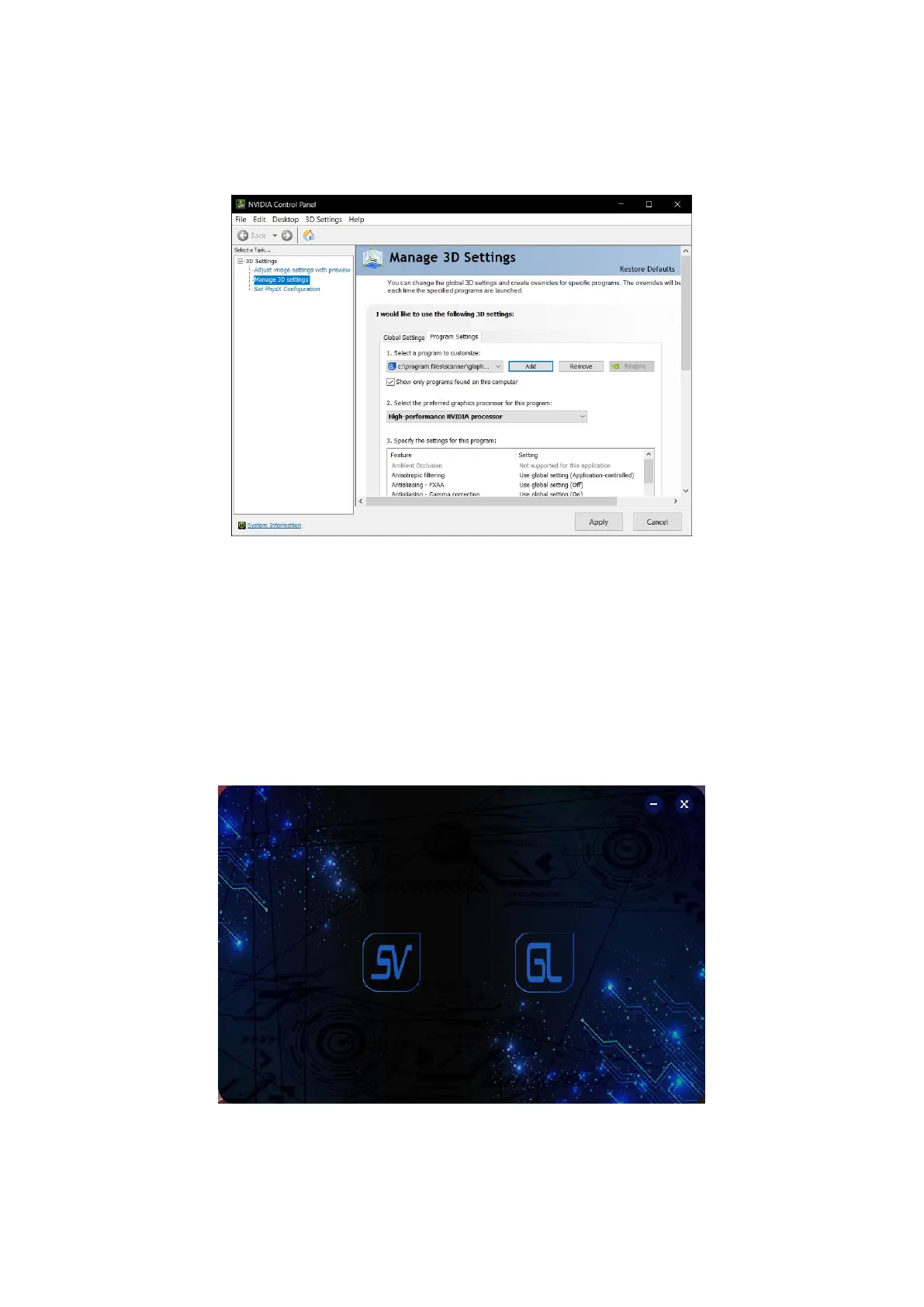
Follow the steps above to put the "Glopho.exe" installer into the graphics card
(Figure 3-10).
Figure3- 10 Put into the graphics card to operate
At this point, the scan software installation settings are all completed. Restart the
computer and plug in the dongle to start the software. The software startup
interface (Figure 3-11), select “SV” to enter the laser scanning work, and select
“GL” to enter the photogrammetry work.
Figure3- 11 Select work


 To Next Page