Scantech-ID Shuttle
C
SG-15
Colour
29
Login Page
To manage SG-15
Colour
settings, it runs a web server in https mode for exchanging
queries and responses with a modern browser (Chrome, Firefox or IE).
Enter the SG-15
Colour
IP address in the address bar of your browser to open the
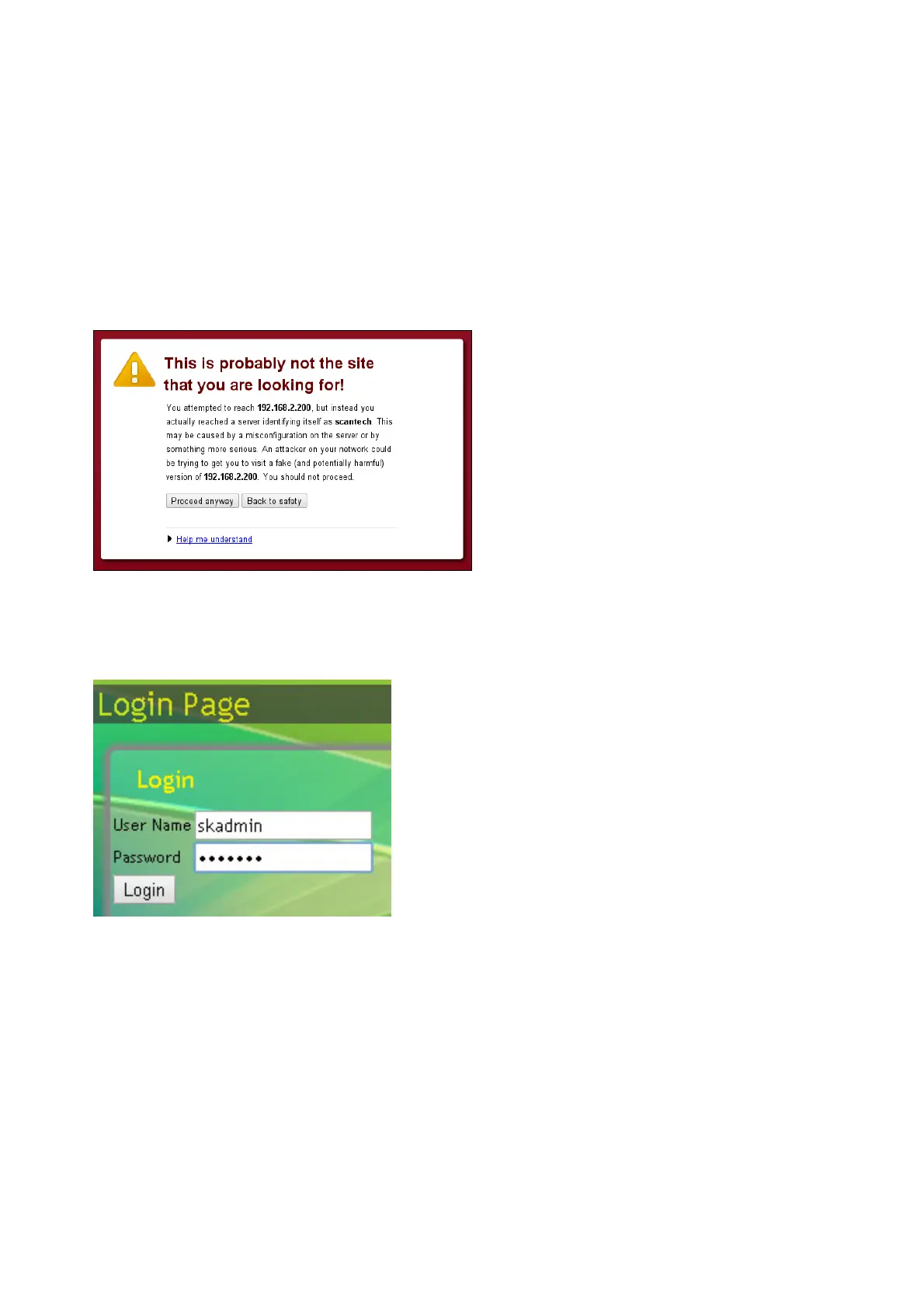
login page. Prior to accessing the login page, you will receive an SSL warning
from your browser which you can ignore by clicking « Proceed anyway »
The login page appears and you can login with:
user name skadmin
default password skadmin



 To Next Page