28 Configuring the Shuttle
C
5.1 Making First Connection and Login
Note: The information given below is based on SG-15
Colour
firmware V0.9.1.
The SG-15
Colour
has an internal web server for configuration purposes.
Just start your web browser Chrome, Firefox or Internet Explorer and enter the
IP-address of the SG-15
Colour
. Note: Use for Internet Explorer version 11 or higher.
The SG-15
Colour
comes with installed Factory Default Settings and at startup it will
try to connect to a LAN network with enabled DHCP service.
When there is no DHCP service active, the SG-15
Colour
will use 192.168.1.200 as
default IP-address for the LAN interface.
The unit's IP address is shortly visible on the launcher screen after power-up,
both Ethernet and WiFi.
Make sure your computer is in the same IP subnet as the SG-15
Colour
you're
going to configure.
E.g.: The SG-15
Colour
has IP address 192.168.1.200 and your computer has
address 192.168.1.250.
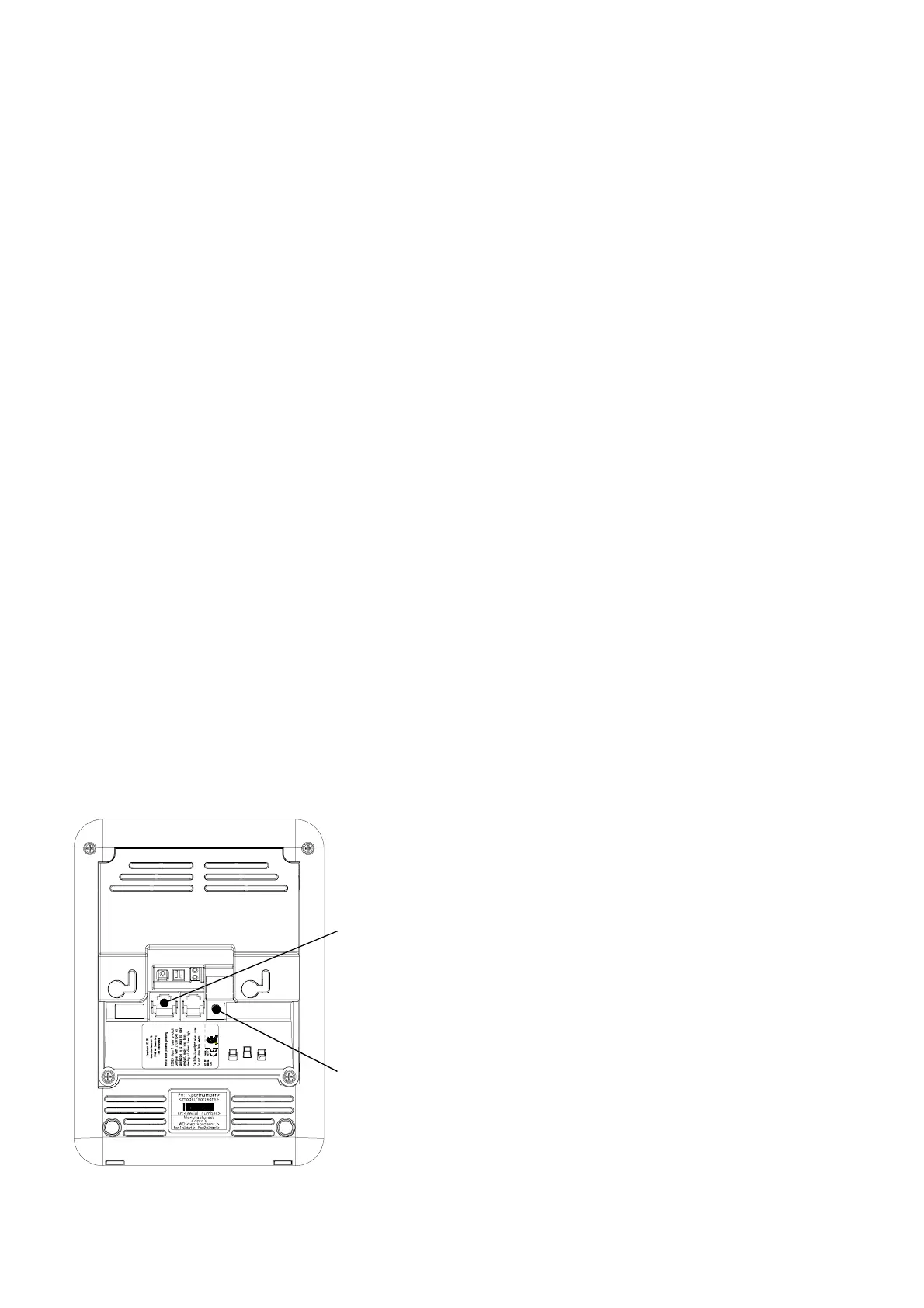
The physical connection with the SG-15
Colour
is made using an Ethernet cross-cable
or alternatively through your local network:
LAN port connecting
the unit to the network
DC jack connects the
5VDC power adapter.



 To Next Page