Scantech-ID Shuttle
C
SG-15
Colour
31
5.2 Configure the SG-15
Colour
Wired network settings
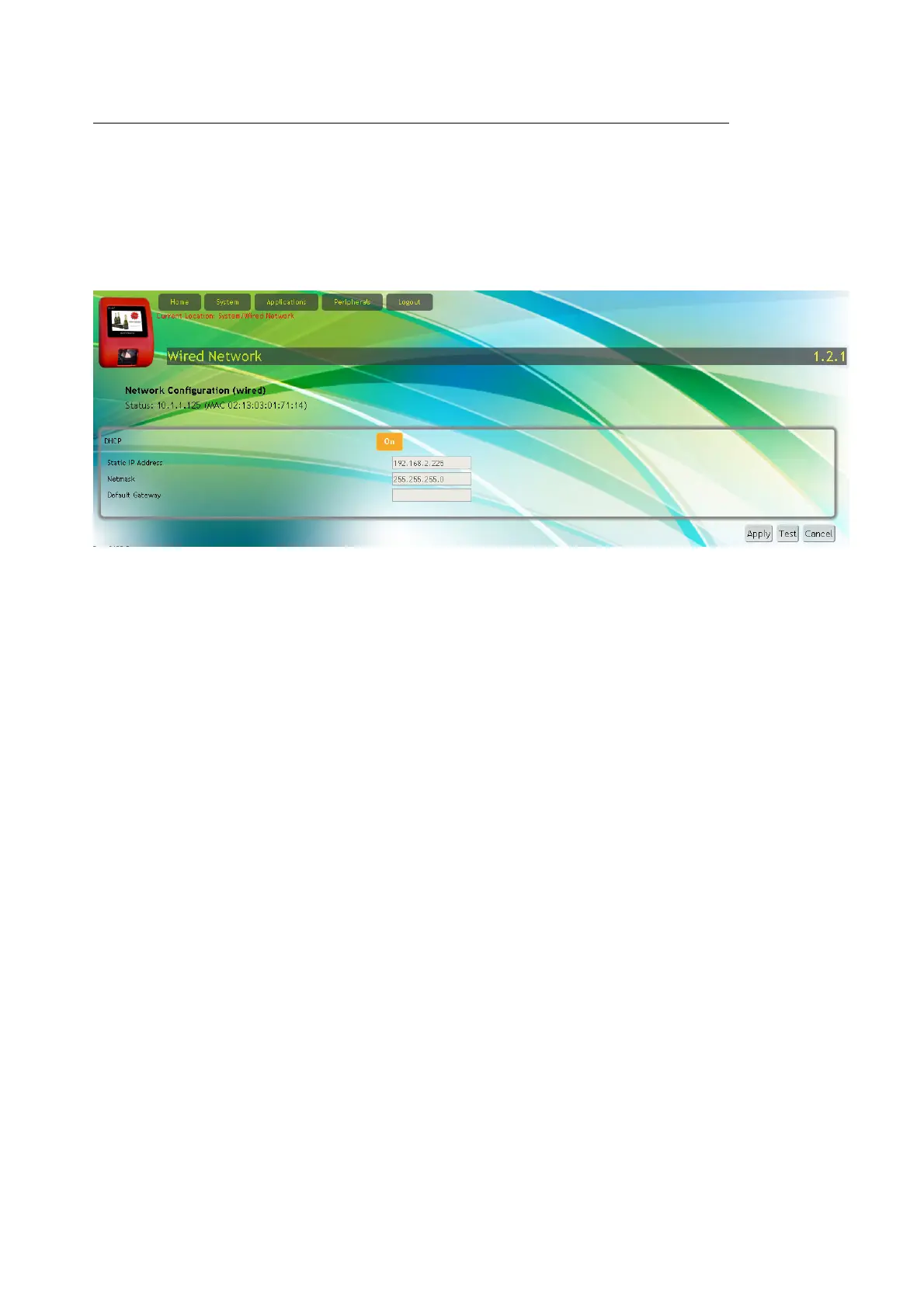
On the Configuration Web Page Wired Network configuration
you set the IP address of the SG-15
Colour
terminal:
With Factory default settings, the SG-15 starts with DHCP=On and settings
as displayed above.
At startup, the assignment of an SG-15 IP-address takes place according the
following procedure:
1. When DHCP is enabled and a DHCP-service is active on the network, the
SG-15 will use the IP-address assigned by the DHCP-service.
2. When DHCP is enabled but the DHCP-service is not active on the network,
by default the SG-15 will use Static IP Address: 192.168.1.200.
3. When DHCP is disabled, the remaining fields in the section become editable
and the SG-15 will « Apply » the entered values as such.
Important: When changing the LAN settings with « Apply », your SG-15 will
immediately disconnect from your browser. For re-connecting your browser you
must make the network settings of your PC compatible with those of your SG-15.
After re-connecting and re-opening web-page System->Wired Network, the Status
line will display the new IP-address.
When the SG-15 displays the DeskTop menu, you can read the IP-addresses
assigned to LAN (and WLAN) directly from the display.



 To Next Page