9.3 Sequence Mode Setting
9.2.1 Set as Master
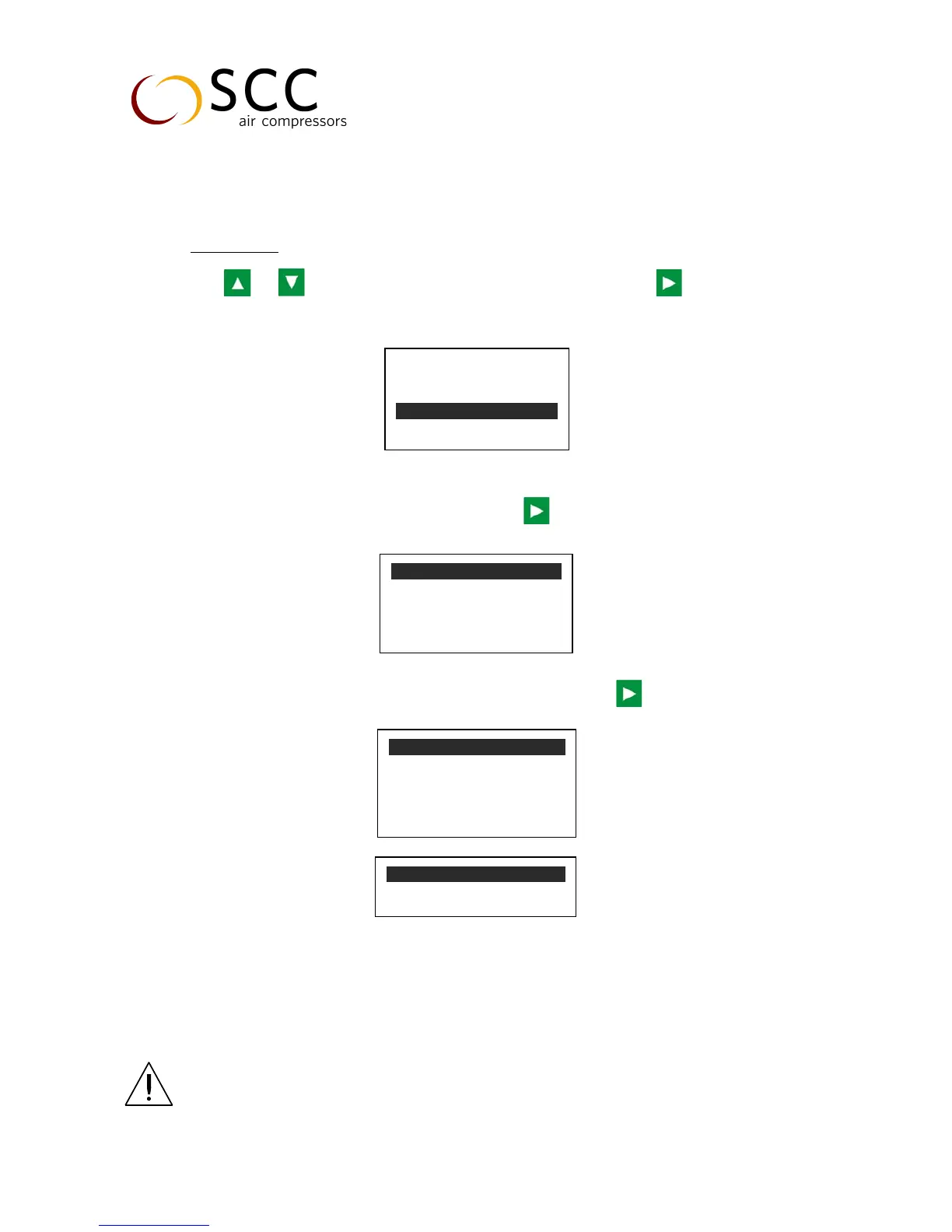
Press or to move the cursor to “USER PARAMETER”, then press to switch to the menu
below:
Move the cursor to the “OPERATION MODE”, then press to switch to the menu below.
Set “COM MODE” as SEQ
Set “COM ADD” as 0001
Return to the previous menu, move the cursor to “SEQ PARA SET” press to switch to the menu below.
According to user requirement, set SEQ STATE as Host, set TURN TIME, SEQ NUMBER, SEQ LOAD, SEQ
UNLOAD and SEQ DELAY according to user´s need.
Attention: After setting, controller needs to be powered off and restarts to the
settings!
P, T SET
TIMER SET


 To Next Page