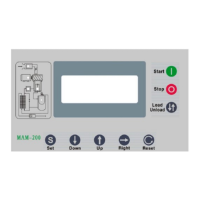
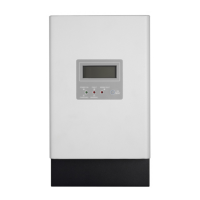
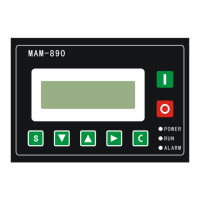
6 -
1.3 Status Display and Operation
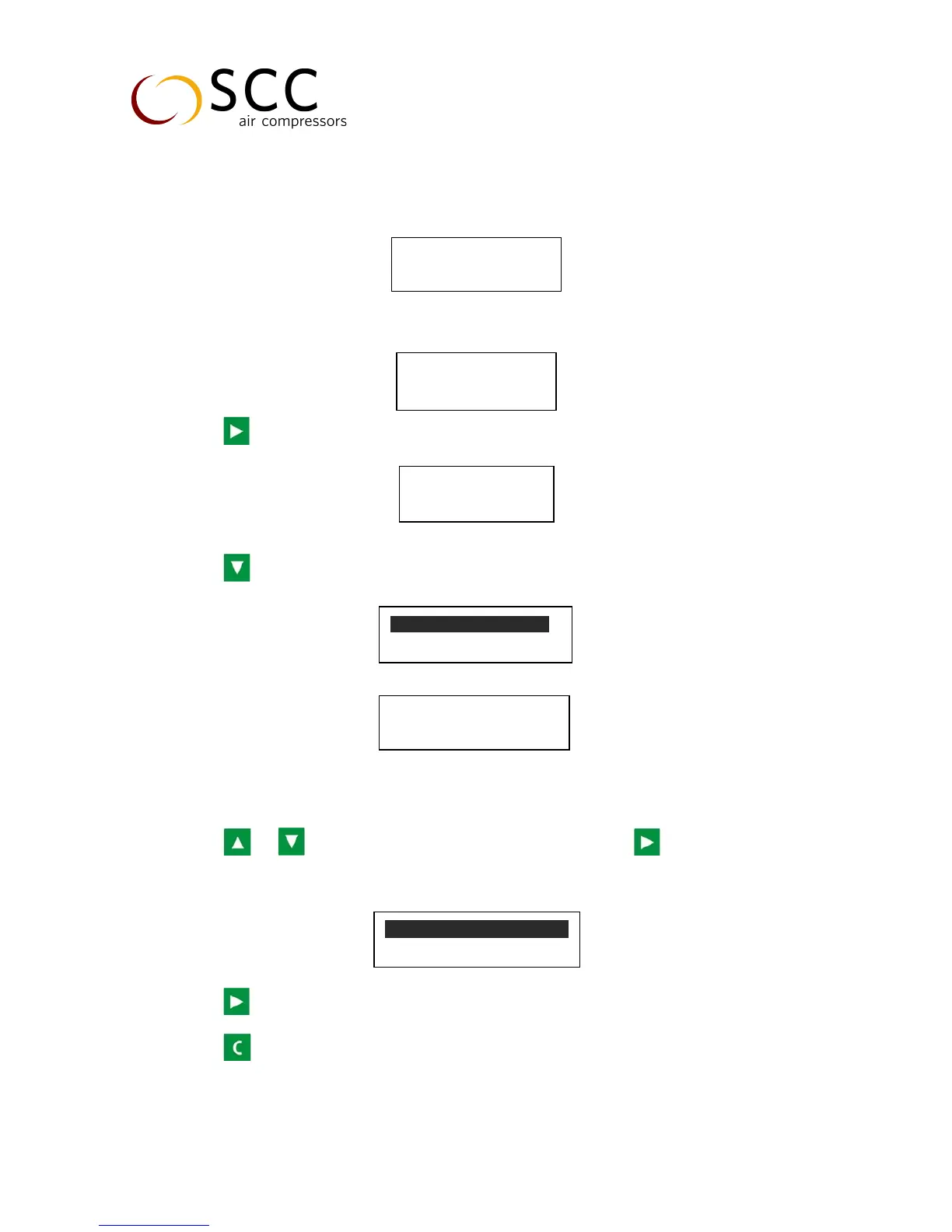
The display screen will show as below after power on:
After 5 seconds, the menu will switch as below:
Press , the main page will show up as:
Press to enter selection menu:
1.4 Operating Parameter and Menu:
Press or to move the cursor to “RUN PARAMETER”, then press to switch to secondary
menu:
Press to check MOTORS CURRENT, TOTAL RUN TIME, TOTAL LOAD TIME, and other running parameter.
Press to return to the previous menu or main menu. If no operation in certain menu for 60s, machine
will return to the main menu automatically.
WELCOME USING


 To Next Page