B1051044 Rev. B CDR Positioning
6
2.5. Universal Anterior Periapical Tab Holder
REFERENCE
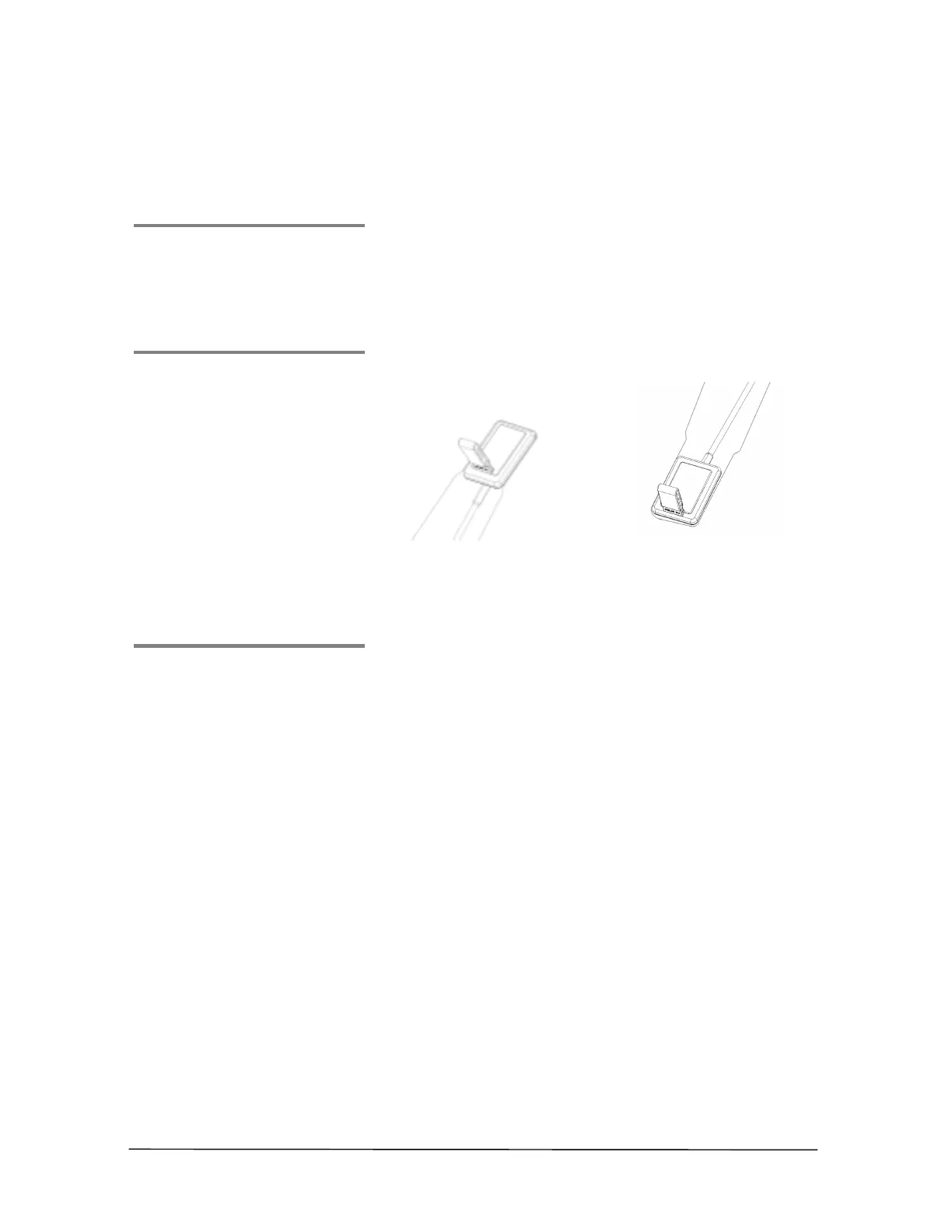
This tab is color-coded WHITE. As an example, tab
placement on a CDR wired Sensor sheath is shown below.
Placement on wireless Sensor sheaths is identical.
ILLUSTRATION
Placing Anterior Tab on
Sheath (Maxillary) Step 3
Placing Anterior Tab on
Sheath (Mandibular) Step 3
USAGE
1. Place the sheath on the Sensor, following the steps for
either wired (Table 1) or wireless (Table 2) Sensors.
2. Select anterior tab and remove protective strip from
adhesive.
3. For maxillary and mandibular images, place anterior
tab at the center of the Sensor.
4. Position Sensor in patient's mouth. Make other X-ray
head or positioning instrument adjustments as needed.
When ready, take X-ray.
5. Reposition tab if required.
6. Dispose of tab and sheath at the end of this patient's
exam.



 To Next Page