CDR Positioning B1051044 Rev. B
3
2.2. Sheath Placement (Wireless Sensors)
We have supplied specific use instructions for each holder in this section, but the first steps
are common to all holders and sheaths used with wireless Sensors, as shown below.
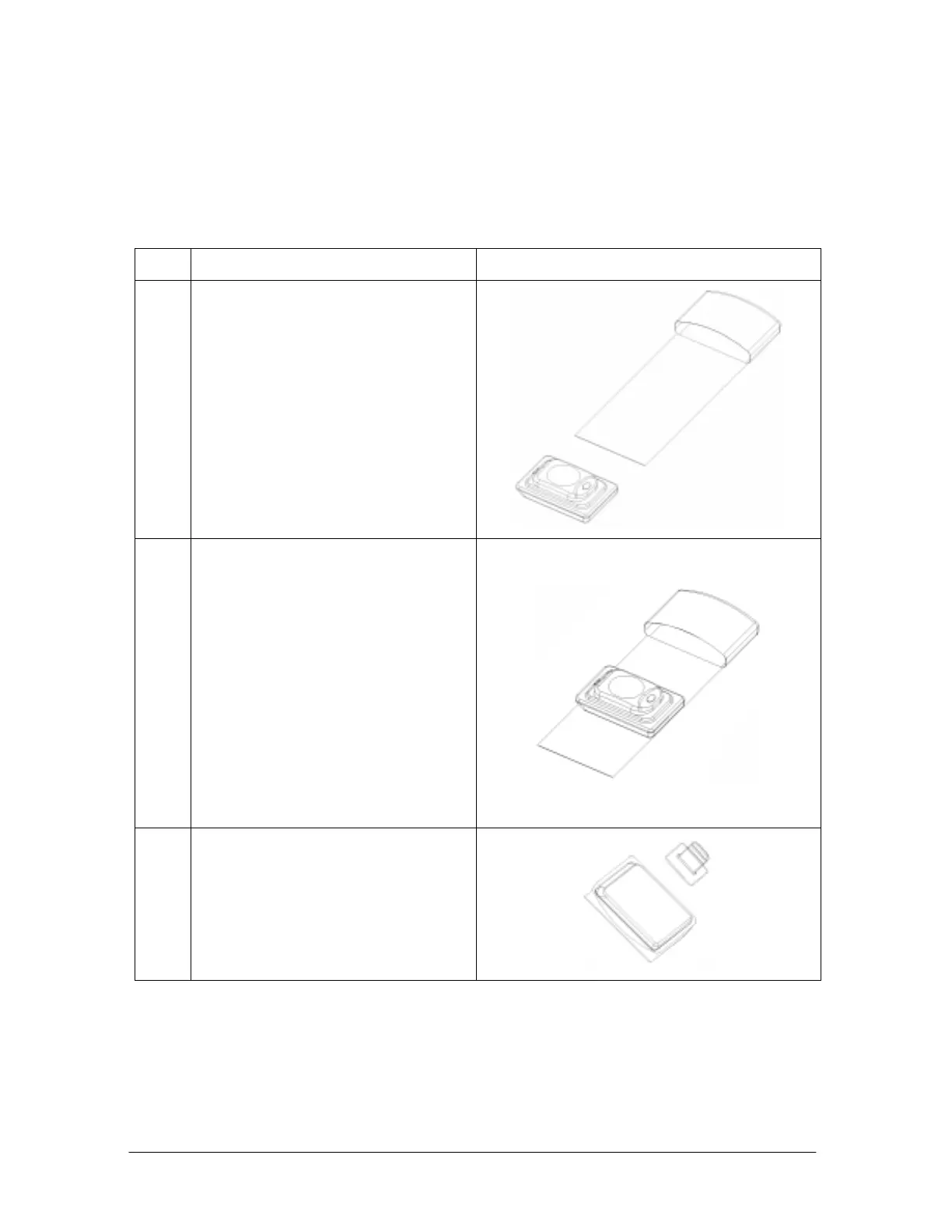
Table 2. Overview of Sheath and Holder Placement with Wireless Sensors
Step Instruction Illustration
1.
Select the appropriate size Sheath
for the Wireless Sensor
2.
A. Slide the Sensor into the
Sheath with the adhesive-side
of the white strip and the back
of the Sensor facing you.
B. Remove the protective layer
from the adhesive strip. Fold
the sheath around the Sensor,
making sure the adhesive side
faces the back of the Sensor,
holding it snugly.
C. Tear the excess length from the
Sheath along the perforated
seam.
3.
Position the Holder on the Sheath
(Actual position will vary with
holder and area to be X-rayed.
Continue with the following
paragraphs for specific placement
information)



 To Next Page