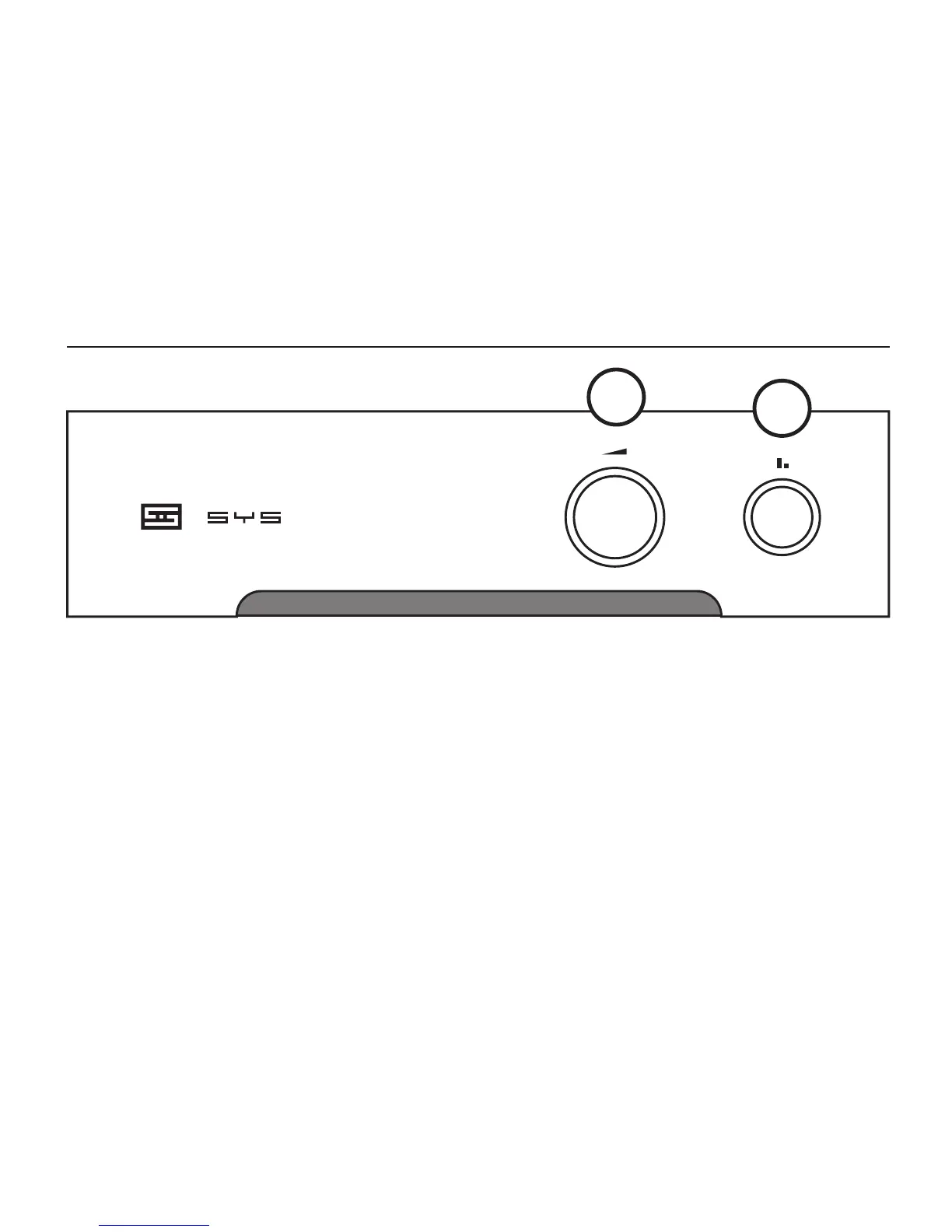
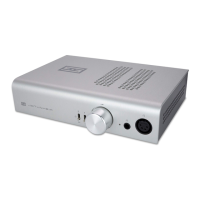
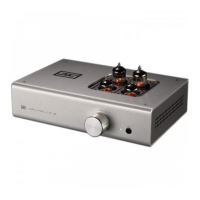
1 Select “IN 1” or “IN 2” with the pushbutton switch
to select from two different sources. “IN 1” is out,
“IN 2” is in. If you’re not getting any sound, you’re
probably on the wrong input. Or your source isn’t
outputting anything.
OPErAtION
1
2
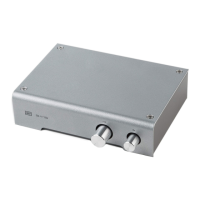
2 Control the volume with the front-panel knob.
3 And, that’s it. Yes, we know, not very exciting. But
it’s damn handy if you want external volume control
from a DAC or other xed-output source.


 To Next Page