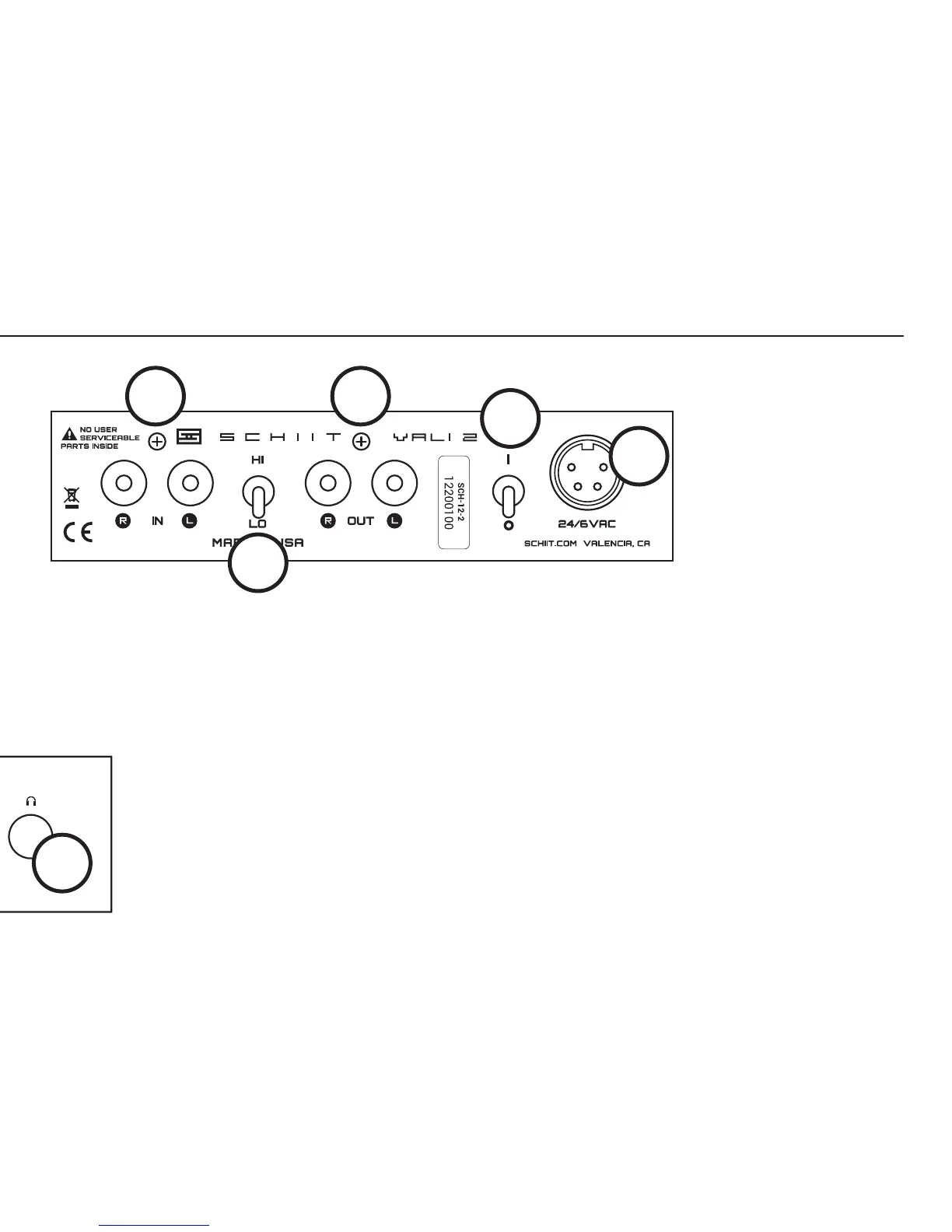
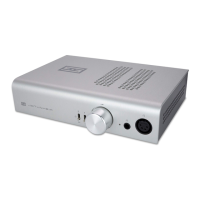
4 Input jacks. Connect your source to these jacks with high-quality RCA cables. Alternately,
you can use crappy cables if you really want to.
5 Gain switch. Select HI or LO gain, depending on what sounds best to you. If you hear hiss
or don’t have enough volume control range, use LO gain.
6 Preamp output jacks. Optionally, connect the preamp outputs to powered monitors or an
external power amp. Note that preamp outputs are muted when headphones are plugged in.
7 Power switch. Up is on. The protection system will mute the output for 15-20 seconds
after turn-on, then it will engage with a click.
8 Power input. Connect the supplied wall-wart using its attached cable. Do not attempt to
use any other wall-wart...even if you can nd one that will t.
controls & connectIons
3
4
5
6
7
8


 To Next Page