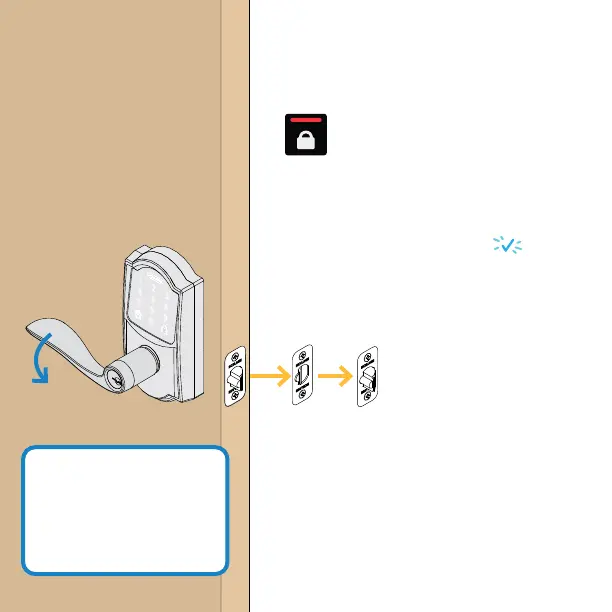
Test your lock
1. Open your door!
2. Press the lock button
(on the inside of the door).
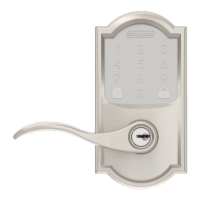
3. Find User Code A on the label on the
back of this Quick Start Guide.
4. Enter User Code A (four digits) into
the touchscreen keypad. + beep
5. Rotate then release the lever.
Did the latch retract and then extend?
10
step
If your lock isn’t
working, see
alle.co/EncodeLever
Need Help?
Yes. Lock is installed
correctly.
No. Latch retracted but did not extend
(latch is stuck). See step 2 and ensure
latch is moving freely.
No. Nothing happened. First check
step 8 to ensure the batteries are
installed rmly and correctly. If the
problem persists, check step 6.






 To Next Page