38
Send results to
printer / computer (PC)
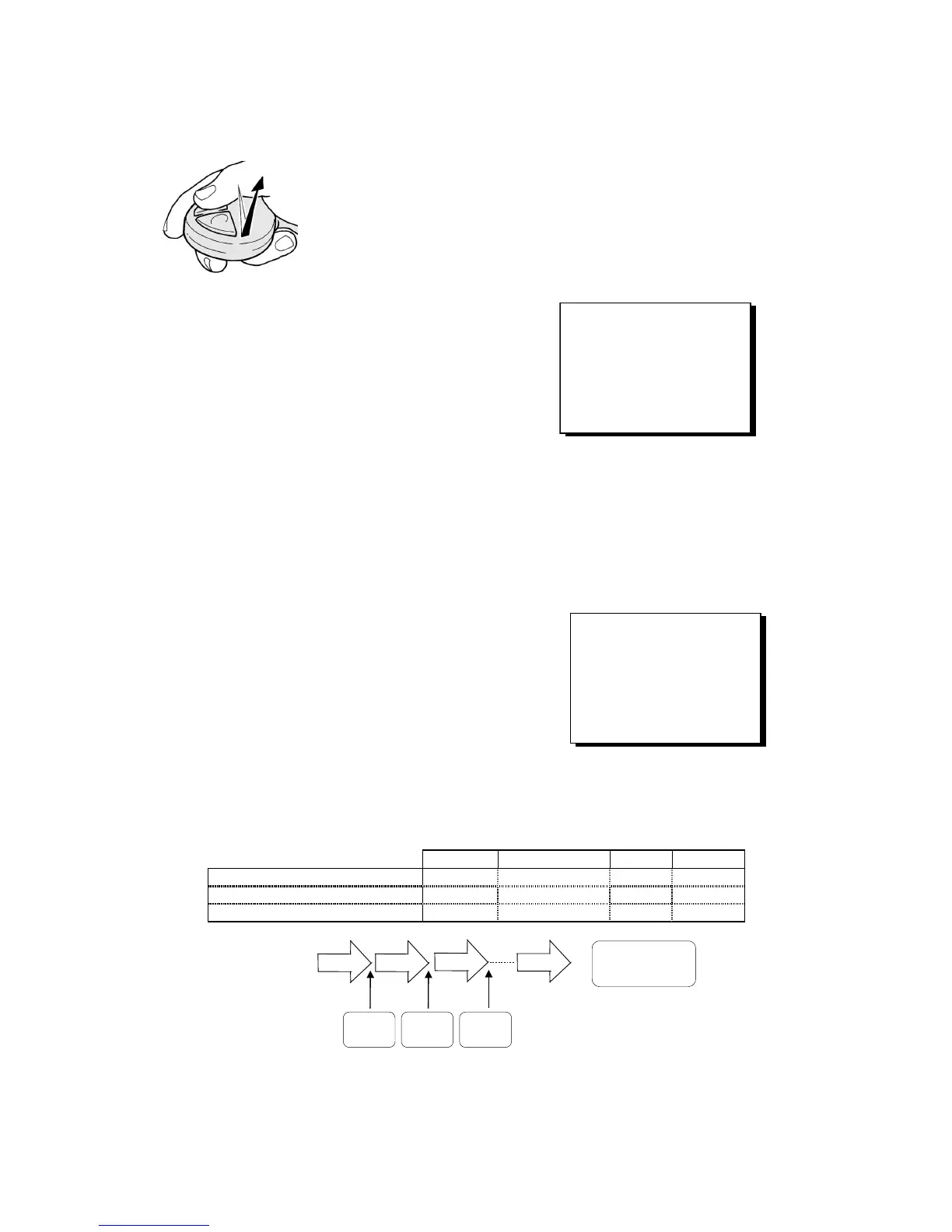
Fig. 22
short click
(0.3 seconds max.)
After pressing a key for the last time, wait at least
for 1 second, then press the grey key once
(3.0 seconds max.), and the displayed volume in
terms of ml will be sent to the printer / computer.
The display remains on the screen, titration can
be continued.
4.8 Dosing
Press the <MODE> key so many times until the
display shows “<MODE>:Dos”.
<Mode>:Dos
8.37
ml
Nom. vol. 15.00ml<F2>
Speed: 40.0ml/min<F3>
Dosing: new <Start>
The „Dosing“ function will eject at an exactly definable speed (rate) a nominal volume which is adjust-
able from 0.01 to 999.99 ml. You can set this dosing speed (rate) from 0.5 to 40.0 ml/min in the case of
the TITRONIC
â
ââ
â
universal / 20 ml Piston Burette, and to 0.5 to 99.9 ml/min in the case of the
TITRONIC
â
ââ
â
universal / 50 ml Piston Burette. For the 20 ml burette the max. rate is 40 ml/min, for the
50 ml burette it is max. 99.9 ml/min.
You set both the command volume and the dosing rate in a dialogue with the display of the
TITRONIC
â
ââ
â
universal Piston Burette, & „Setting the parameters“ chapter. The stored parameters
remain active even after the burette is switched off.
4.9 Incremental dosing
Use the <MODE> key to select the
„Incremental dosing“ function
You set the parameters in a dialogue with the bu-
rette, & „Setting the parameters“ chapter.
<Mode>:Increm.
0.00
ml
Increm.: 2.50 ml <F2>
End vol.: 50.00 ml <F3>
Delay : 10.0 s <F5>
Increment new: <Start>
With incremental dosing -Mode>:Increm- you divide an adjustable end volume -End vol.:- into individual,
adjustable volume steps -Increm:-, with a likewise adjustable waiting time -Delay- being inserted between
the individual steps. The addition of the individual volume steps is displayed as total volume.
Fig. 25 Minimal and maximal set parameters:
Example Parameter minimal maximal
Volume of the individual steps 2.5 ml Increment [ml] 0.01 99.99
Total volume 50 ml End volume [ml] 0.01 999.99
Waiting time after each step 10 s Waiting time [s] 0.5 999.9
= End volume
= 50 ml
Start
2.5 ml2.5 ml 2.5 ml
2.5 ml
10.0 s
Wait
10.0 s
Wait
10.0 s
Wait
If the increment is set to a value greater than the end volume, the burette will only dose 1 x “end volume”.
Fig. 23
Fig. 24



 To Next Page