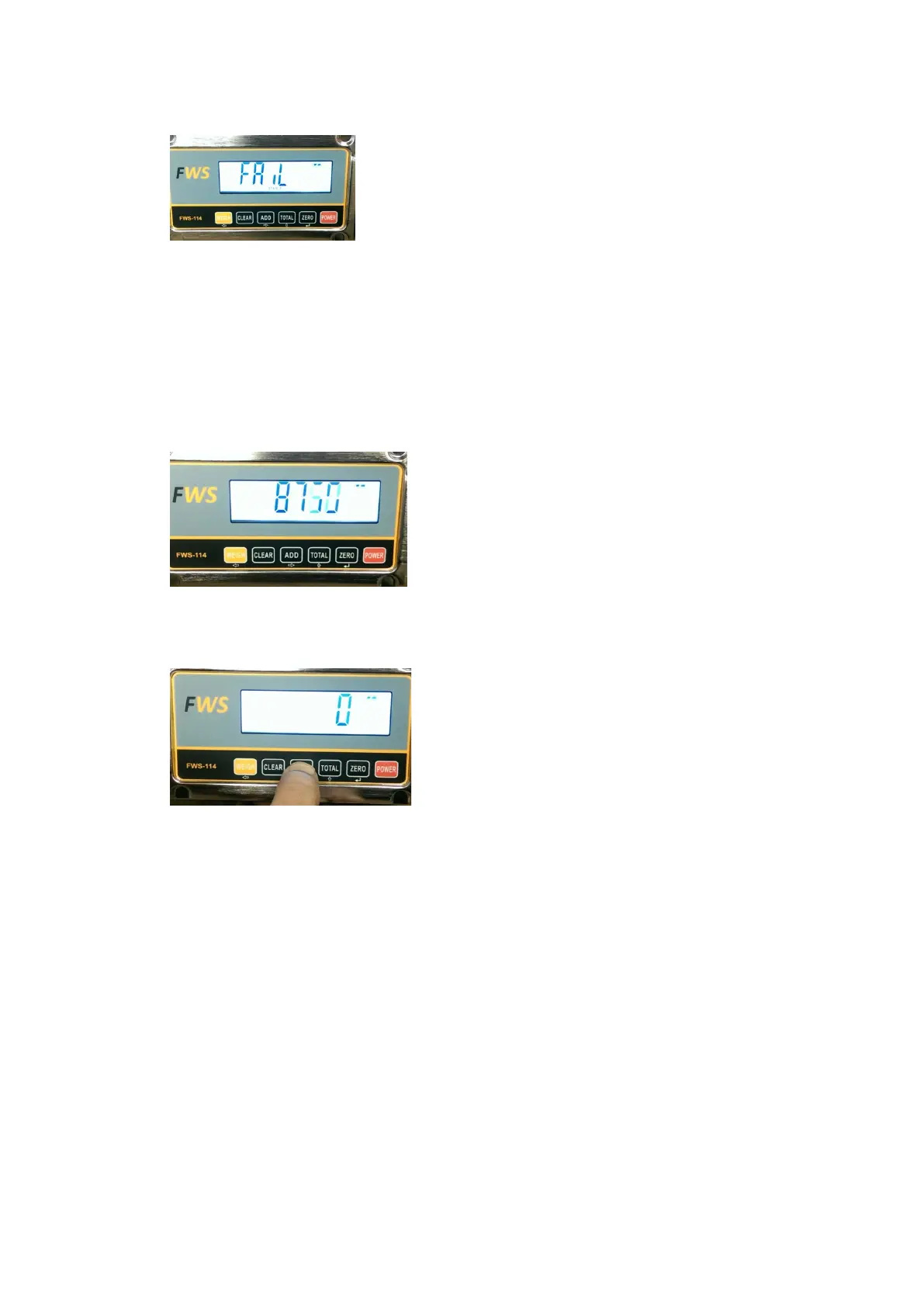
If the display shows the following:
Repeat the calibration process.
If the same message appears you can test the input signal from the transducer by the
following process:
• Press the
POWER key and then immediately press and hold the ADD key.
002500 will show on the display for a few seconds and then the display will show numbers
counting up or down quite quickly. When the forks are raised the numbers should increase
and should decrease when the forks are lowered. This means that the indicator is receiving
and reading the transducer input.
If the display shows 0 (as per picture below) or a number is displayed but does not change
when the forks are raised or lowered, there is a problem with the transducer input.
In this instance, check all transducer connections.
To return to normal operation press the
POWER key once to turn off and then press the
POWER key again to switch on. The system should start in normal operating mode.


 To Previous Page