GENERAL OPERATION
INTRODUCTION
The FWS-114 digital indicator is specifically designed for installation into the Forklift Material Handling
industry, featuring tailored functionality to assist the operator, and to provide stable and accurate
readings.
The display and lock feature enables the operator to only be presented with a weight once the correct
Weigh cycle has been completed. In the normal operation of the machine, no weight is displayed,
hence the operator is not confused by unwanted readings whilst the machine is in motion.
Once the correct weigh cycle is performed by the operator, and the key is pressed, the
weight of the product will be displayed on the indicator for approximately 5 seconds, providing the
operator with adequate time to record this weight.
HOW DOES THE FWS-114 WORK?
The FWS-114 weighing system basically works on a proportional ratio of the pressure in the hydraulic
system compared to load applied on the machine.
A specialised pressure transducer is then responsible for converting this hydraulic pressure into an
electronic signal, which can then be calibrated to a known weight.
In order to ensure repeatable accurate weights, it is imperative that the correct complete Weigh Cycle
is performed each and every time.
PERFORMING A WEIGH CYCLE
First of all start the machine, then turn the indicator on by pressing
There are two basic stages in producing the Weigh Cycle:
1. ZEROING the load
2. WEIGHING the load
To provide accurate weights, both of these steps are equally important.
ZEROING the load
With nothing on the forklift, please lower the forklift and press button to reset the display not
to show any weight.
WEIGHING the load
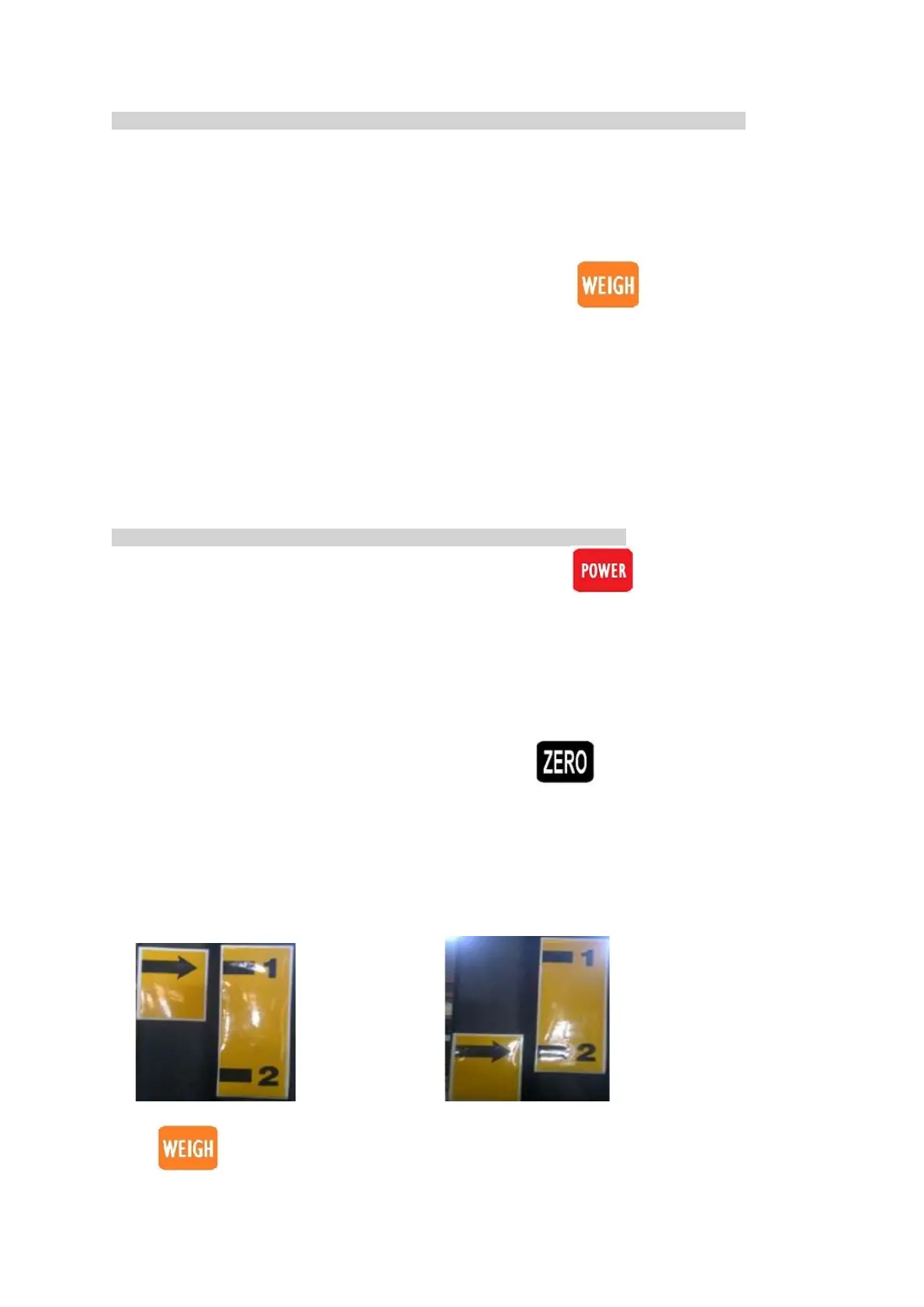
After successfully Zeroing the indicator, pick up the load and raise to the marker ‘1’ (as pictured)
And then lower to the marker ‘2’ (as pictured)
Press key to display the weight


 To Next Page