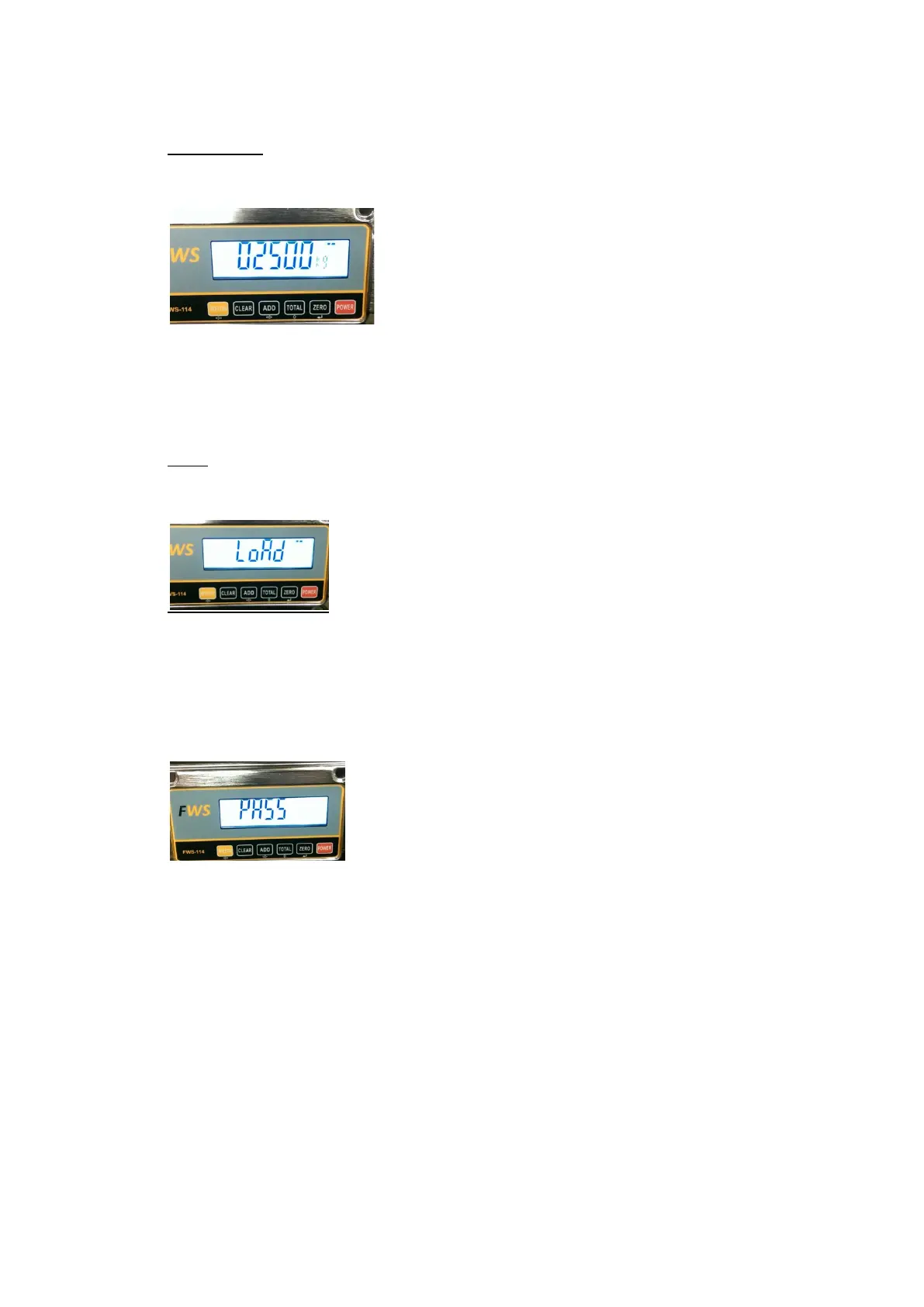
TEST WEIGHT
• Entering the known weight that will be used to calibrate the system. Default is 2500.
To change this is basically the same process as selecting the machine capacity, use the ADD
key to move the flashing digit to the right and press the TOTAL key to change that digit to
the required number
Once the weight has been entered, press the ZERO key to move to the next step.
LOAD
• Span Calibration
Place the test weight on the forks and raise the forks to position 1 and then lower to position
2. Press the ZERO key.
The display will show:
The calibration process is complete and normal weighing can now be done.


 To Next Page