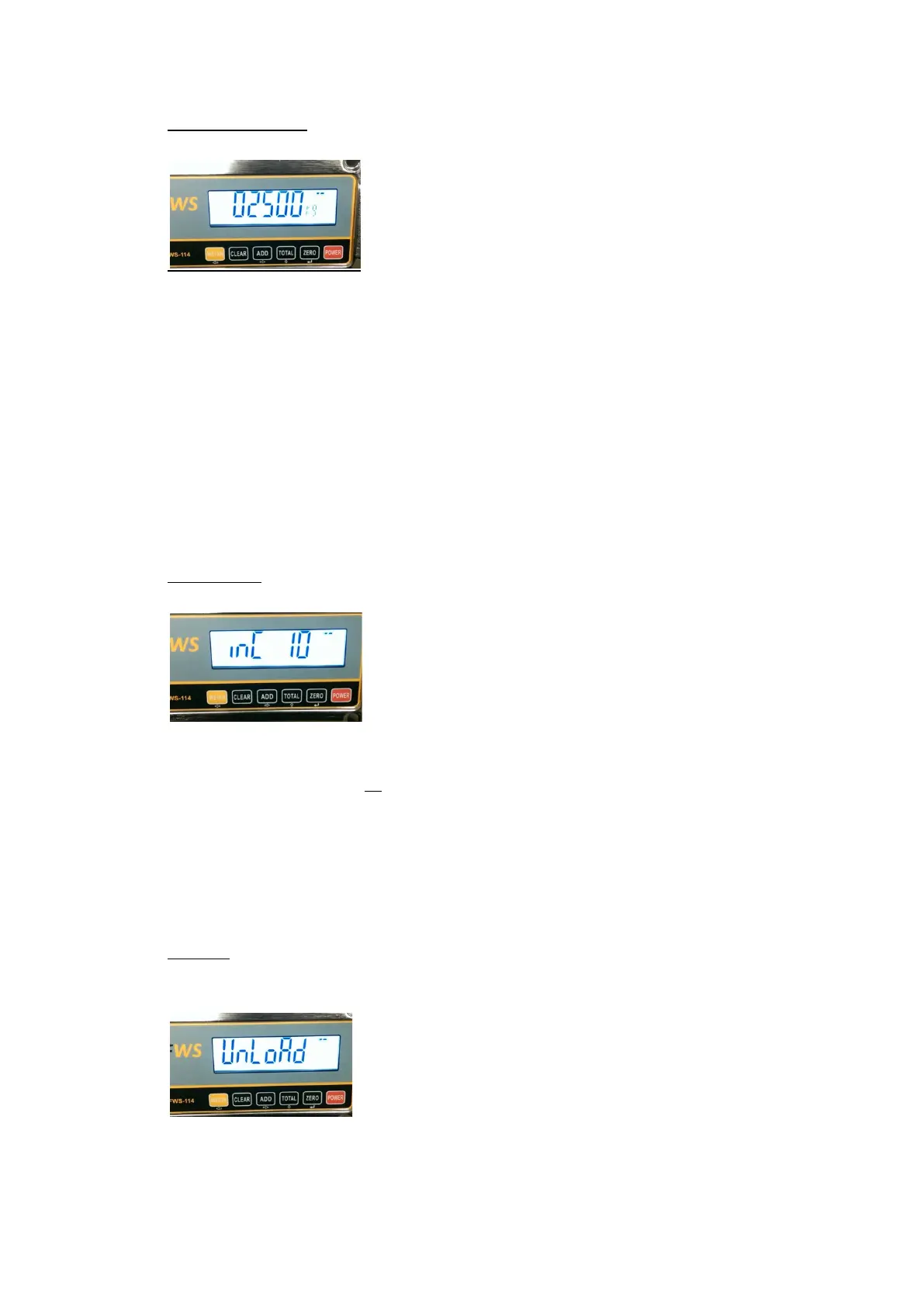
MACHINE CAPACITY
• Default setting is 2500.
There are 2 methods to change this.
By pressing the ADD key and changing the required digits.
For example: To change from 2500 to 3000, press the ADD key once and the 2 will start
flashing. Press the TOTAL key once and the 2 will change to a 3. Press the ADD key again and
the 5 will start flashing. Press the TOTAL key until this digit is a 0.
Now press the ZERO key to accept and move to the next step.
Alternately, press the CLEAR key and the display will show 00000 with the left 0 flashing.
Press the ADD key until the desired 0 is flashing and using the TOTAL key to change to
required digit. Once this digit is correct, press the ADD key until the next digit that requires
changing is flashing. Press the TOTAL key until the required number is showing and press the
ADD key to move to the next digit or press the ZERO Key if the desired capacity is showing.
INCREMENTS
• Default setting is 10
To change, press the TOTAL Key until the required increment setting is displayed.
(The Increment choices are pre-programmed. So for example if the capacity is 2500kg, the
system options will be 1,2,5,10,20,50. To select 1kg or 2kg increments will deliver very
erratic and inconsistent readings. 5kg, not so erratic. 20kg or 50 kg will be very consistent
but probably undesirable. Therefore we recommend 10kg increment on anything up to
3000kg capacity.)
Once the desired increment setting has been selected, press the ZERO key to move to the
next step.
UNLOAD
• Zero Calibration
Make sure that there is no load on the forks and raise the forks to position 1 and then lower
to position 2. Press the ZERO key and the Zero Calibration process is complete.


 To Next Page