Calibration Procedure for FWS 114 Hydraulic Digital Weighing System
There are basically 6 steps to complete the calibration process on the FWS 114 weighing system.
They are: - Units of measure kg or lb Default is kg
- Machine Capacity Default is 2500
- Increments or divisions (what the scale counts in) Default is 10 kg
- Unload or Zero Calibration. Calibrating the system with no load on the forks
- Test weight; this is the known weight which is being used to calibrate the system
- Load or span Calibration. Calibrating the system using the known test weight.
Functions of the keys during the Calibration process:
POWER: Turns the unit on and off. No other function in Calibration Process.
ZERO: Accept/Confirm the action
TOTAL: Change setting in UNIT setup, and then increases numbers counting up from 0 -9
ADD: Moves the flashing digit from left to right as required
CLEAR: Clears all digits back to 00000
WEIGH: Used to access Calibration mode on power up.
CALIBRATION PROCESS
UNITS OF MEASURE
• Press the POWER key and then immediately press and hold the WEIGH key.
002500 will show on the display for a few seconds and then the display will show
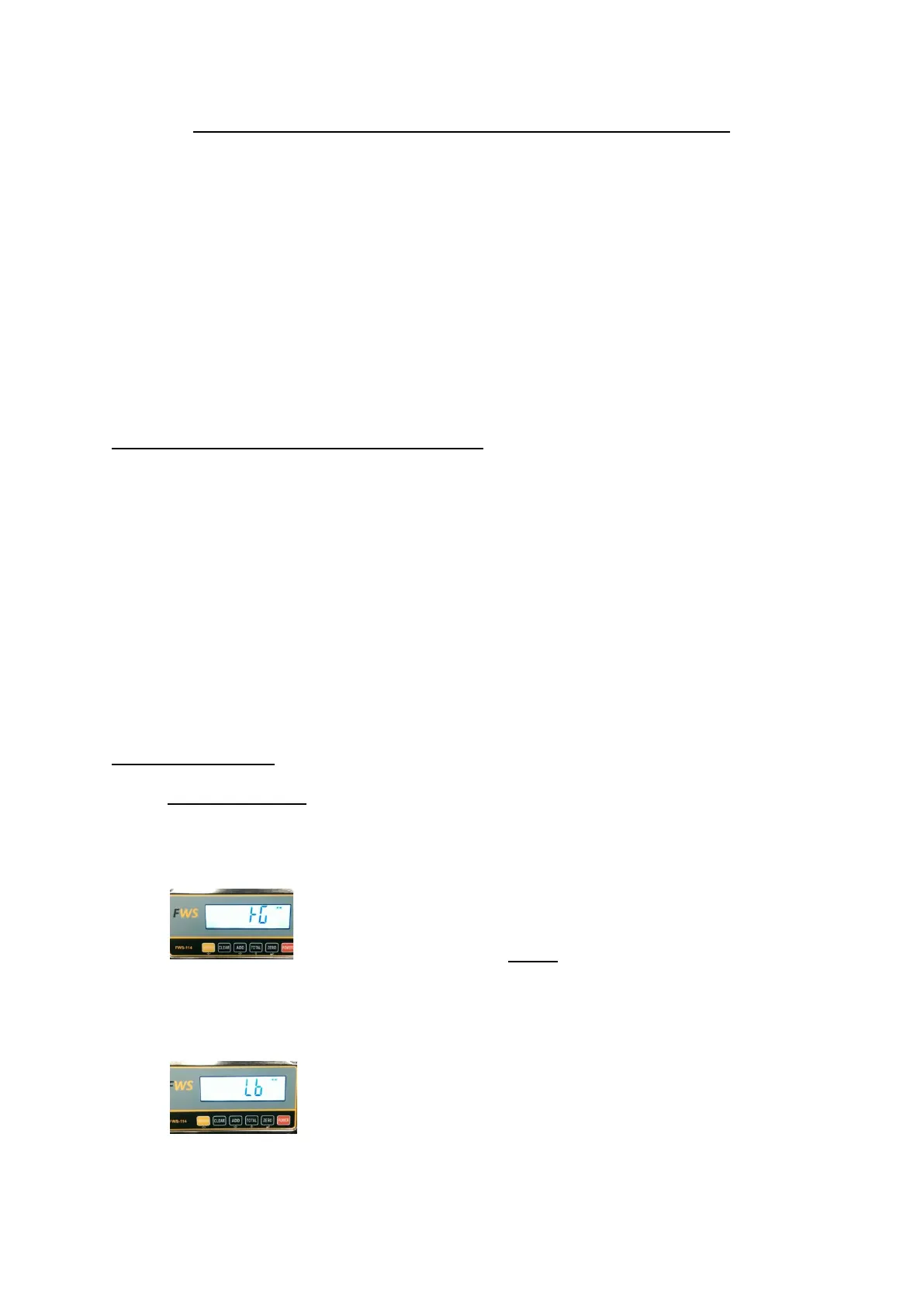
This denotes kg setting and is default.
Press the ZERO key to confirm that kg is the desired units of measure
To change to lb’s press the TOTAL key once and the display will show
Press the ZERO key if this is the desired unit measure


 To Next Page