washMaster Installation guide
539715.AB Page 12 / 21 07.2019
3.1.5 Assigning the machine to another laundry facility
Prerequisites
Laundry facility, laundry group, configuration and price list have been created and assigned
Procedure
- In the browser, open the page http://workspace.washMaster.ch
.
- Log on to the portal with a PM user.
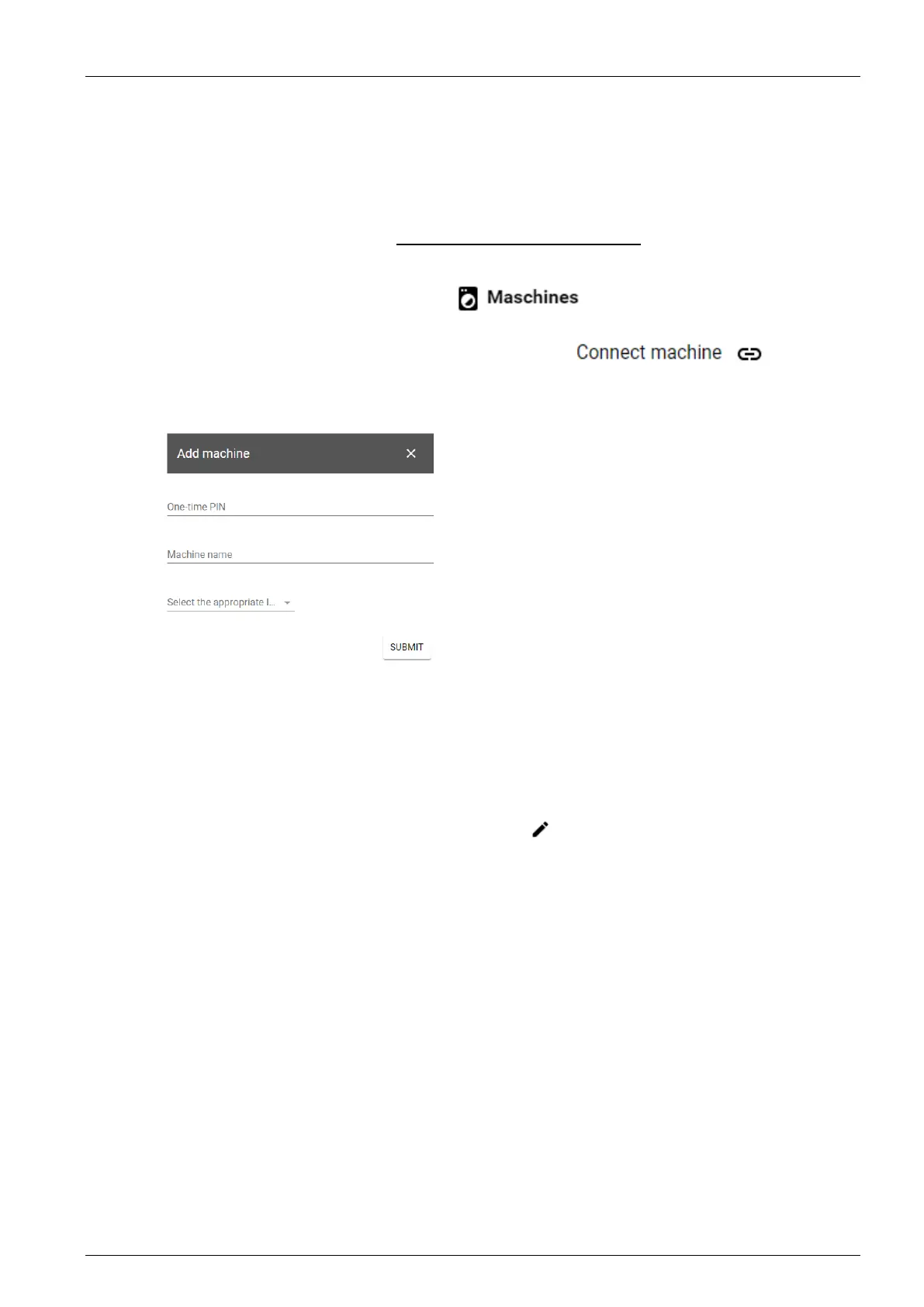
- Open the menu “Machines”.
- Call up the “Connect machine” function in the menu
- Start pairing at the machine as described in “Starting the pairing”.
- Enter the PIN as shown on the machine.
- Enter the desired name of the machine.
- Select the laundry facility. Configuration and price list are now sent to the machine and
updated automatically.
3.1.6 Delete configurations and price lists
To delete a configuration or price list, select the Edit
icon. A pop-up window for editing with
a “Delete” button is displayed.
Deleted configurations and price lists are no longer displayed in the overview for the PM user
and can no longer be assigned to a group or configuration.
Already assigned configurations and price lists are, however, still used; when new laundries and
machines are added, they are still transmitted to the machines. Deleting configurations and
price lists prevents them from being used when configuring new laundries and groups.
This means that the deletion has no effect on existing laundries and groups.



 To Next Page