EasyManua.ls Logo

Schwinn 130 - User Manual

Schwinn 130
40 pages
Print Icon
To Next Page IconTo Next Page
Loading...
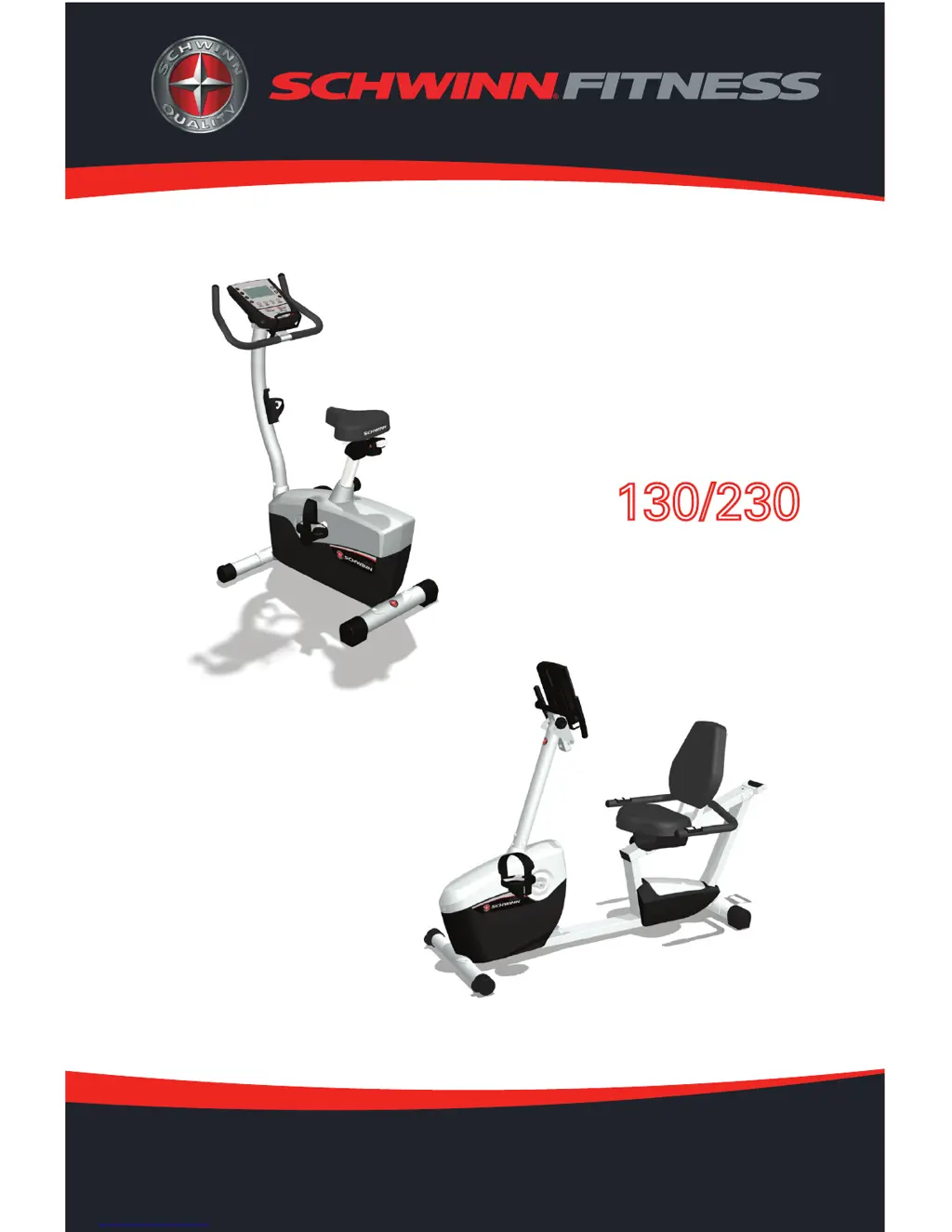
OWNER’S MANUAL
001-6895-061009C
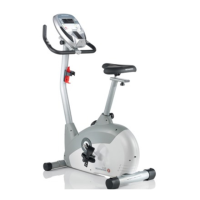
130 Upright
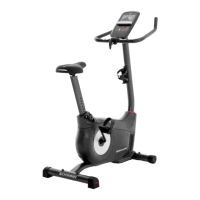
230 Recumbent
EXERCISE BIKE
OWNER’S MANUAL

Other manuals for Schwinn 130

Questions and Answers

  • C
    Caitlin MurphyAug 15, 2025
    How to fix a Schwinn 130 with no display?
    • F
      Franklin NovakAug 16, 2025
      If your Schwinn Exercise Bike's display isn't working, is only partially on, or the unit won't turn on, try these steps: * Ensure the bike is plugged into a working wall outlet. * Check the adapter and connections for damage, replacing if necessary. * Inspect the cable wires for crimps or cuts, and replace the cable if damaged. * Make sure the cable is securely connected and properly oriented, with the latch lined up and snapped in. * Examine the console for cracks or damage, replacing it if needed. * If the console shows a partial display and connections are fine, replace the console.
  • G
    Gregory FryAug 18, 2025
    Why does the resistance not change on my Schwinn 130 Exercise Bike?
    • C
      christopher92Aug 19, 2025
      If the resistance on your Schwinn Exercise Bike isn't changing, even though the machine turns on, here's what you can do: * First, replace the batteries to ensure they aren't the issue. * Next, check the console for any signs of damage and replace it if necessary. * Also, inspect the cable wires for any visible crimps or cuts, and replace the cable if you find any damage.
  • J
    Jon DonaldsonAug 21, 2025
    What to do if Schwinn 130 Exercise Bike console shuts off during use?
    • C
      Christina CruzAug 21, 2025
      If your Schwinn Exercise Bike console shuts off or enters sleep mode while you're using it, try the following: * Ensure the unit is plugged into a functioning wall outlet and the connection is secure and undamaged. Replace the adapter or connection if needed. * Check that all wires in the cable are intact; replace the cable if any are cut or crimped. * Make sure the cable is securely connected and properly oriented, with the latch lined up correctly. * Unplug the unit from the electrical outlet for 3 minutes, then reconnect it. * Verify that the magnet is in place on the pulley. * Ensure the speed sensor is aligned with the magnet and connected to the data cable. Realign or replace the sensor if damaged.
  • H
    Hannah WattsAug 25, 2025
    How to level a Schwinn 130 Exercise Bike?
    • M
      Michael OlsonAug 25, 2025
      If your Schwinn Exercise Bike rocks or doesn't sit level, try this: * Adjust the levelers until the bike is stable. * If the surface is too uneven, you may need to move the bike to a more level area.
  • G
    Gilbert NelsonAug 27, 2025
    How to stop seat post movement on Schwinn 130?
    • M
      Matthew WebbAug 27, 2025
      If you're experiencing seat post movement on your Schwinn Exercise Bike: * Ensure the adjustment pin is locked into one of the seat post adjustment holes. * Make sure the knob is securely tightened.
  • M
    Mary NixonAug 30, 2025
    Why does my Schwinn Exercise Bike show 'Please Pedal'?
    • T
      Timothy StanleyAug 30, 2025
      If your Schwinn Exercise Bike isn't showing a speed or RPM reading and the console displays a “Please Pedal” error, check the following: * Ensure all wires in the cable are intact; replace the cable if any are cut or crimped. * Verify the cable is securely connected and properly oriented, with the latch lined up correctly. * Confirm the magnet is in place on the pulley. * Make sure the speed sensor is aligned with the magnet and connected to the data cable. Realign the sensor if necessary, and replace it if there's any damage to the sensor or connecting wire.
  • T
    thomastamaraSep 2, 2025
    How to fix 'Contact HR not displayed' on Schwinn 130?
    • E
      Eric LarsonSep 2, 2025
      If your Schwinn Exercise Bike operates but doesn't display 'Contact HR', try these steps: * Ensure the cable is securely connected to the console. * Make sure your hands are centered on the HR sensors, kept still, and applying relatively equal pressure to each side. * Consider using a conductive electrode cream to improve contact. These are available online or at fitness stores. * If these steps don't work, the handlebars may need to be replaced.
  • A
    Angela MelendezSep 5, 2025
    What does E2 error mean on Schwinn 130 Exercise Bike?
    • K
      Kelly Jones MDSep 6, 2025
      If your Schwinn Exercise Bike console is displaying an “E2” error code, here’s what you should check: * First, make sure all the wires in the cable are intact. If any are cut or crimped, you'll need to replace the cable. * Also, ensure that the cable is securely connected and oriented properly, paying attention to the small latch on the connector to make sure it lines up and snaps into place.
  • A
    Alison KellySep 8, 2025
    What to do if Schwinn Exercise Bike pedals are loose?
    • L
      louissimmonsSep 9, 2025
      If the pedals on your Schwinn Exercise Bike are loose or the unit is difficult to pedal, make sure the pedal is tightened securely to the crank and that the connection is not cross-threaded.
  • D
    Dale ReidSep 12, 2025
    How to fix clicking sound when pedaling Schwinn 130?
    • J
      Jennifer MathewsSep 12, 2025
      If you hear a clicking sound when pedaling your Schwinn Exercise Bike, remove the pedals and then reattach them.

Summary

Safeguards

Important Safety Instructions

Details essential warnings and precautions before using the exercise equipment.

Safety Warning Labels

Explains the location and content of safety warning labels on the exercise bikes.

Features

Operation

How to Use the Schwinn Exercise Bike

Details how to adjust seat, pedals, and handlebars for optimal use.

Resistance Adjustment

Describes how to control and adjust the resistance levels during workouts.

How to Use the Schwinn Exercise Bike Computer

Introduces the functions and features of the exercise bike's computer console.

Using the 130;230 Computer

Explains the functions of the computer console, including LCD display descriptions and button functions.

Console Buttons and Button Functions

Explains the purpose and operation of each button on the console.

Software Features

Outlines the various workout programs and features available on the computer.

Recovery Test

Explains how to perform and interpret the heart rate recovery test.

Recovery Test (Continuation)

Details how the console displays and calculates the recovery score.

Important Things You Should Know Before Exercising

Covers important exercise guidelines, pulse rate, resistance control, and sleep mode.

Console Operation - Quick Start

Guides on initiating a workout using the Quick Start function.

Console Operation - Manual Program

Explains how to set up and start a manual workout program.

Console Operation - Selecting a Profile Program

Details how to choose and start one of the pre-programmed workouts.

Maintenance

Maintenance Procedures

Covers daily, weekly, and monthly checks and cleaning instructions.

Fitness Guide

Monitoring Your Intensity

Explains how to monitor workout intensity using perceived exertion zones.

Warranty

Limited Warranty for Exercise Products

Details the warranty coverage, time periods, and exclusions for the exercise products.

Procedures for Warranty Service

Outlines the steps to follow for obtaining warranty service or repairs.

Schwinn 130 Specifications

General IconGeneral
TypeUpright
Resistance Levels16
DisplayLCD
Workout Programs13
Heart Rate MonitoringGrip
Max User Weight300 lbs

Related product manuals