Scientific
PSD7303 11/42
Buttons for setting parameters
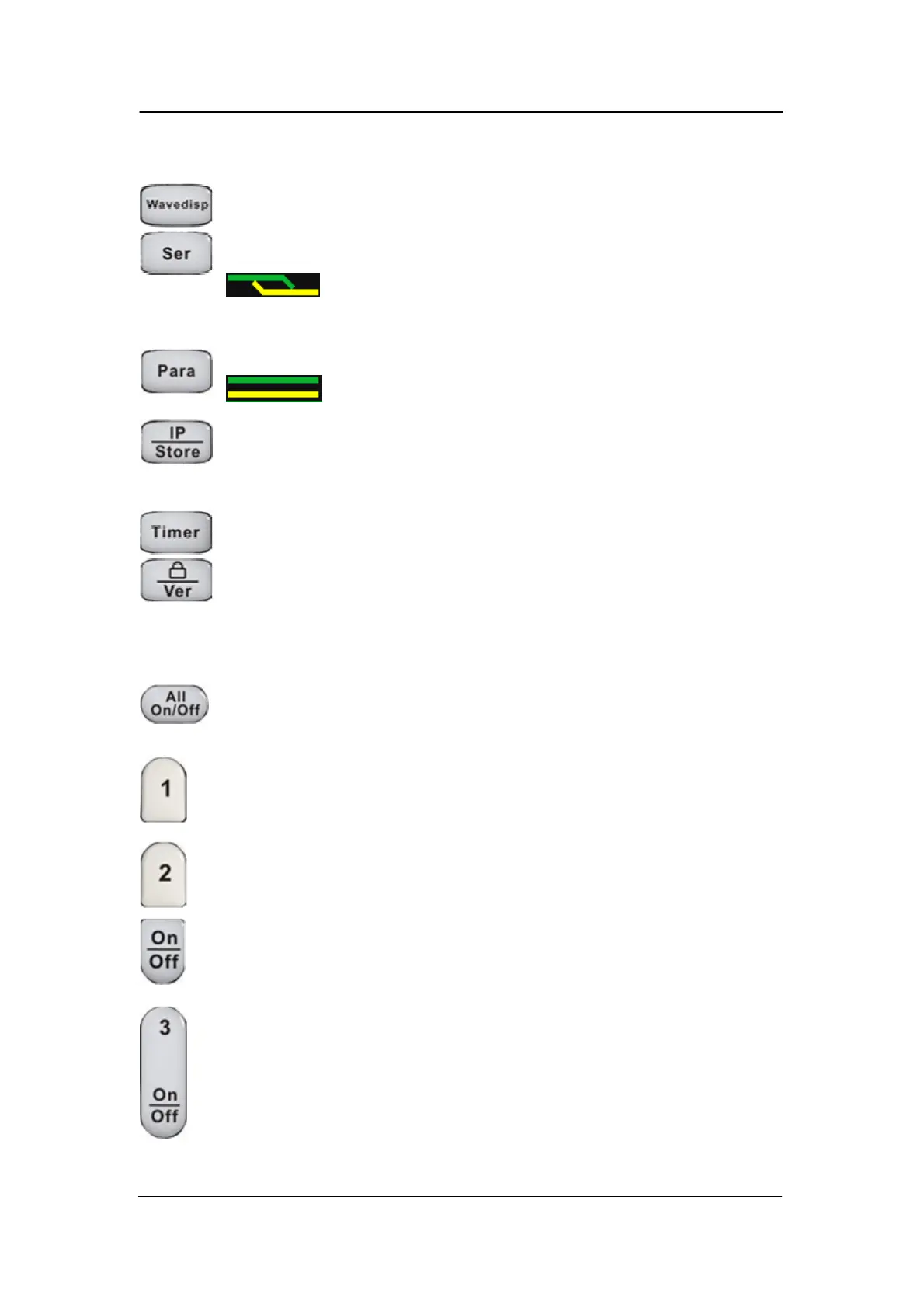
Press the button to turn on/off the waveform display interface;
Press the button to set series mode of CH1/CH2, and the logo
displays at the same time;
Press the button to set parallel mode of CH1/CH2, and the logo
displays at the same time;
Press the button to enter the LAN setting and storage function
interface
Press the button to enter timer setting interface
Press the button longer to turn on/off the keylock function and
shorter to turn to system information interface
Buttons for controlling the channel
Press the button to turn on/off all the channels;
Press the button to select CH1 as the current channel;
Press the button to select CH2 as the current channel;
Press the button to turn on/off the output of current channel
Press the button to turn on/off the CH3 output



 To Next Page