Scientific
PSD7303 12/42
Select the digit position by moving the cursor around
Right/Left Direction button. Press the button to move the cursor
around
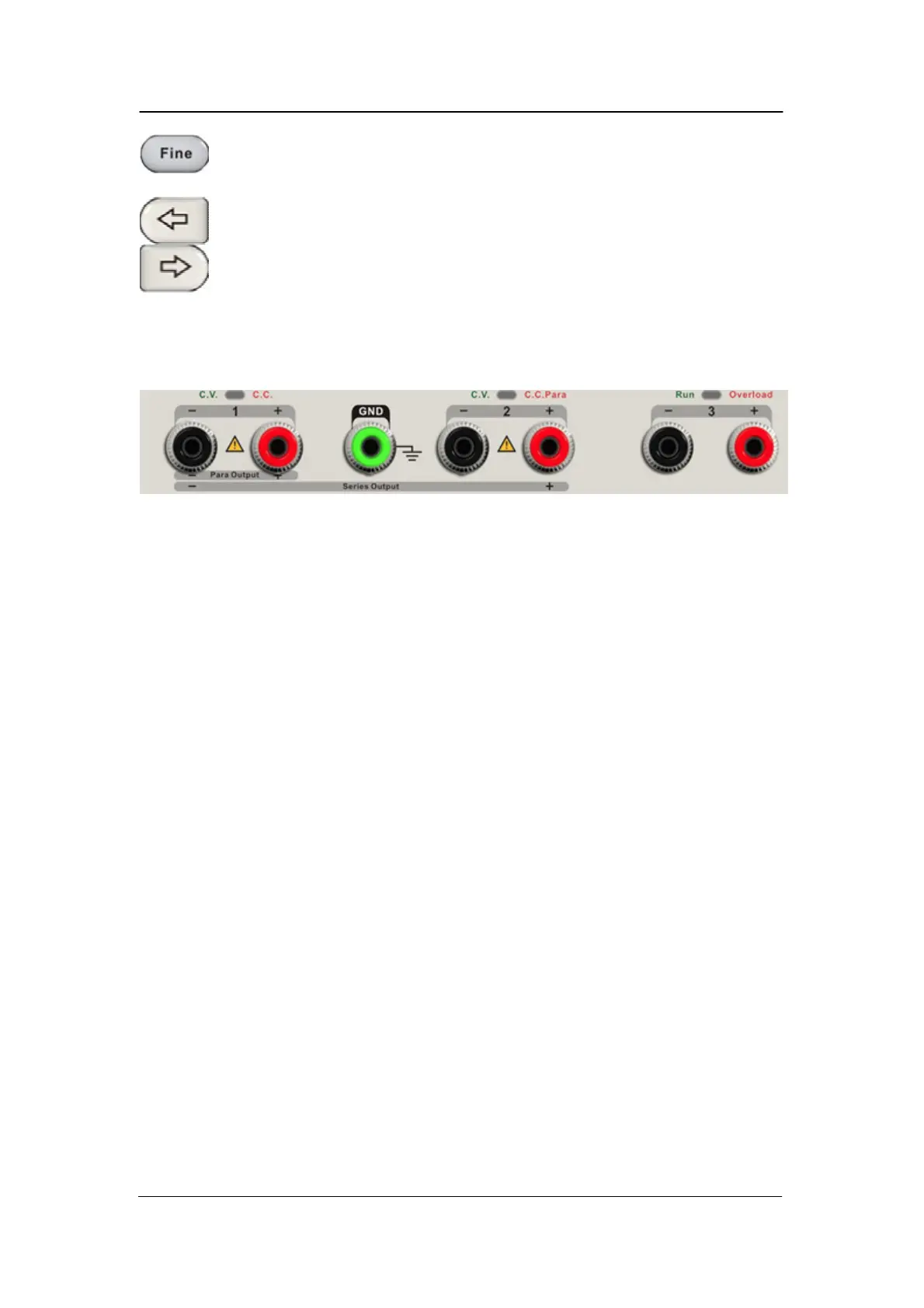
The output terminal on front panel
The output terminals of CH1, CH2 and CH3 include positive terminal and
negative terminal, and a common ground for CH1 and CH2 additional.
Each channel has its own logo. The operation details are introduced
in the
follow-up ”control panel operation”.



 To Next Page