Scientific
PSD7303 31/42
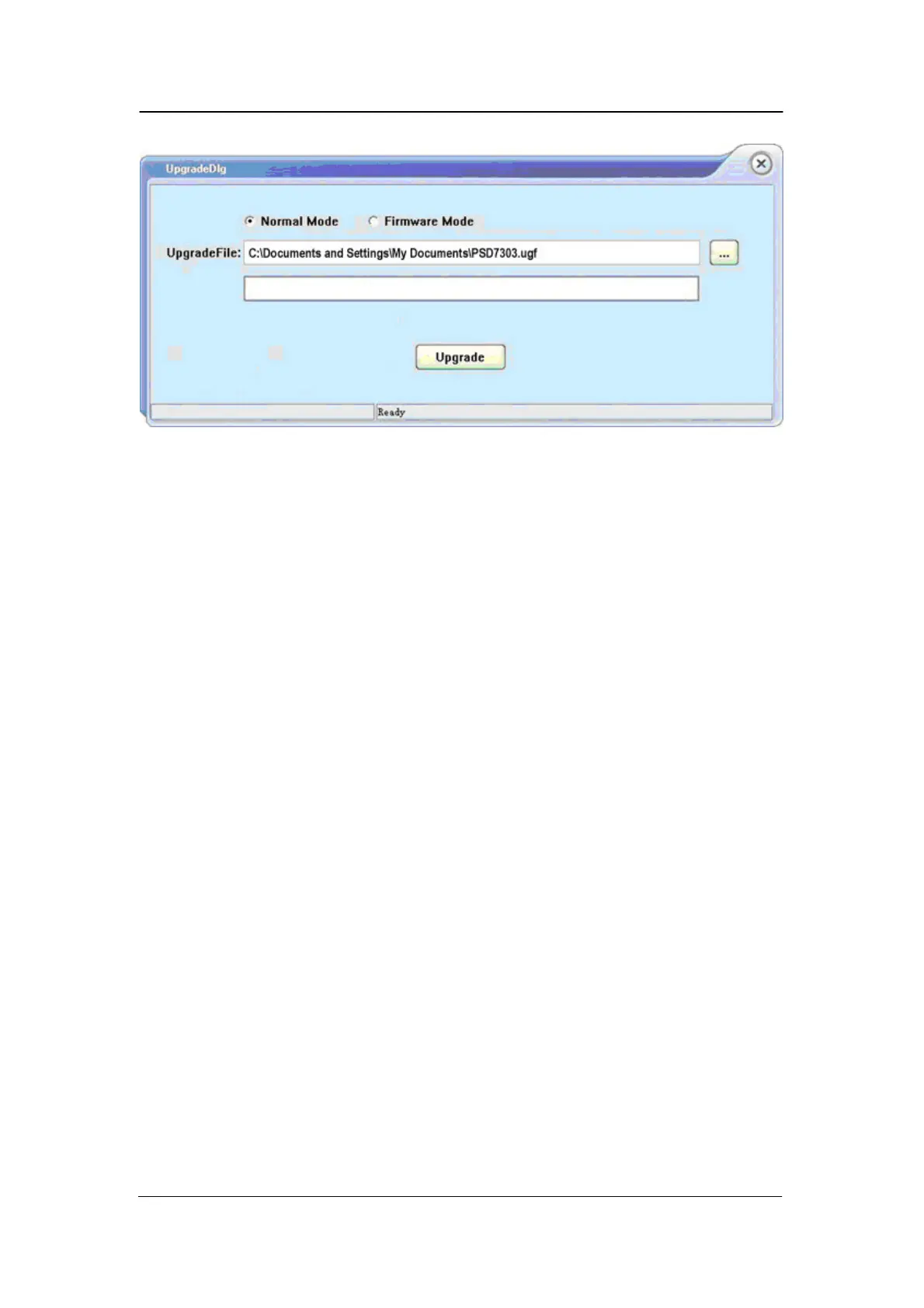
Figure 4
Upgrade Via Guide Procedure
Upgrade via guide procedure also can be used if the method above is failed.
Specific steps are below:
1. Press the knob before powering on the instrument, and the t urn on
the instrument and it will enter the guide procedure mode.
2. After enter the guide procedure mode, the upgrade method is almost
the same as the first one. But when the dialog popup as it shows in
Figure 2,
choose “Firmware Mode”. Refer to method 1 on other operation
step.



 To Next Page