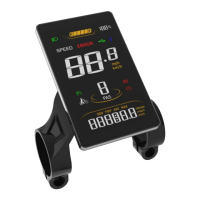
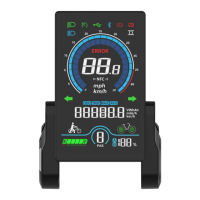
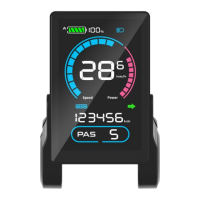
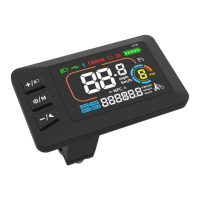
3.6 Dual Drive Control (enabled by controller)
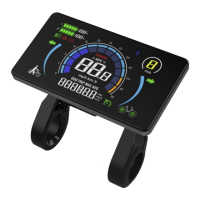
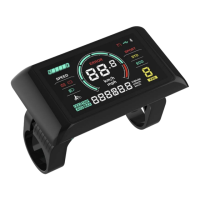
On the riding interface, press and hold the Plus Key to switch the drive mode,
which will be toggled in turn as Rear Drive -> Front Drive -> Dual Drive, and
the corresponding wheel of the icon on the down right corner will blink (e.g.
the rear wheel of the icon will blink in Rear Drive mode).
4. Settings
4.1 Setting Operations
① Enter the Settings: when the display is on, press and hold the Plus Key
and the Minus/Walk Assist Key together to enter the Settings. Available
setting items include: system voltage, wheel size (inch), magnetic steel
number for speed gauge, speed limit etc (please refer to 4.2 Setting Items).
②
Adjust Settings: on the Settings interface, press the Plus Key or the
Minus/Walk Assist Key to set values for items. The value will blink after
change. Press the On/Off Key to save the set value and switch to next item.
③ Save and Exit Settings:press and hold again the Plus Key and the
Minus/Walk Assist Key together to exit the Settings and save the set value.
The system will save and exit automatically if there’s no operation for 10s.
4.2 Setting Items
P00: Factory Reset: optional.
P01: Backlight Brightness. 1: darkest; 3: brightest.
P02: System Unit. 0: km (metric); 1: mile (imperial).
P03:System Voltage: 24V/36V/48V/60V/72V.
P04: Auto-Off Time
0: never, other value means auto-off time interval. Unit: minute
P05: Pedal Assist Level
0-3 Level Mode;1-3 Level Mode (no Level0)


 To Next Page