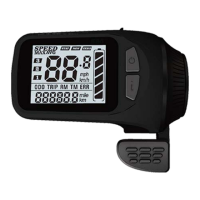
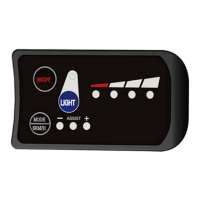
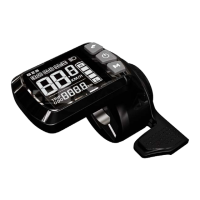
Minus/Walk Assist Key to enter walk assist mode. Hold the Minus/Walk Assist
Key to engage walk assist mode, the walk mode icon will be shown on the
riding interface, the real-time speed will be shown in the speed section.
Disengage Walk Assist Mode: release the Minus/Walk Assist Key to
disengage the walk assist mode, the icon will off on the riding interface.
4. Settings
4.1 Setting Operations
① Enter the Settings: when the display is on, press and hold the Plus Key
and the Minus/Walk Assist Key together to enter the Settings. Available
setting items include: system voltage, wheel size (inch), magnetic steel
number for speed gauge, speed limit etc (please refer to 4.2 Setting Items).
②
Adjust Settings: on the Settings interface, press the Plus Key or the
Minus/Walk Assist Key to set values for items. The value will blink after
change. Press the On/Off Key to save the set value and switch to next item.
③ Save and Exit Settings:press and hold again the Plus Key and the
Minus/Walk Assist Key together to exit the Settings and save the set value.
The system will save and exit automatically if there’s no operation for 10s.
4.2 Setting Items
P00: Factory Reset: optional.
P01: Backlight Brightness. 1: darkest; 3: brightest.
P02: System Unit. 0: km (metric); 1: mile (imperial).
P03:System Voltage: 24V/36V/48V/60V/72V.
P04: Auto-Off Time
0: never, other value means auto-off time interval. Unit: minute
P05: Pedal Assist Level
0-3 Level Mode;1-3 Level Mode (no Level0)
0-5 Level Mode;1-5 Level Mode (no Level0)


 To Next Page