9
Changzhou Sciwil E-
Mobility Technology Co., Ltd.
9
th
Huashan Road, Changzhou, Jiangsu, China- 213022
Fax: +86 519-85602675 Tel: +86 519-
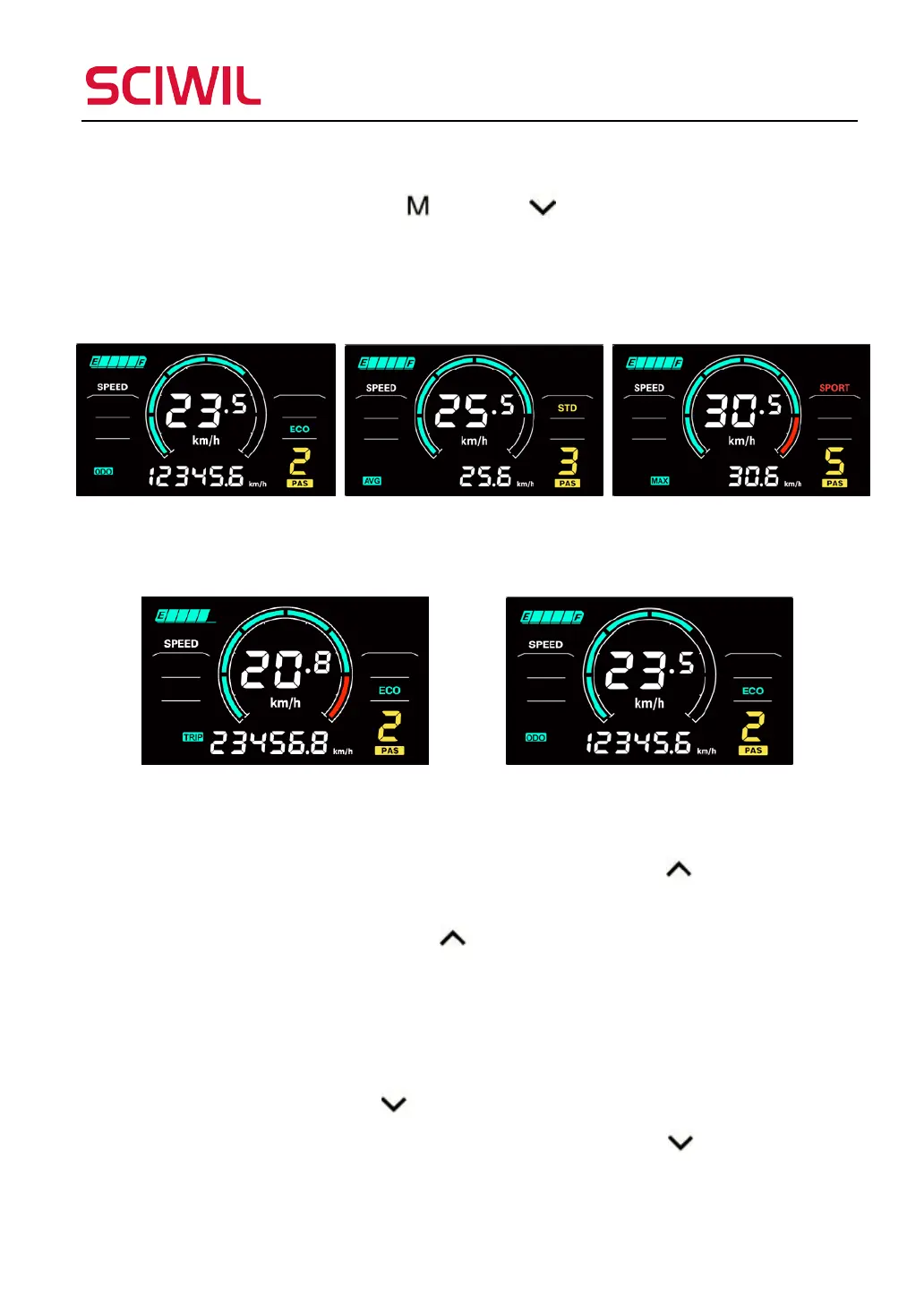
8.3.1 Speed Switching
Press and hold Mode
and Down to switch between Average Speed
and Max Speed. Toggle items: Current Speed -> Average Speed (AVG) ->
Max Speed (MAX).
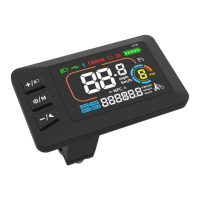
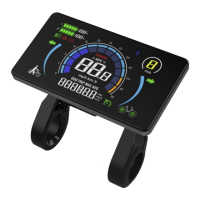
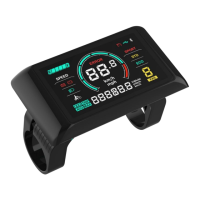
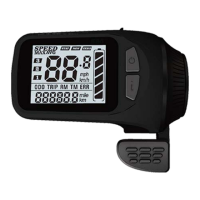
Speed switching interface as follows:
8.3.2 Distance Switching
8.4 Front Light On/Off
For display-controlled front light, press and hold Up
for 1s and the
front light will be on and the dipped beam icon will be shown in the riding
interface. Press and hold Up
for 1s the front light will be off, the dipped
beam light icon is also off.
8.5 6km/h Walk Assist Mode
Press and hold Down
for 2s to enter 6km/h walk assist mode, the current
speed shows in the Assist Level section. Release Down
to exit walk assist
mode.
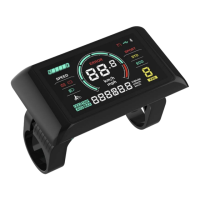
Walk mode switching interface as follow (under walk mode).


 To Next Page