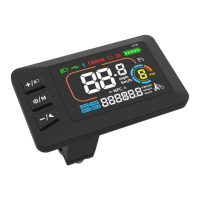
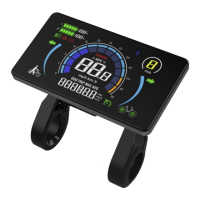
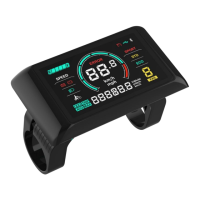
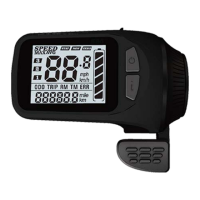
4
Changzhou Sciwil E-
Mobility Technology Co., Ltd.
9
th
Huashan Road, Changzhou, Jiangsu, China- 213022
Fax: +86 519-85602675 Tel: +86 519-
Standard Cable Connector Diagram
5. Assembly
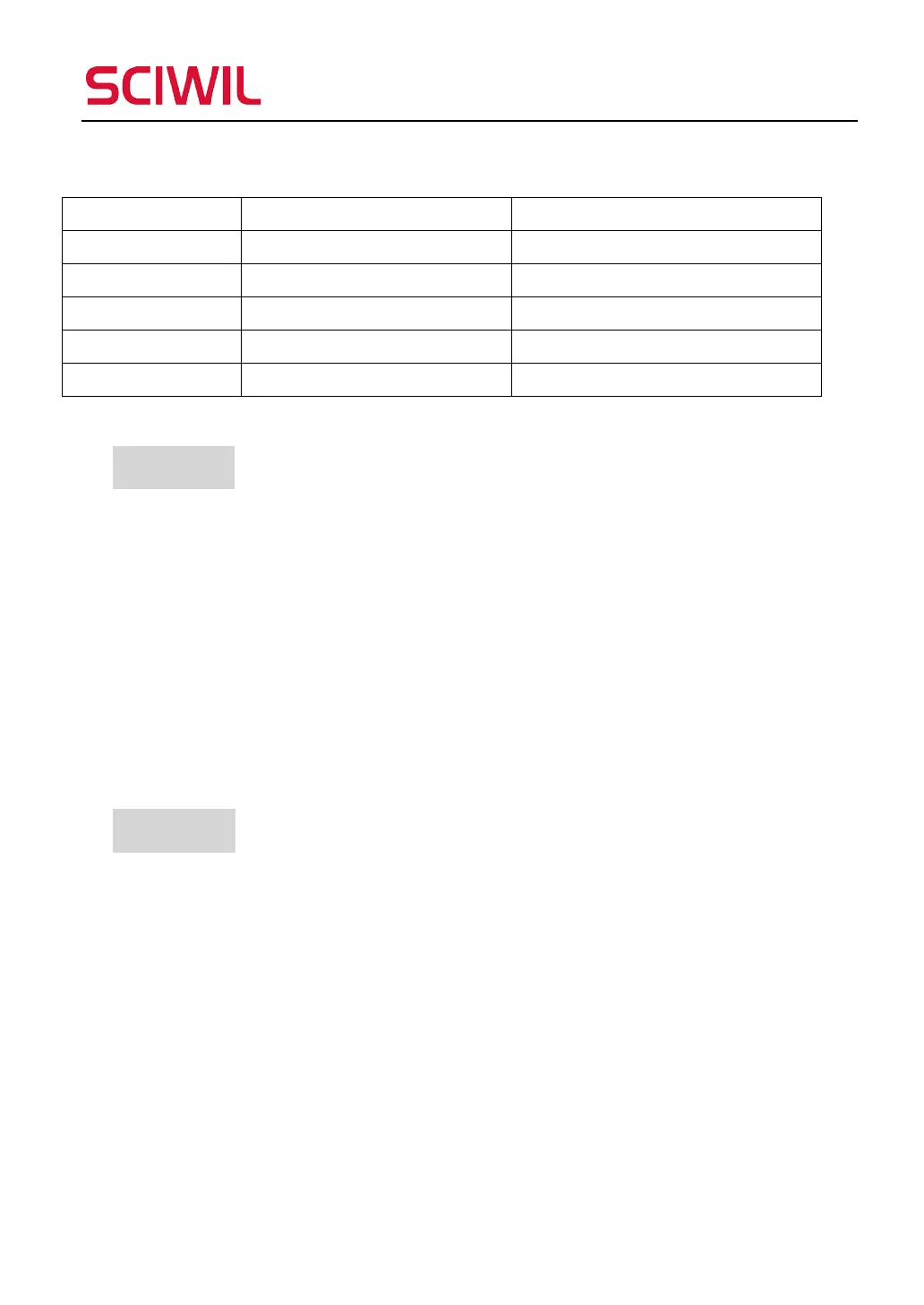
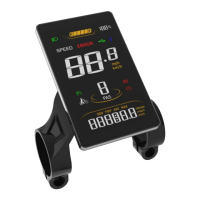
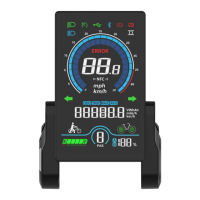
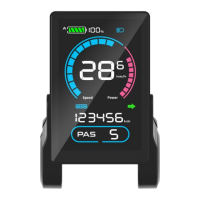
① Open the holder ring/rubber spacer of the display and fix the display on the
handlebar, adjust it to a proper facing angle. Use a M3 Hex Wrench to fix and
tighten the screws. Standard fixing torque: 0.8N·m.
*Damage due to extra fixing torque is not covered by warranty.
② Make sure your e-bike is powered off, then plug the connector on the display to
the connector on the controller (bus) to finish standard assembly.
6. Functions
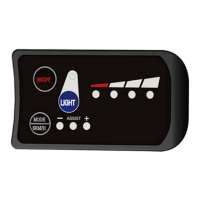
① Simple key pad for easy & clear operation
② Boot password (optional)
③ System unit switch (km/h or mph)
④ Speed display:
real-time speed (SPEED), max speed (MAX), average speed (AVG)
⑤ Assist Level Control
⑥ Battery indication: battery capacity, low voltage indication, BMS info display
⑦ Front light indication: front light status supported by controller
Sequence No. Wire Color Functions
1 Red(VCC) Display Power Cable
2 Blue(K) Controller Power Cable
3 Black(GND) Display Ground Cable
4 Green(RX) Display Data Receiving Wire
5 Yellow(TX) Display Data Sending Wire


 To Next Page