20
2. The dots on the adjuster knob indicate the grinding fineness. Turn the knob to the
pointer, clockwise for a coarser grind and counterclockwise for a finer grind.
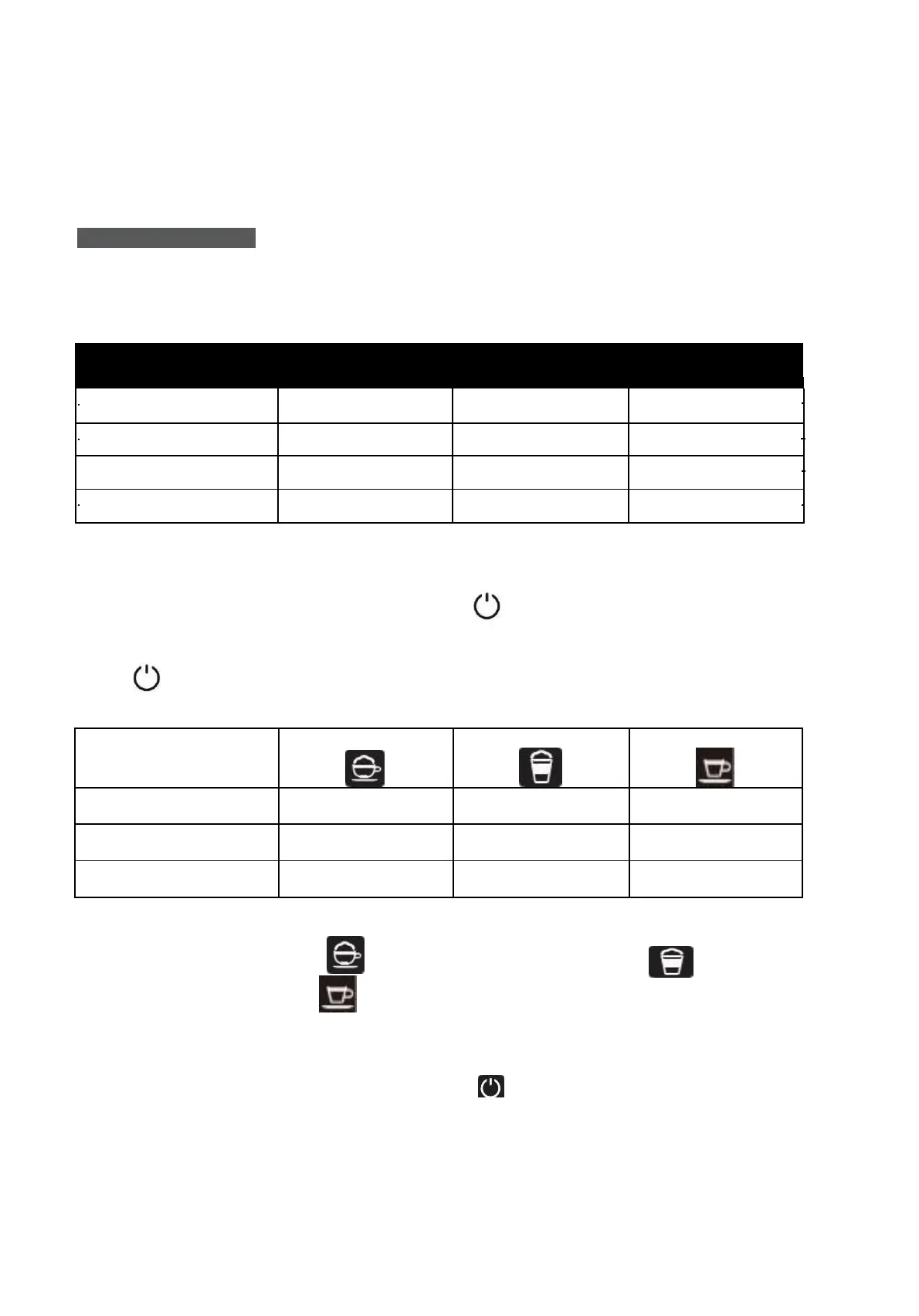
IV. MODE SELECTION
The machine is equipped with different settings: Default Setting, ECO Mode and Speed Mode.
ECO Mode helps save energy, whereas the Speed Mode can make coffee more quickly than the
default setting.
The pre-brewing function pre-wets the ground coffee in the brewer with a small amount of water
before extraction. This will provide better extraction performance and a coffee with better quality.
1. When the machine is in standby condition, press and hold for 5 seconds.
2. The will flash and the following buttons will have the following indications in different
settings:
3. Press the cappuccino button
for ECO mode, the latte macchiato
button for quick
mode and the espresso button for default setting mode. Two beeps will sound indicating that
the mode is selected. (Note: if you press the illuminated button corresponding to each mode, the
machine will not respond).
4. If you want to keep the settings unchanged, press again or wait 5 seconds for the machine
to return to standby.


 To Next Page