GB–10
BASIC SETUP
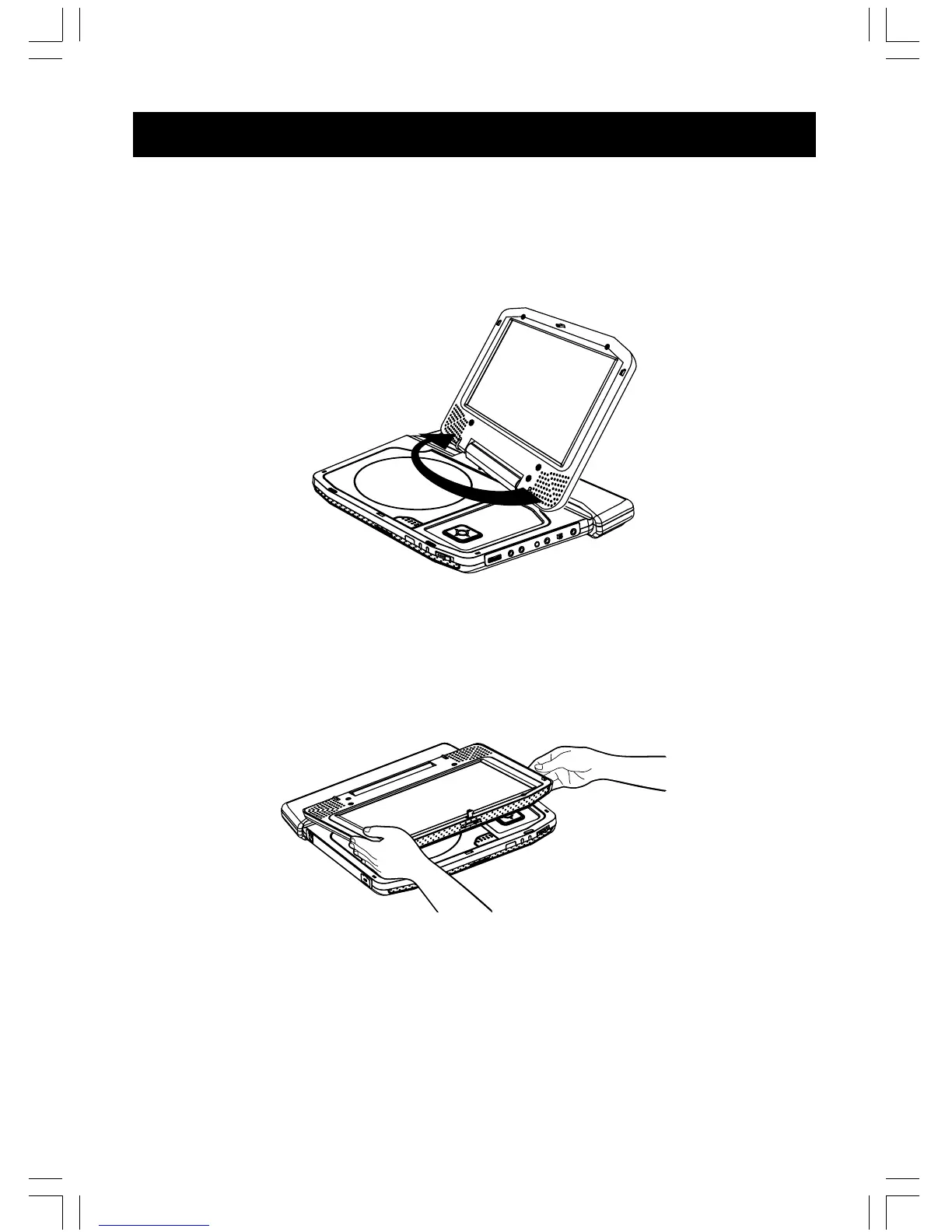
To turn the LCD monitor
You can turn the LCD monitor 180 degrees clockwisely. In addition, you can also fold down the
player to operate it with the LCD monitor side up.
1. Put the player on a flat surface such as a desk.
2. Fold up the LCD monitor vertically.
3. Hold the LCD monitor on both sides and turn it slowly 180 degrees clockwisely until it stops.
Notes
• The LCD monitor does not turn over 180 degrees or to the right.Do not force the LCD monitor to
turn over 180 degrees or anti-clockwisely. Otherwise, it may damage the LCD monitor.
• Do not turn the LCD monitor without opening up vertically. Otherwise, it may scratch the disc
cover.
To fold down the LCD monitor side up
1. After having turned the LCD monitor, fold the monitor down.
To put back the LCD monitor
1. Fold up the LCD monitor vertically.
2. Hold the LCD monitor on both sides and turn slowly 180 degrees anti-clockwisely untill it
stops.
Notes
• Do not store the LCD monitor with the screen side up. Otherwise, the LCD monitor will get dust
on the screen or be damaged by an unexpected shock.
• Do not turn the LCD monitor without opening up vertically. Otherwise, it may scratch the disc
cover.



 To Next Page