GB–7
CONNECTIONS
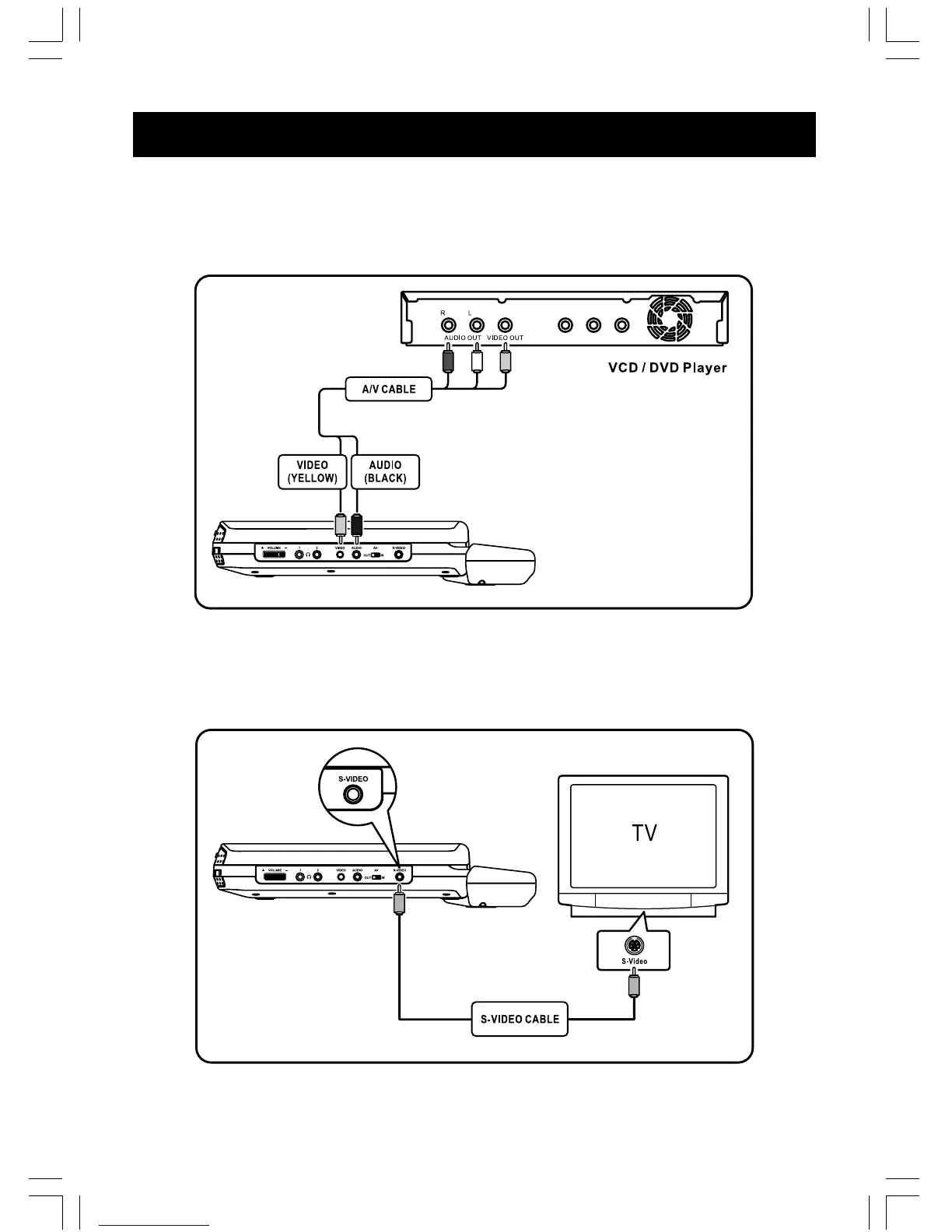
3. Connect to external analog Video / Audio source (using the appliance as
a monitor)
Connect the Audio (Red/White) and Video (Yellow) cable to Audio/Video Out jacks on your
external VCD/DVD Player as shown:
NOTE : AV switch must be switched to “ IN ” position.
4. Connect to S-Video
Connect S-Video cable (not included) to S-Video jack on your DVD player, and to the correspond-
ing S-Video jack on your TV.



 To Next Page