GB–16
PLAYING BACK A DISC
How to start playback from the menu screen
1. Press TITLE or MENU access the menu screen.
2. Press ( / / / ) or the number buttons to select the title.
3. Press the /OK or button.
The DVD video player will start playback from the title selected.
NOTE :
You also can input the assigned number of the title to select it directly.
How to pause playback (still playback)
Press once during playback.
Press PAUSE/FRAME repeatedly during playback, the picture will advance one frame each time,
then press /OK or button to resume normal playback.
During the still playback, the sound is muted.
How to stop playback
Press STOP button once, playback stops and pressing /OK or can resume playback.
Press STOP button twice, playback stops completely.
Fast forward and backward
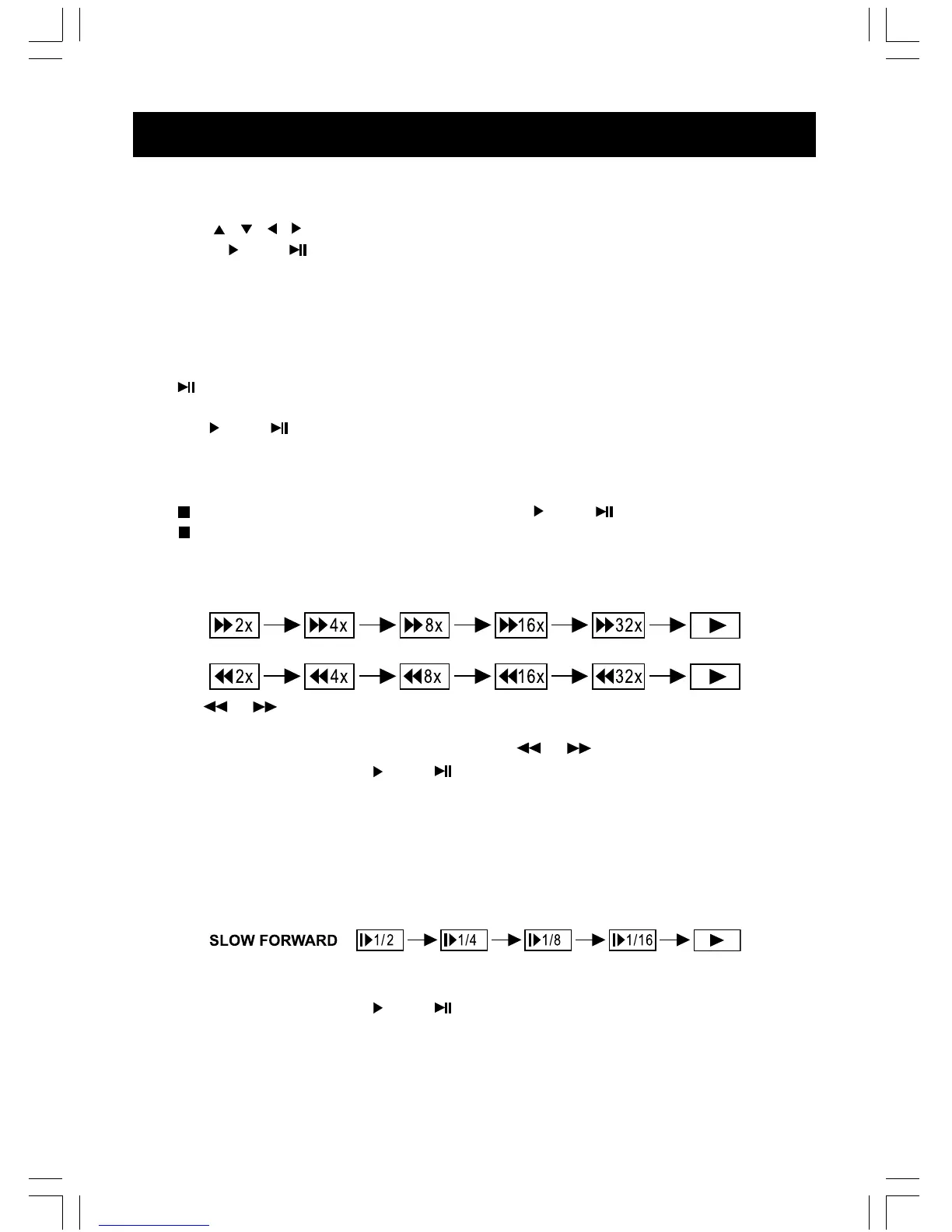
You can playback a disc at 2x, 4x, 8x, 16x or 32x the normal speed for fast forward or rewind.
Press the or button during playback. The playback speed becomes double the normal
speed.
The playback speed changes, each time you press the or button.
To resume normal playback, press /OK or button.
NOTE :
The function is invalid on some DVD discs.
Playing in slow-motion
A disc can also be played back in slow-motion.
Press the SLOW button during playing.
The playback speed becomes 1/2, 1/4, 1/8, or 1/16 of the normal speed each time you press the
SLOW button.
To resume normal playback, press /OK or button.
Warning:
– During fast forward/backward, and slow-motion playback, the sound is muted.
– The function is invalid on some DVD discs.



 To Next Page