GB–15
SYSTEM SETUP
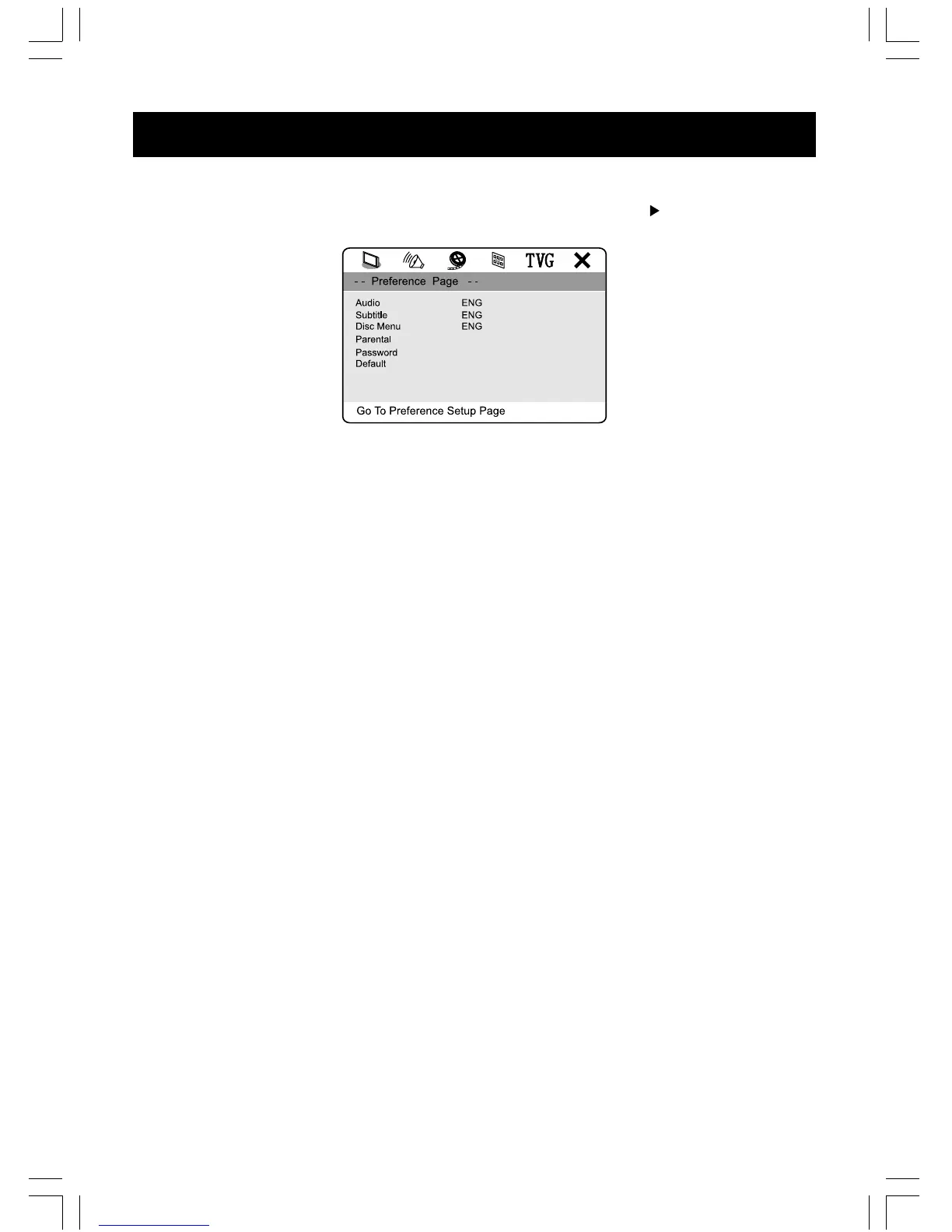
Preference Setup
Access PREFERENCE SETUP page by pressing the “ SETUP ” and “ ” buttons on the
unit or remote control.
NOTE :
Only in STOP mode you can access PREFERENCE SETUP page.
1. Audio
You can set your language preference for movies you play in your DVD player – the language
in which you’ll hear the dialogue when you’re playing a movie.
2. Subtitle
You can set your language preference for the subtitles you see on the screen while playing a
disc.
3. Disc Menu
You can set your language preference for disc menu.
4. Parental
You can set up ratings limits and lock your player in order to control the type of content people
watch on your DVD player. Depending on the disc, you can replace or lock out violent scenes,
or lock out playback of the disc altogether. Access parental control on the sub-menu by
pressing direction buttons on the remote control, and then press the OK button, An interactive
menu will appear.
5. Password
You can enter the password to change the parental control level. You can change the
defaulted password “1369“ to your desired password if the player is locked.
6. Default
Reset all the settings.



 To Next Page