GB–14
SYSTEM SETUP
Audio Setup
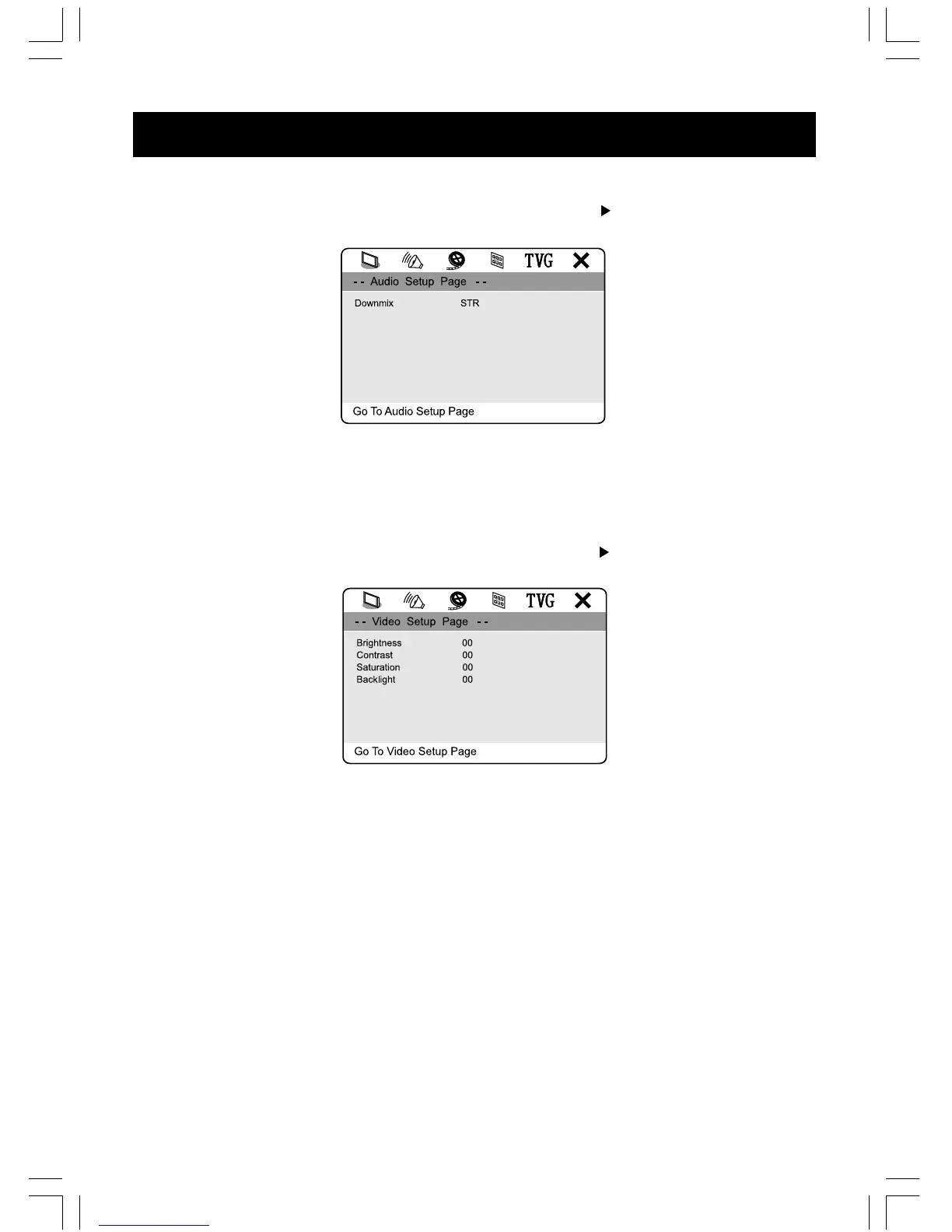
Access AUDIO SETUP page by pressing the “ SETUP ” and “ ” buttons on the unit or
remote control.
1. Downmix
Select LT/RT in downmix, then the player will output mixed audio in a way prescribed by
Dolby. Select STEREO, then the player will output a stereo sound.
Video Setup
Access VIDEO SETUP page by pressing the “ SETUP ” and “ ” buttons on the unit or
remote control.
1. Brightness
Adjust the screen brightness.
2. Contrast
Adjust the contrast level of the screen display.
3. Saturation
Adjust the saturation of the screen display.
4. Backlight
Adjust the backlight of the screen display.



 To Next Page