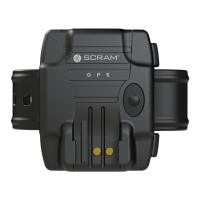
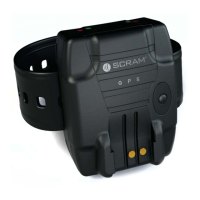
SCRAM GPS
Quick Reference Guide
7
3. Locate the tabs on the bracelet near the anchor point
and insert the tabs into the slots on the back plate.
4. Being careful not to push the bracelet fl ush with the
back plate, push the bracelet until you hear a soft
click.
5. Ensure that the fi t is correct and readjust if necessary.
6. Ensure that the tabs are securely in the slots.
7. Push the bracelet fl ush with the back plate.
You should hear two distinct clicks as the bracelet is
secured.
One fi nger should fi t between the strap and leg.
If the installation is successful, a Device Tamper event
will be generated.
ONGOING OFFENDER MANAGEMENT
PROCESS EVENTS
To process events in SCRAMNET GPS:
1. On the Dashboard page, click the Details link.
The ‘Events/Alerts’ pop-up window appears.
2. Select the check boxes for each event being
processed.
Note: Select the top-left check box to process all
events at once.
3. Click the Clear Selected button.
The ‘Enter Exception Notes’ pop-up window appears.
4. Enter a note and click the Submit button.
All selected events are removed.
To add an event note:
1. In the ‘Events/Alerts’ pop-up window, select an event.
2. Click the Add Event Note button.
An ‘Enter Exception Notes’ pop-up window appears.



 To Next Page