Rev.2
16
6. Start PC.
7. Wait until the printer controller completes version up process at startup time.
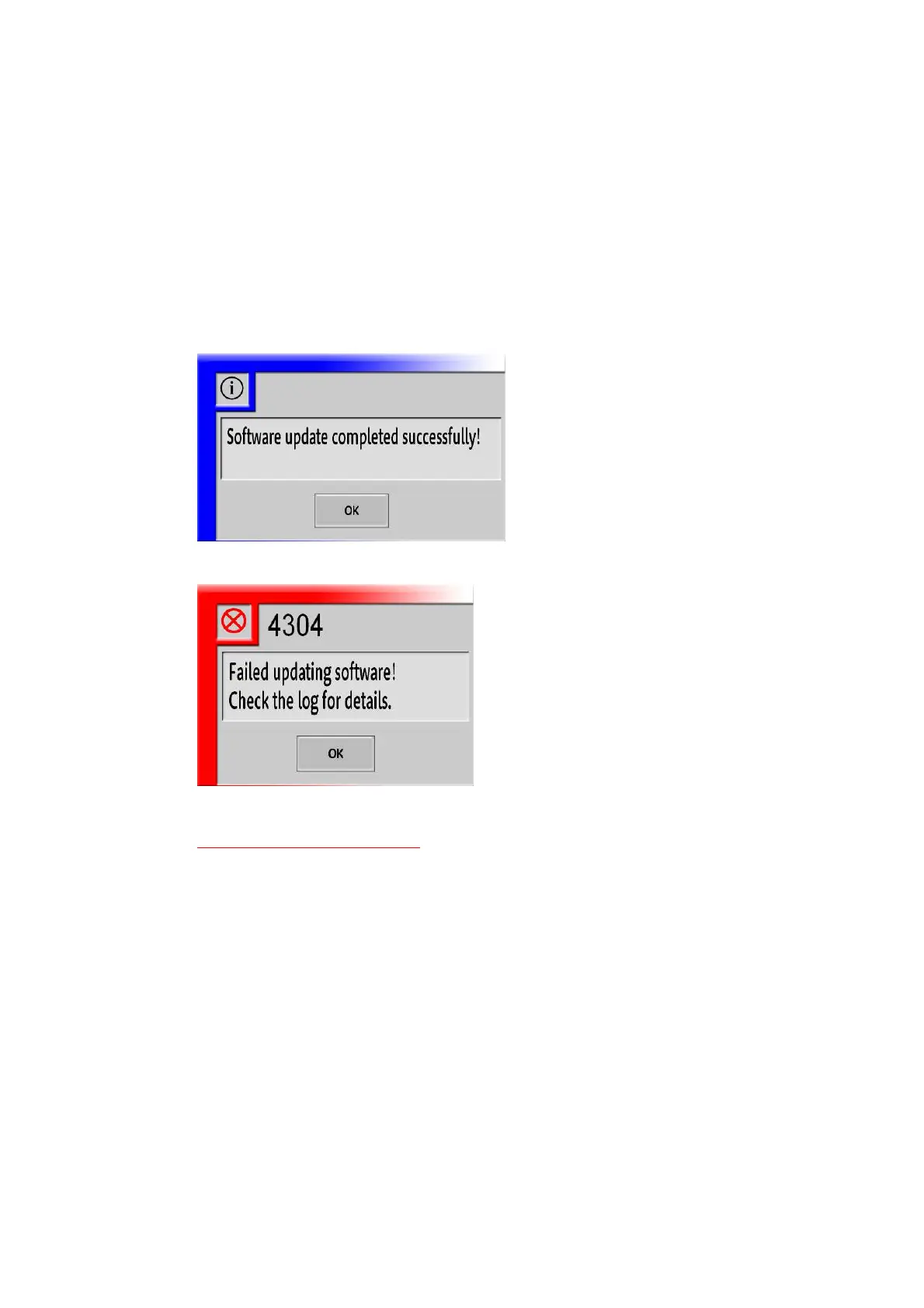
8. Following dialog will be displayed after the upgrade completes. Touch the “OK” button.
When succeeded:
When failed:
When failed, remove files in following folder, and go back to step 4.
*Do not delete following folders!
D:\TP-JL350\ClientUpdate
D:\TP-JL350\MainServerUpdate
D:\TP-JL350\SubServerUpdate
*If above folders are accidentally deleted, refer to
“
§<Appendix2> Recovering deleted “Update”
folders
”(P27) for recovery.



 To Next Page