Rev.2
25
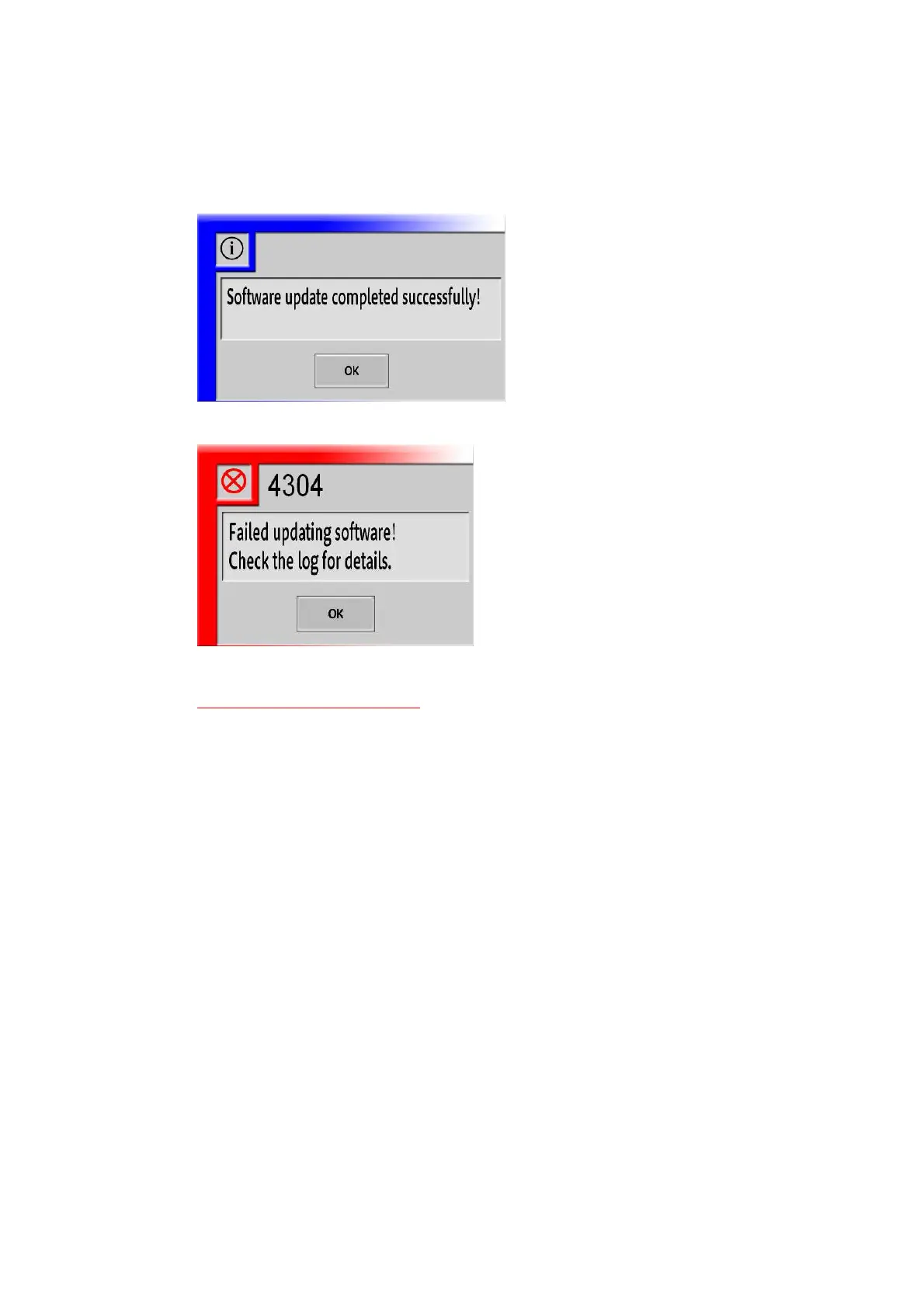
14. Following dialog will be displayed after the upgrade completes. Touch the “OK” button.
When succeeded:
When failed:
When failed, remove files in following folder, and go back to step 4.
*Do not delete following folders!
D:\TP-JL350\ClientUpdate
D:\TP-JL350\MainServerUpdate
D:\TP-JL350\SubServerUpdate
*If above folders are accidentally deleted, refer to
“
§<Appendix2> Recovering deleted “Update”
folders
”(P27) for recovery.



 To Next Page