Rev.2
31
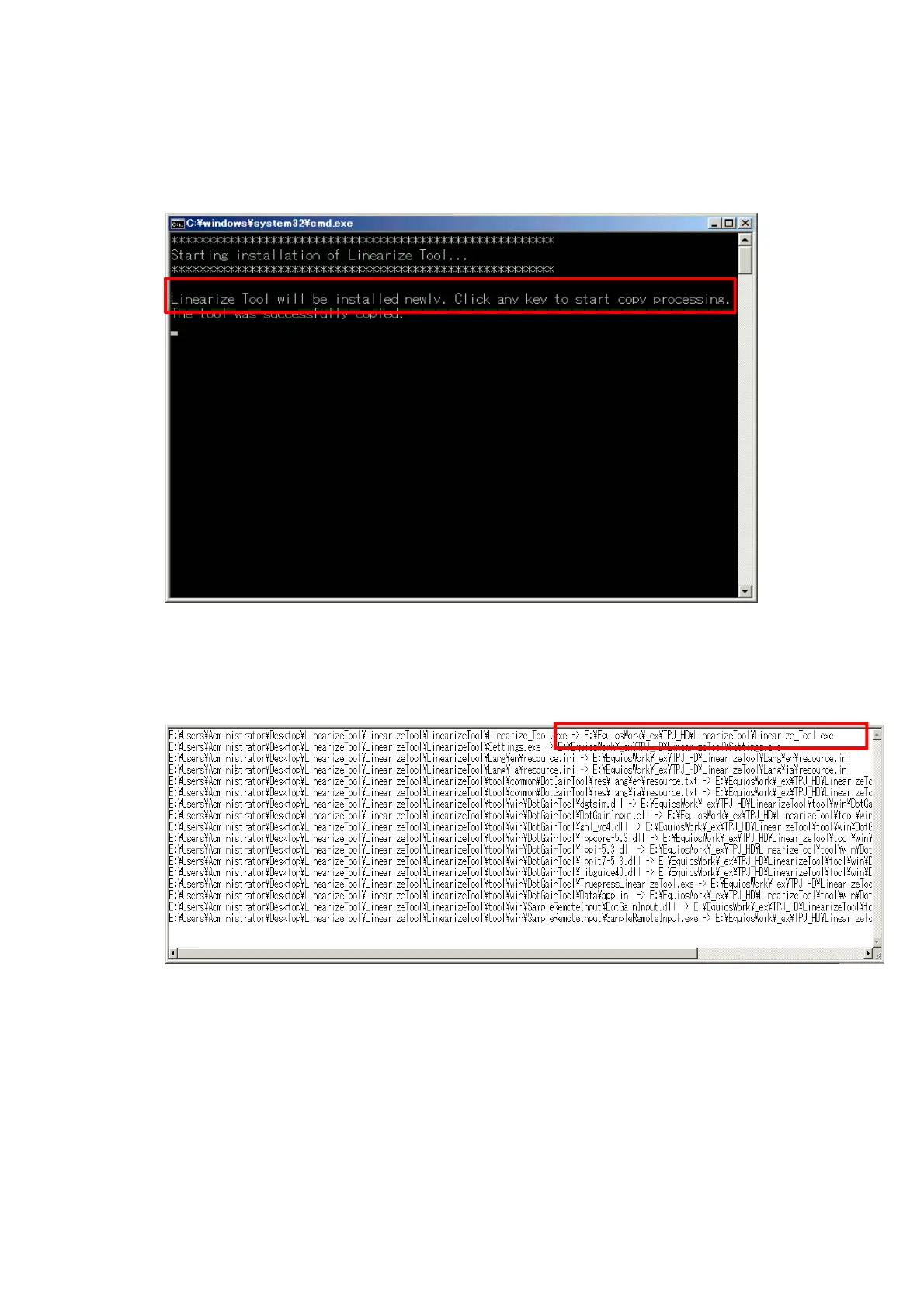
3) You will be asked for confirmation of installation. Hit any key to continue installation.
*If installation fails with an error, refer to “
§<Appendix3.2> If installation failed
”(P33).
4) Installation is complete if the message “The tool was successfully copied.” Is displayed.
Open the “InstallLog_YYYYMMDDhhmmss.txt” file output in the same level
as ”CopyTool(E).bat” and check where the tool is installed.
5) Open the folder where the tool is installed.
E:\EquiosWork\_ex\TPJ_L350\LiniarizeTool



 To Next Page