
 Need help?
Do you have a question about the Scytek electronic A777 and is the answer not in the manual?
Overview of programmable options accessible via the LCD transmitter's button 5.
Step-by-step guide for programming additional 2-way LCD transmitters to the system.
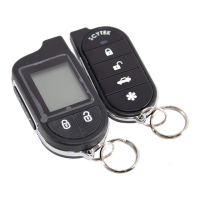
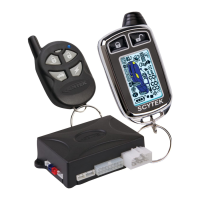
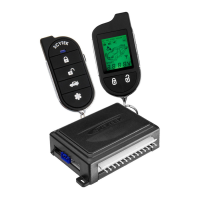
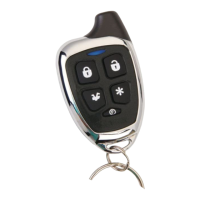
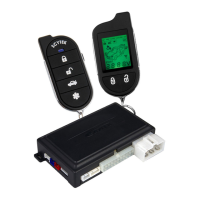
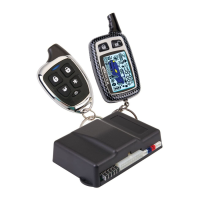
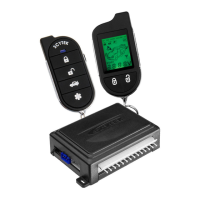
Detailed description and button layout for the G777,G27 and A777,A20 remote transmitters.
Procedure for programming up to four one-way transmitters to the system.
Detailed steps and indicators for arming the vehicle security system remotely.
Detailed steps and indicators for disarming the vehicle security system remotely.
Steps for the automatic arming feature when the ignition is off and doors are closed.
How to instantly trigger the alarm and parking lights using the panic feature.
Steps to disarm the system if the transmitter is lost or inoperable.
Information on setting up and using a coded emergency override for enhanced security.
How to activate and deactivate Valet Mode to disable the security system temporarily.
Details on the three programmable Anti-Carjacking modes for personal security.
Guidance on selecting an optimal and safe location for mounting the main control unit.
Guidance on selecting an optimal and safe location for mounting the siren.
Recommendations for mounting the shock sensor for best coverage and performance.
Detailed pin-out description and connection for the 14-Pin Main Harness.
Step-by-step guide to access the system's programming mode.
Procedure to reset all programmable system options to factory defaults.
Detailed descriptions of various programmable system options and their settings.
Chooses between Manual, Passive, or Full-Time Anti-Carjacking modes.
Enables the Anti-Carjacking protection feature.
 General
| Brand | Scytek electronic |
|---|---|
| Model | A777 |
| Category | Car Alarm |
| Language | English |



 To Next Page